



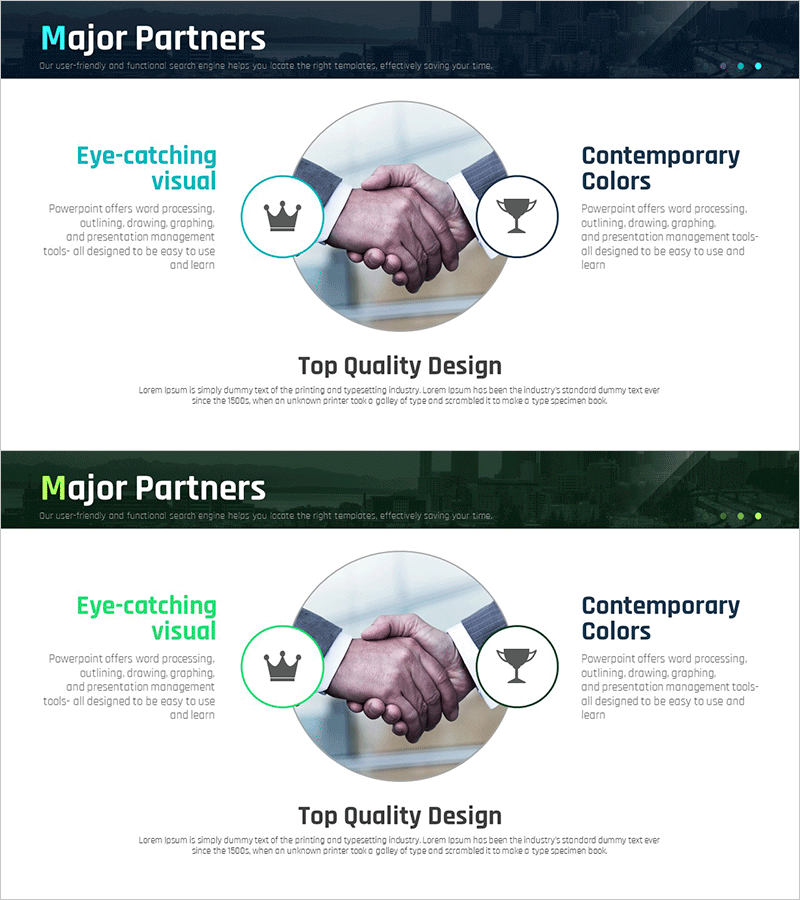
Key Partnerships Highlighting Trust and Cooperation
RM0300013_19
- Last Update 02/10/2025
- File Size 2.9MB
- # of Slides 2
- File Format PPTX
- Slide Ratio 16:9
- Color
Keywords
About the Product
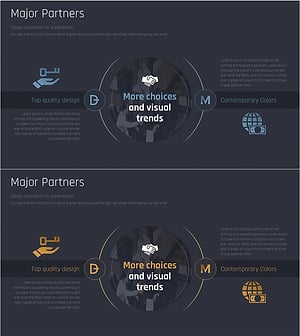
A 2-slide PowerPoint presentation emphasizing partnership, trust, and business cooperation. This PPT slide features a central handshake image with a symmetrical left-right layout, effectively communicating collaborative relationships. The presentation uses a cyan header and neutral background colors to enhance corporate credibility. The left section highlights 'Eye-catching visual' while the right section showcases 'Contemporary Colors,' each with icon placeholders (crown, trophy) and text input areas. This PowerPoint slide template is ready for immediate use in company profiles, proposals, and partnership presentations.
Usage Points
-
Main Usage
Visually express corporate partnerships, collaborative relationships, and trust-based business. The central handshake image and symmetrical structure emphasize mutual trust and equal cooperation, effectively communicating corporate credibility and collaborative intent to investors, partners, and clients.
-
How to Use
Use in the 'Key Partnerships' section of company profiles, 'Collaboration Framework' in proposals, or the introduction of partnership presentations. Fill the left and right text input areas with partner names, collaboration details, and mutual benefits. Add icons as needed to strengthen information hierarchy.
-
Recommended For
Recommended for professionals creating company profiles, proposals, and investor presentations that emphasize corporate trust and partnerships. Particularly effective for B2B business, strategic alliances, and global network expansion presentations where partner relationship credibility is critical.
-
Slide Structure
2-slide layout with each slide containing a header area, central handshake image, and two side sections (each with circular icon placeholder and text input area). The information hierarchy is simple yet visually balanced, with 4 text input areas allowing clear distinction of partner information.
Related Products
-
Analysis of the Pros and Cons of Collaborative Business – Benefits and Challenges
#Company Introduction #Product/Service Introduction #Diagram
-
Construction Business Partner Collaboration Diagram - Connecting Clients and Partners
#Company Introduction #Product/Service Introduction #Diagram
-
Introduction to the Advantages of Legal Services – Trust and Expertise
#Company Introduction #Product/Service Introduction #Diagram
-
Modern Slide for Partner Introduction
#Company Introduction #Product/Service Introduction #Customers and Partners
