



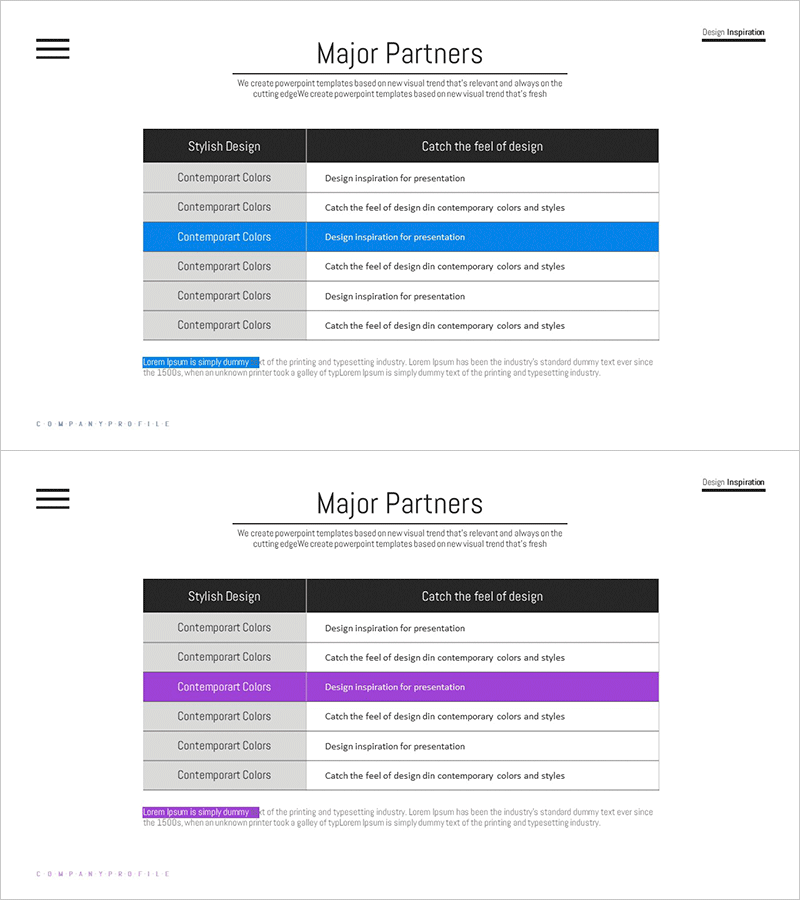
Key Partner Checklist – Effective Collaboration Diagram
RM0300011_19
- Last Update 02/09/2025
- File Size 0.9MB
- # of Slides 2
- File Format PPTX
- Slide Ratio 16:9
- Color
Keywords
- #Content-Based Slides
- #Design-Based Slides
- #Company Introduction
- #Diagram
- #Customers and Partners
- #Table
- #16:9
- #key partner checklist PowerPoint slide
- #partnership management table slide
- #partner status PPT template
- #how to create a partner checklist in PowerPoint
- #comparison table presentation slide
About the Product
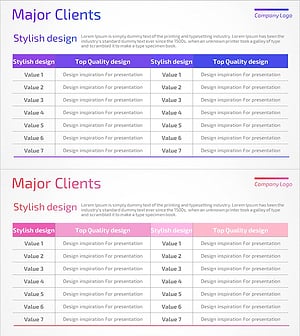
A professional PowerPoint slide designed to effectively manage and present your key partnership relationships. This 2-slide deck features a black header row and alternating color-highlighted rows in white, gray, blue, and purple, enabling clear visualization of partner collaboration status at a glance. Each row contains two text input areas labeled 'Stylish Design' and 'Catch the feel of design' for recording partner information and collaboration details. Ideal for company profiles, business plans, proposals, and presentations where you need to showcase customer and partner relationships.
Usage Points
-
Main Usage
Systematically present and manage key partnership relationships with a clear visual hierarchy. The black header and color-highlighted rows create strong contrast, making partner information and collaboration status immediately understandable to your audience and supporting strategic decision-making.
-
How to Use
Use this slide in the customer and partner section of company profiles, partnership strategy portions of business plans, or partnership status explanations in proposals. Customize each row by entering partner names, collaboration areas, and partnership status to match your presentation context.
-
Recommended For
Strategy managers, business development and partnership teams, startups preparing investor pitches, executives presenting business proposals, and anyone needing to emphasize B2B collaboration relationships. Particularly effective for presentations highlighting strategic partnerships and customer relationships.
-
Slide Structure
Two slides with a black header row (Stylish Design and Catch the feel of design) and six data rows per slide. Color-highlighted rows in gray, blue, and purple alternate to enhance visual readability. Each row contains two text input areas for systematically entering partner information and collaboration details.
Related Products
-
Classification of Cooperative Partners – Diagram for Trusted Partnerships
#Company Introduction #Business Introduction #Business Vision and Strategy
-
Customer Partner List – Effective Business Connection
#Company Introduction #Diagram #Customers and Partners
-
Global Business Partner Map – Global Network and Collaboration
#Company Introduction #Diagram #Other
-
List of Major Clients – Table Slide Featuring Success Stories
#Company Introduction #Customer Success Stories #Diagram
