



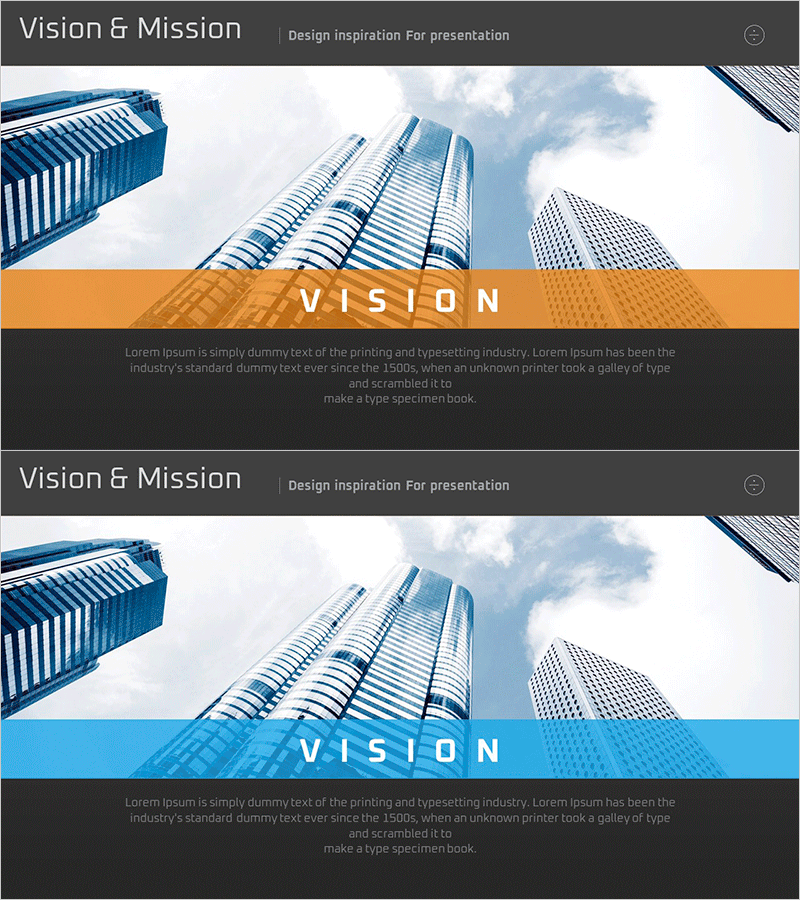
Company Core Vision Introduction – Effective Delivery of Vision and Goals
RM0300010_10
- Last Update 02/09/2025
- File Size 1.8MB
- # of Slides 2
- File Format PPTX
- Slide Ratio 16:9
- Color
Keywords
- #Content-Based Slides
- #Company Introduction
- #Product/Service Introduction
- #Core Values, Vision, and Mission
- #Benefits and Advantages
- #16:9
- #vision and mission PowerPoint slide
- #company vision presentation design
- #core vision slide template
- #how to present vision and mission in PowerPoint
- #corporate introduction vision slide
About the Product
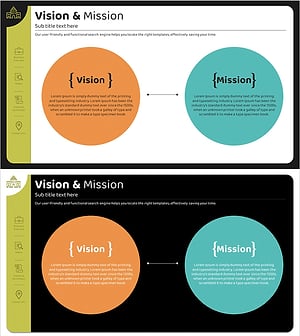
A 2-slide PowerPoint presentation designed to effectively communicate your company's core vision and mission. The slides feature a high-rise building background image with orange or blue accent bars that create strong visual impact. Each slide is structured with a title section and body text area, allowing you to clearly distinguish between vision statements and mission descriptions. This presentation template is ready to use immediately for corporate introductions, employee onboarding, investor pitches, and various business presentations where you need to convey organizational values and strategic direction.
Usage Points
-
Main Usage
Visually emphasize your company's core vision and mission to clearly communicate organizational direction to employees and stakeholders. The high-rise building imagery combined with accent color bars conveys both growth orientation and corporate reliability.
-
How to Use
Use these slides in the key section of your corporate presentation when declaring vision and mission statements. Enter your company's specific vision declaration and mission description in the text areas, and optionally add your logo or company slogan to maintain brand consistency throughout the presentation.
-
Recommended For
Ideal for new employee onboarding, corporate culture training, investor pitches, partner company introductions, annual executive reports, and any business situation where you need to emphasize organizational direction and core values.
-
Slide Structure
Two-slide layout with each slide containing an upper image area (high-rise building background), a centered accent bar (orange or blue), a title text section, and a body description text area. The semi-transparent accent bar harmonizes with the background image, and ample text input space is provided for customization.
Related Products
-
Vision & Mission Text Box
#Company Introduction #Product/Service Introduction #Text Box
-
Key Shape Diagram for Delivering Vision and Mission
#Company Introduction #Product/Service Introduction #Diagram
-
Puzzle Donut Vision Diagram – Visualizing Company Vision and Mission
#Company Introduction #Product/Service Introduction #Diagram
-
Introduction of Key Core Competencies – Vision and Mission
#Company Introduction #Product/Service Introduction #Diagram
