



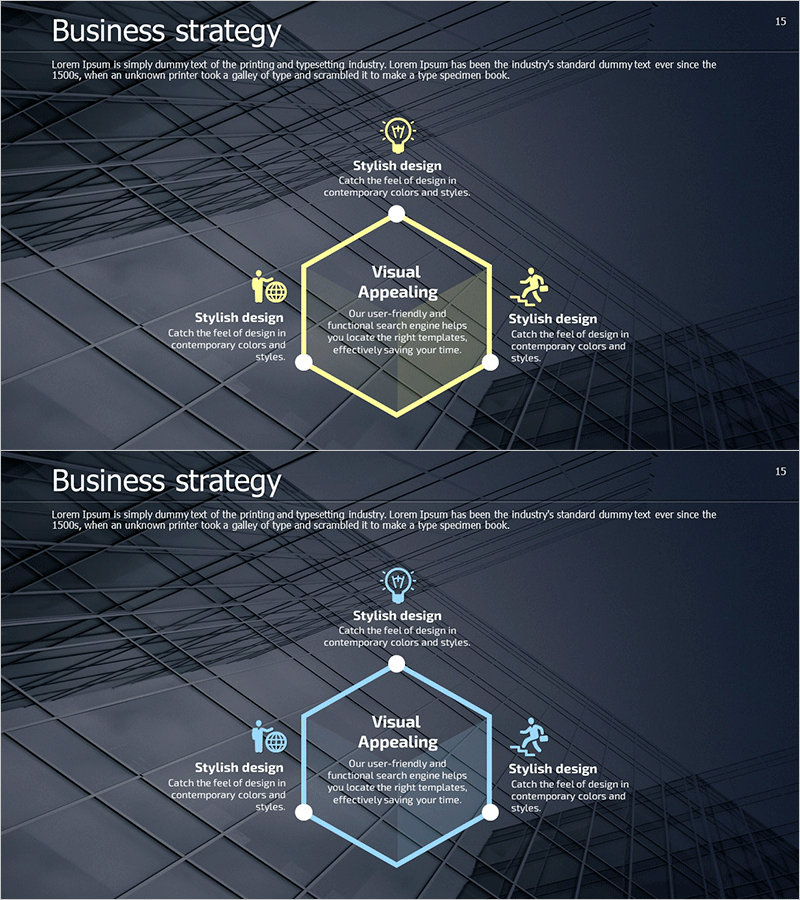
Hexagonal 3D Diagram for Clear Business Strategy Visualization
RM0300008_14
- Last Update 02/08/2025
- File Size 8.6MB
- # of Slides 2
- File Format PPTX
- Slide Ratio 16:9
- Color
Keywords
- #Content-Based Slides
- #Design-Based Slides
- #Business Vision and Strategy
- #Business Strategy
- #Diagram
- #Business Strategy
- #Step-by-Step Schedule Plan
- #Spread
- #Decentralized Diagram
- #16:9
- #hexagonal diagram PowerPoint
- #3D diagram slide template
- #business strategy presentation
- #radial diagram
- #strategy visualization
- #diagram PowerPoint slide design
About the Product
A radial hexagonal 3D diagram PowerPoint slide with six nodes arranged around a central hub. Set against a dark background with yellow and white accent lines, this design effectively visualizes business strategy components in a hierarchical structure. Each node includes an icon area and text field for customization, making it ideal for presenting strategic initiatives, business roadmaps, and multi-phase execution plans. The 2-slide set provides both yellow and white color versions in 16:9 widescreen PPTX format.
Usage Points
-
Main Usage
Presents business strategy elements radiating from a central concept, making complex multi-layered relationships immediately comprehensible. The 3D hexagonal structure and clear node separation enhance presentation credibility when explaining strategic initiatives, phased plans, and organizational frameworks.
-
How to Use
Enter your core strategy in the central hexagon, then populate the six surrounding nodes with execution items, responsible departments, timelines, or budget allocations. Customize node icons to match your category structure and edit text fields for immediate use. Select either the yellow or white color version based on your presentation background.
-
Recommended For
Executive strategy presentations, departmental planning meetings, investor pitch decks, consulting reports, new business initiative launches, and any business presentation requiring intuitive visualization of multi-component strategies. Particularly effective for C-level audiences and cross-functional team communications.
-
Slide Structure
Central hexagon surrounded by six equally-sized hexagonal nodes positioned at cardinal and diagonal points (top, upper-left, lower-left, bottom, lower-right, upper-right). Each node contains an icon area and text input field, with connecting lines from center to each node. Both slides maintain identical structure with yellow and white color variations.
Related Products
-
Circular Nesting Fragment Diagram - Business Strategy & Marketing Plan
#Business Vision and Strategy #Marketing Plan and Strategy #Diagram
-
Eco-Energy Strategies on the Global Stage
#Business Vision and Strategy #Corporate Social Responsibility #Diagram
-
Icon Box Roadmap Slide – Three-Stage Milestone PowerPoint
#Business Strategy #Business Management #Operational Plan
-
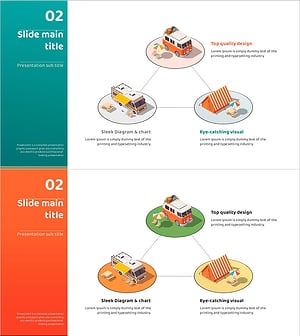
Camping Isometric Work Process Diagram – Deriving Business Strategy
#Business Vision and Strategy #Technical Approach #Diagram
