



Introduction of Company Location and Information – Effective Corporate Communication
RM0300005_25
- Last Update 02/08/2025
- File Size 4.2MB
- # of Slides 2
- File Format PPTX
- Slide Ratio 16:9
- Color
Keywords
About the Product
A 2-slide PowerPoint presentation designed to effectively communicate your company's location and contact information. The layout features a city image on the left and contact details on the right, creating a balanced composition that clearly displays address, email, phone, and website. The light background with teal accent elements conveys both professionalism and trustworthiness, making it ideal for company presentations, investor pitches, and corporate communications. Optimized for 16:9 widescreen format, this slide deck integrates seamlessly into modern business presentations.
Usage Points
-
Main Usage
This slide effectively presents your company's physical location and contact information at a glance. Ideal for the closing section of company presentations or corporate profile pitches, it builds credibility and facilitates engagement with investors, partners, and clients by providing clear access points.
-
How to Use
Insert a company location photo or map in the left image area, then populate the right text section with address, email, phone number, and website. Customize the teal accent color to match your corporate brand identity for visual consistency throughout your presentation.
-
Recommended For
Perfect for company introductions, investor relations presentations, partnership proposals, recruitment seminars, corporate newsletters, and any business context requiring professional location and contact information display. Particularly useful for multinational organizations or companies with multiple office locations.
-
Slide Structure
Two-slide layout with each slide divided into a left image area (for city photos or maps) and a right text information section (address, email, phone, website). Teal header and gray text create clear information hierarchy and maximize readability across both slides.
Related Products
-
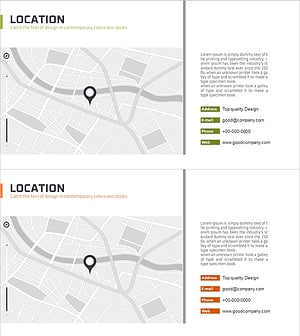
Company Location Summary Profile – Intuitive Cluster Diagram
#Company Introduction #Diagram #Other
-
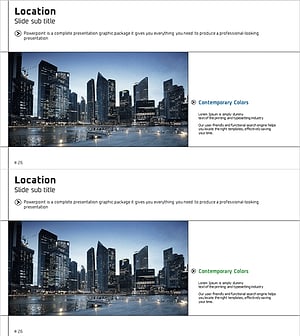
Professional Company Overview Slides – Modern Business Imagery
#Company Introduction #Company Overview #Contact Information
-
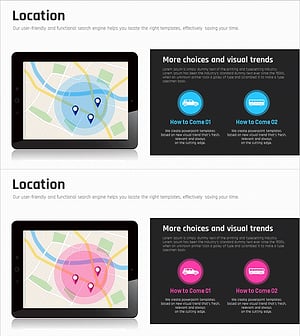
Location Map & Transportation – Enhancing Company Introduction and Communication
#Company Introduction #Diagram #Other
-
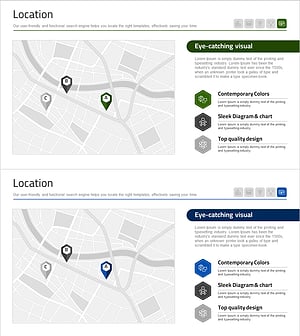
Hospital Location Map – Clear and Effective Guidance
#Company Introduction #Diagram #Other
