



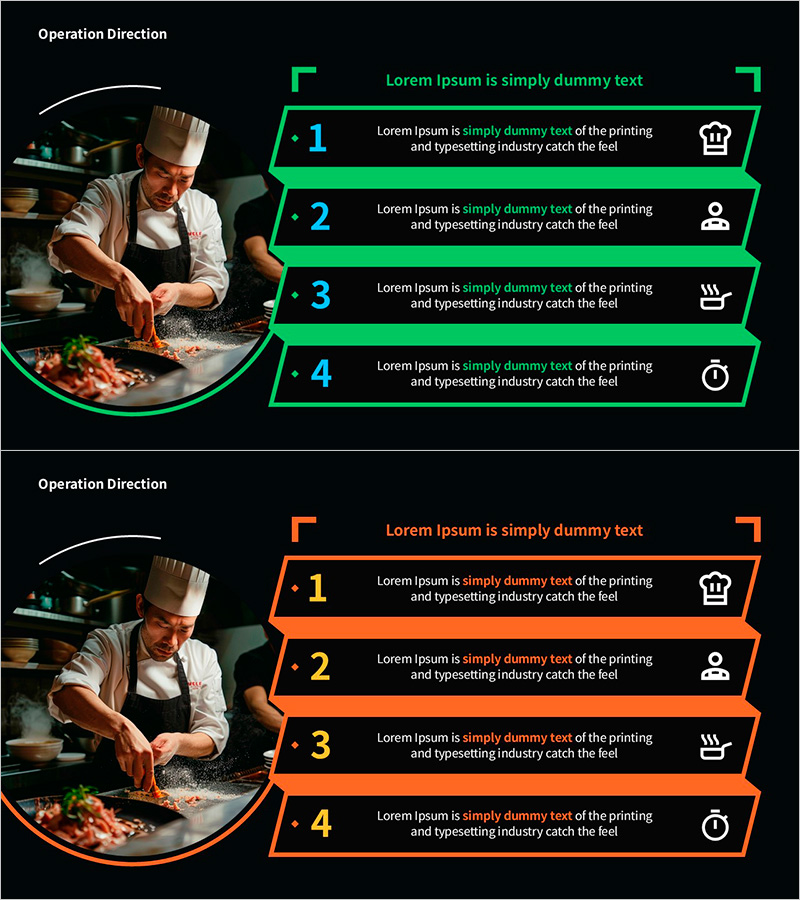
Slide Template Visualizing Operation Directions
RM0200020_11
- Last Update 11/10/2025
- File Size 7MB
- # of Slides 2
- File Format PPTX
- Slide Ratio 16:9
- Color
Keywords
About the Product
A PowerPoint slide that visualizes operation directions in 4 sequential steps with a left image area and right-side numbered boxes. Features neon green or orange border accents to distinguish each step clearly, with icons (crown, person, cooking, clock) representing different roles or phases. Black background with bright color contrast ensures high readability for presentations. Ideal for culinary, manufacturing, and operations presentations. Includes 2-slide set with green and orange color variations to match your document tone. Each box contains editable text fields for step descriptions, responsibilities, and timelines.
Usage Points
-
Main Usage
Clearly communicate operational procedures, work instructions, and process phases through 4 distinct visual steps. Ideal for presenting workflow sequences in culinary, manufacturing, logistics, and service operations. Combines icons and text to convey role assignments, responsibilities, and critical checkpoints at each stage.
-
How to Use
Insert a relevant operation or workplace photo in the left image area. Fill the 4 right-side boxes with step-by-step instructions, assigned personnel, and time requirements. Customize icons to match each phase (preparation, execution, management, completion), and adjust text and border colors to align with your brand guidelines.
-
Recommended For
Perfect for culinary, food service, manufacturing, logistics, construction, and service operations teams. Use in staff meetings, onboarding training, process improvement presentations, and operational guideline sharing. Ideal for managers, team leads, and training coordinators presenting standardized procedures and work instructions.
-
Slide Structure
2-slide set featuring neon green and orange color variants. Each slide contains a left circular-bordered image area and 4 numbered right-side boxes (1-4). Each box includes 2 text input fields (title and description) plus 1 icon placeholder. Total of 8 editable text areas for comprehensive step-by-step information organization.
Related Products
-
Modern Wide PowerPoint Template with Square Boxes & Text
#Business Vision and Strategy #Business Strategy #Text Box
-
Visualize Business Strategy with Hexahedral Diagram
#Business Strategy #Business Management #Text Box
-
Eco-friendly Eco Business Direction Blue Gray Slide
#Business Strategy #Diagram #Text Box
-
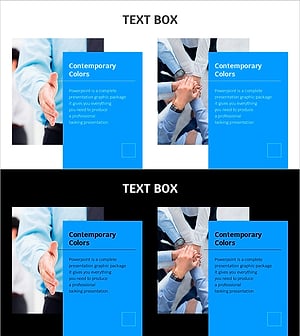
Blue Line Template Highlighting Marketing Strategy – Essential Slide for Business Execution
#Business Strategy #Marketing Plan and Strategy #Text Box
