



Introducing the Business Project – Utilizing Cluster Diagram
RM0200016_23
- Last Update 02/06/2025
- File Size 1.9MB
- # of Slides 2
- File Format PPTX
- Slide Ratio 16:9
- Color
Keywords
- #Content-Based Slides
- #Design-Based Slides
- #Product/Service Introduction
- #Technical Approach
- #Diagram
- #Program Introduction
- #Service Architecture Diagram
- #Cluster
- #16:9
- #service composition diagram PowerPoint slide
- #cluster diagram presentation template
- #4-box layout slide
- #business project introduction PPT
- #service architecture diagram
About the Product
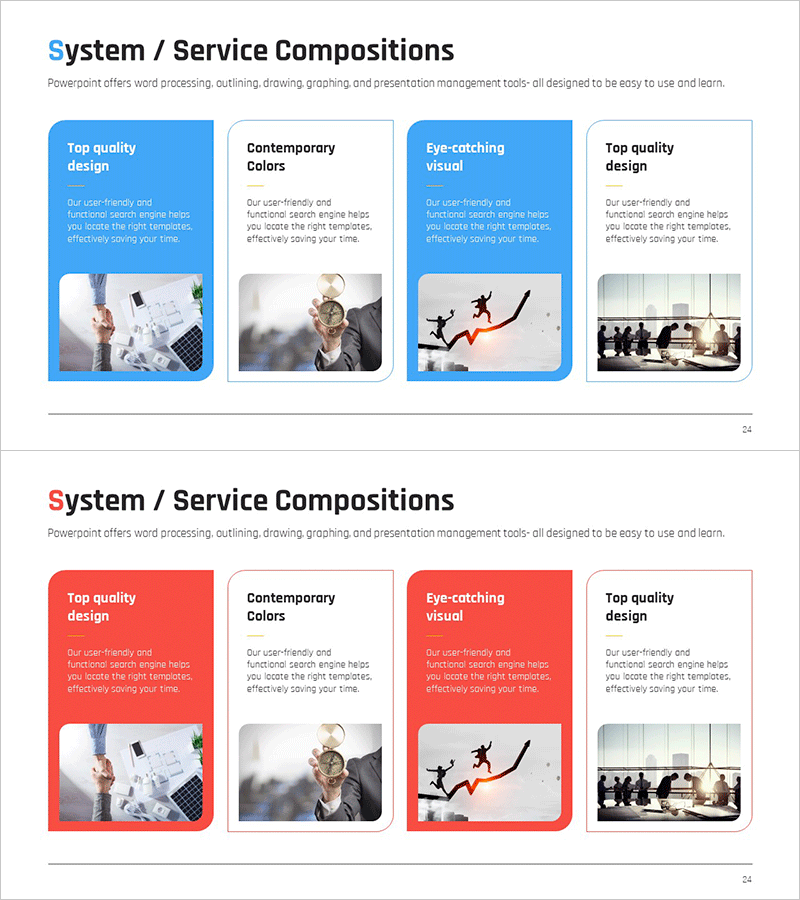
A PowerPoint slide featuring a 4-box cluster diagram for visualizing business projects and service compositions. This 2-slide deck offers both blue and red color scheme versions to match your presentation tone. Each slide layout includes a title area in the upper left, subtitle text space on the right, two color-emphasized boxes at the top, and two image insertion areas at the bottom. The design enables clear communication of service architecture and system components in business proposals, pitch decks, and strategy presentations. Fully editable PPTX format ready for immediate customization.
Usage Points
-
Main Usage
Visualizes the core service components of a business project across four distinct areas. Each box accommodates service name, description, and imagery, enabling stakeholders and investors to grasp the complete service architecture structure intuitively and comprehensively.
-
How to Use
Enter your project name in the title area, then populate each box with service item names and descriptive text. Place key feature descriptions in the upper color-emphasized boxes and insert corresponding service images in the lower image areas. Select the blue version for trust-focused messaging or the red version for dynamic, action-oriented presentations.
-
Recommended For
Ideal for IT and software companies introducing service offerings, startups explaining business models, consulting firms presenting solution architectures, and product teams showcasing feature classifications. Perfect for investor pitches, client proposals, internal strategy meetings, and capability overviews.
-
Slide Structure
2-slide deck: Slide 1 features blue background with 4-box cluster layout (title area upper left, subtitle space right side, two color-emphasized boxes top, two image insertion areas bottom); Slide 2 mirrors the same structure in red. Each box is independently editable with flexible text and image replacement.
Related Products
-
Summer Vacation Promotion Strategy – Unique Approach with Cluster Diagram
#Product/Service Introduction #Marketing Plan and Strategy #Diagram
-
Introduction to Korean Traditional Items – A Colorful Aesthetic
#Product/Service Introduction #Diagram #Composition
-
Coffee Bean Text Box – Highlighting Product Features and Introduction
#Product/Service Introduction #Diagram #Text Box
-
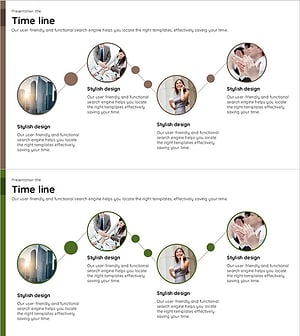
Connected Business Timeline – Effective Business Implementation Strategy
#Product/Service Introduction #Business Strategy #Diagram
