



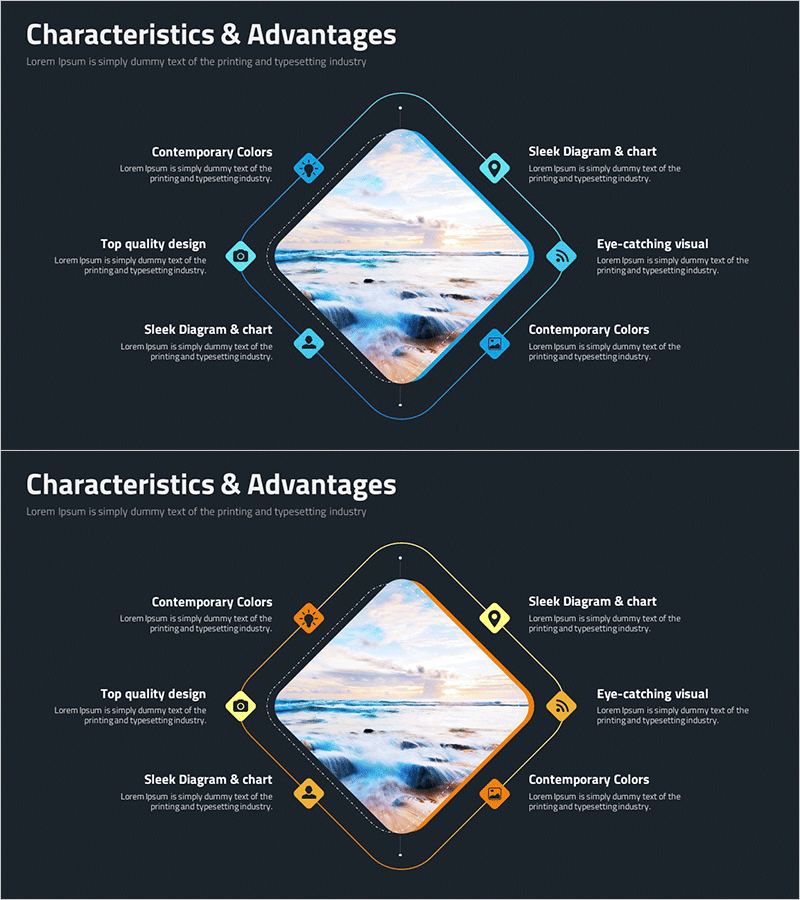
Photography Characteristics Diagram – Emphasizing Professionalism with Cluster Composition
RM0200014_10
- Last Update 02/05/2025
- File Size 1MB
- # of Slides 2
- File Format PPTX
- Slide Ratio 16:9
- Color
Keywords
- #Content-Based Slides
- #Design-Based Slides
- #Product/Service Introduction
- #Business Vision and Strategy
- #Diagram
- #Features
- #Core Competencies
- #Cluster
- #Chain Diagram
- #16:9
- #cluster diagram PowerPoint
- #8-item diagram slide
- #diamond layout presentation
- #product characteristics diagram
- #business infographic PPT template
About the Product
A cluster diagram PowerPoint slide featuring 8 items arranged in a diamond layout around a central image area. Available in two color versions—cyan and orange—with icons and text fields for each item. This presentation slide is ideal for highlighting product characteristics, service advantages, or key business elements. The 2-slide deck uses a 16:9 aspect ratio and is fully editable in PPTX format, allowing you to customize text, icons, and colors to match your brand identity.
Usage Points
-
Main Usage
Visualize product, service, or concept characteristics by organizing 8 key elements around a central image in a balanced diamond formation. This layout emphasizes each item equally while maintaining visual harmony. Ideal for business presentations, product launches, marketing pitches, and strategy documents where multiple features or benefits need equal prominence.
-
How to Use
Insert your product photo or key visual in the central diamond area. Add feature names, benefits, or characteristics to the 8 surrounding text fields. Choose between the cyan or orange color version based on your presentation theme and brand colors. All icons, text, and colors are fully customizable to match your needs.
-
Recommended For
Product managers, marketing professionals, sales presenters, photography studios, and service-based businesses. Particularly effective when presenting multiple product features, service benefits, or business advantages that require balanced visual representation and equal emphasis.
-
Slide Structure
2-slide deck with identical diamond cluster layouts in different color schemes. Slide 1 features cyan icons and borders; Slide 2 uses orange icons and borders. Each slide contains a central diamond-shaped image area surrounded by 8 item nodes positioned at cardinal (top, bottom, left, right) and diagonal directions, each with dedicated icon and text space.
Related Products
-
Core Competency Simple Diagram – Strategic Insights in Clusters
#Product/Service Introduction #Business Vision and Strategy #Diagram
-
Core Competency Linkage Diagram – Communicating Vision and Strategy
#Product/Service Introduction #Business Vision and Strategy #Diagram
-
Visualize Business Vision and Strategy with Puzzle Donut Diagram
#Product/Service Introduction #Business Vision and Strategy #Diagram
-
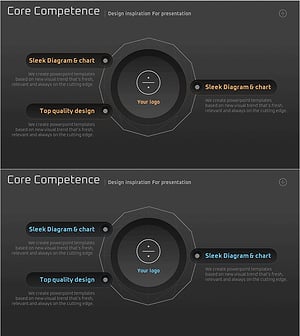
Core Competency Introduction Slide – Harmony of Design and Strategy
#Product/Service Introduction #Business Vision and Strategy #Diagram
