



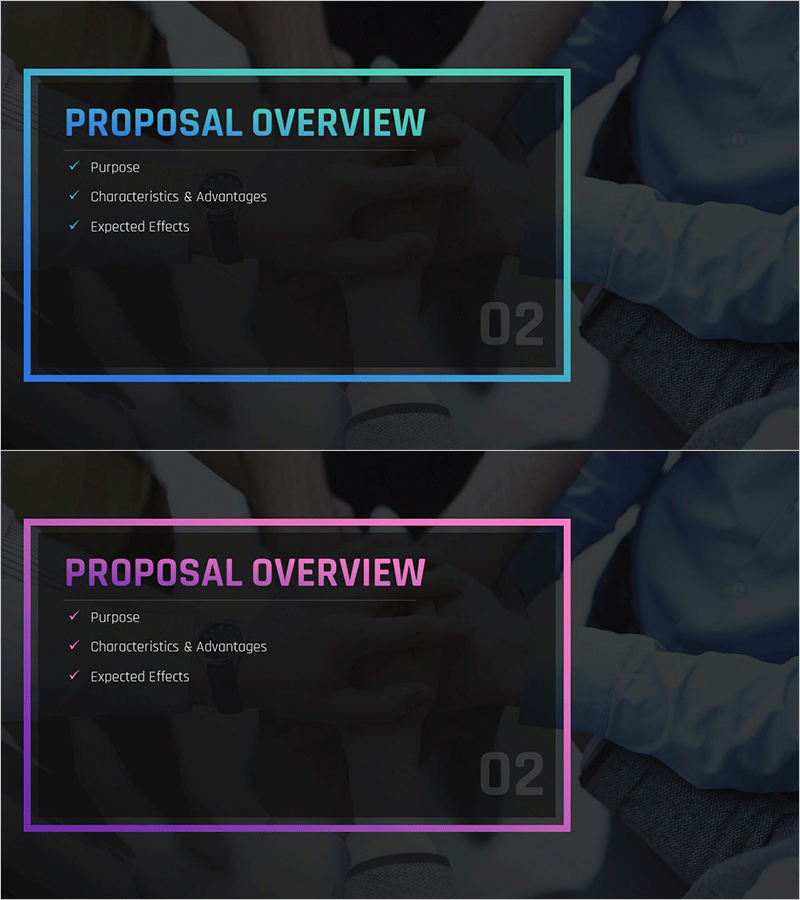
Best Partnership Proposal Section Slide – Proposal Overview
RM0200010_8
- Last Update 02/04/2025
- File Size 4.5MB
- # of Slides 2
- File Format PPTX
- Slide Ratio 16:9
- Color
Keywords
About the Product
A professional overview slide that presents key proposal content at a glance. The cyan-colored border box contrasts with the white background to establish clear information hierarchy, while three items—Purpose, Characteristics & Advantages, and Expected Effects—are arranged with checkmarks. Provided in 16:9 widescreen PPTX format, this PowerPoint slide works immediately as a section opener for proposals, business plans, marketing strategies, and other business documents. The clearly defined text input areas and harmonious background imagery reinforce professionalism and credibility.
Usage Points
-
Main Usage
Serves as a section opener for proposals, business plans, and marketing strategy documents to summarize and communicate core content. Structured with three key items—Purpose, Characteristics & Advantages, and Expected Effects—enabling decision-makers to quickly grasp the proposal's value proposition.
-
How to Use
Enter your proposal's purpose, key characteristics, and expected outcomes into the designated text areas on each slide. The cyan border boxes emphasize information, and you can adjust colors if needed to highlight critical points. The background imagery maintains a professional tone while ensuring content clarity and visual impact.
-
Recommended For
Ideal for business proposals, strategic plans, marketing presentations, and investment pitch decks where a compelling section opener is needed. Particularly effective for executive presentations, stakeholder meetings, and partner communications requiring rapid comprehension of core proposal elements.
-
Slide Structure
Two-slide set with the first slide featuring a cyan border box containing three items—Purpose, Characteristics & Advantages, and Expected Effects—each marked with a checkmark. The second slide mirrors the layout for additional content. Each item accommodates 1–2 lines of text input.
Related Products
-
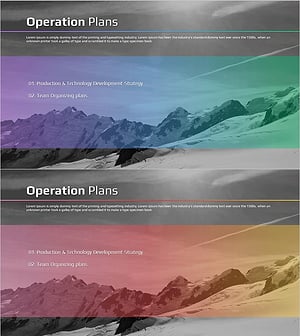
Snow Mountain Theme Business Plan Template Section – Achievements and Challenges
#Slide Type #Section Cover
-
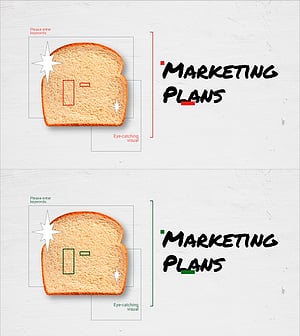
Cafe Business Marketing Strategy Section Cover
#Slide Type #Section Cover
-
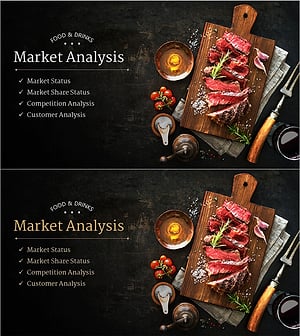
Restaurant Business Plan Template Section Slide - Market Analysis
#Slide Type #Section Cover
-
Asset Management Business Plan Template Section Slide – Infused with Professionalism and Trust
#Slide Type #Section Cover
