



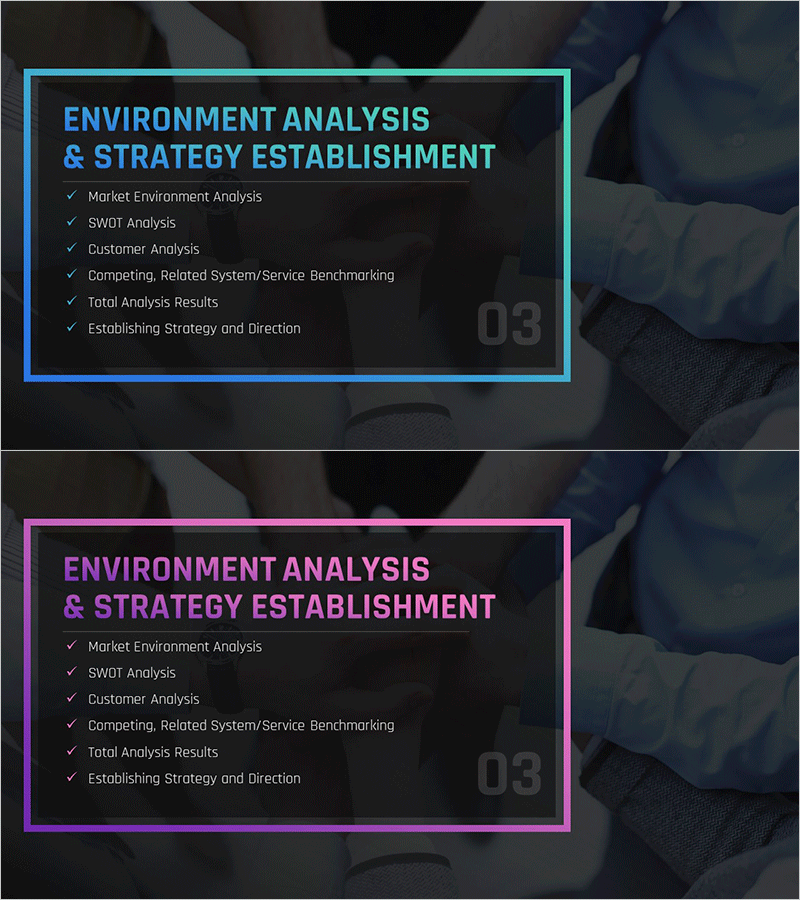
Best Partnership Proposal Section Slide – Detailed Environment Analysis & Strategy Establishment
RM0200010_12
- Last Update 02/03/2025
- File Size 4.5MB
- # of Slides 2
- File Format PPTX
- Slide Ratio 16:9
- Color
Keywords
About the Product
A 2-slide PowerPoint presentation set designed for proposal and business plan sections. Offered in two color versions with cyan and magenta border boxes, featuring six checklist items: Market Environment Analysis, SWOT Analysis, Customer Analysis, Competitive Benchmarking, Analysis Results, and Strategy Establishment. The dark background with bright text contrast ensures excellent readability during presentations. Includes section number (03) in the upper right corner for clear document structure. Provided in 16:9 widescreen PPTX format, ready for immediate editing and use in proposals, business plans, investor pitches, and strategic reports.
Usage Points
-
Main Usage
This slide set serves as a core component for analysis and strategy sections in proposals and business plans. It systematically organizes market environment, competitive, and customer analysis findings, then clearly presents the resulting strategic direction. Ideal for strengthening decision-making rationale in presentations to investors, partners, and stakeholders.
-
How to Use
Enter your specific analysis content and strategic direction into each of the six checklist items. Use the cyan version for finance and corporate proposals emphasizing trust and stability, or the magenta version for startup and marketing proposals highlighting creativity and innovation. Adjust the section number to match your document structure.
-
Recommended For
Recommended for executives, planning teams, marketing departments, and consultants developing business plans, proposals, investor pitches, and strategic reports. Particularly effective when presenting business strategy based on market analysis findings and requiring clear information organization.
-
Slide Structure
Two-slide set with each slide featuring a title area and six checklist boxes with border frames. Both cyan and magenta border versions share identical layouts for flexible color selection based on document tone. Checkmarks beside each item visually represent completion status and analysis progress.
Related Products
-
Restaurant Business Plan Template Section Slide - Market Analysis
#Slide Type #Section Cover
-
Cafe Business Marketing Strategy Section Cover
#Slide Type #Section Cover
-
Snow Mountain Theme Business Plan Template Section – Achievements and Challenges
#Slide Type #Section Cover
-
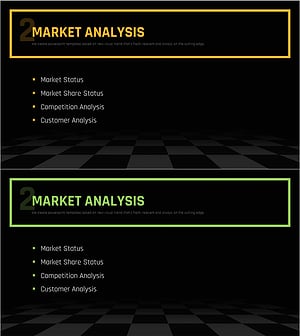
Chess Themed Business Strategy Template Section Slide
#Slide Type #Section Cover
