



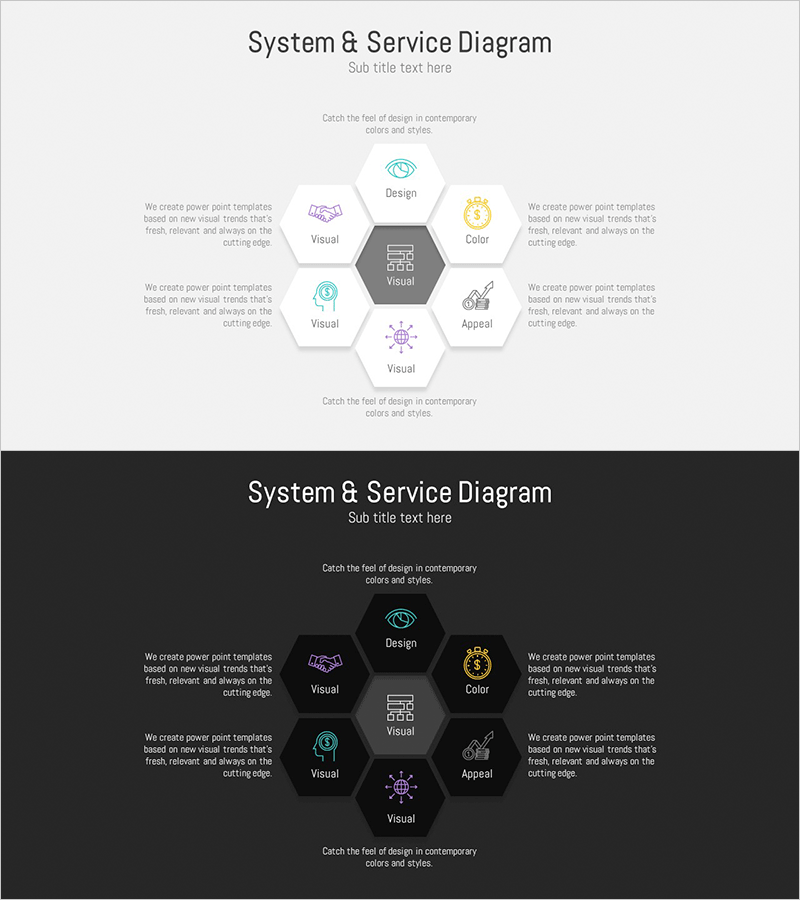
Hexagon Business Area Diagram – Visualizing Service Composition
RM0200008_21
- Last Update 02/03/2025
- File Size 1MB
- # of Slides 2
- File Format PPTX
- Slide Ratio 16:9
- Color
Keywords
- #Content-Based Slides
- #Design-Based Slides
- #Company Introduction
- #Technical Approach
- #Diagram
- #Business Areas
- #Service Components
- #Spread
- #Centralized Diagram
- #16:9
- #hexagon radial diagram PowerPoint
- #8-node service structure slide
- #business area visualization PPT
- #radial diagram template download
- #hexagon diagram PowerPoint slide
- #how to create radial diagram in PowerPoint
About the Product
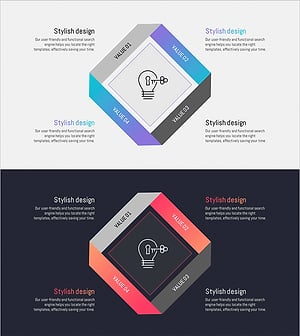
A radial diagram PowerPoint slide with a central hub and 8 hexagon nodes extending outward in all directions. Provided in two versions: light background and dark background, with customizable icons and text fields in each node. Perfect for visualizing service components, business areas, organizational departments, core values, and strategic elements that radiate from a central concept. The 16:9 widescreen 2-slide set is ready to use immediately, with full editing capability for colors and text content.
Usage Points
-
Main Usage
Visualizes information structures that radiate from a central concept to surrounding elements. Effectively displays service components, business divisions, organizational departments, core values, and strategic initiatives across 8 distinct nodes. Emphasizes the central hub's importance while clearly showing relationships between peripheral items.
-
How to Use
Apply to company profile service sections, business plan area descriptions, organizational structure presentations, marketing strategy core value communication, and corporate capability overviews. Customize each hexagon node with icons and text, adjust colors to emphasize importance levels, and modify background to match presentation theme.
-
Recommended For
Recommended for corporate strategy presentations, organizational structure explanations, service portfolio introductions, business division analysis, and core competency descriptions. Ideal for executives, marketing teams, strategy departments, and sales teams who need to emphasize central concepts and their supporting elements.
-
Slide Structure
Central gray hexagon hub positioned in the middle with 8 white hexagon nodes arranged radially in all directions (top, bottom, left, right, and diagonals). Each node contains an icon placeholder and text input area. Descriptive text boxes are positioned on left and right sides. Two versions provided: light gray background and dark gray background for flexible design integration.
Related Products
-
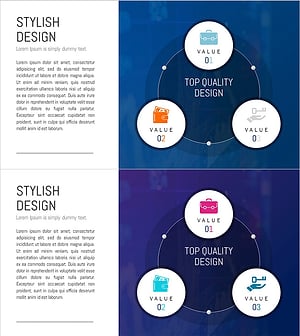
Financial Services Sector Diagram - Visualizing Business Values with Non-Central Diagram
#Company Introduction #Business Introduction #Diagram
-
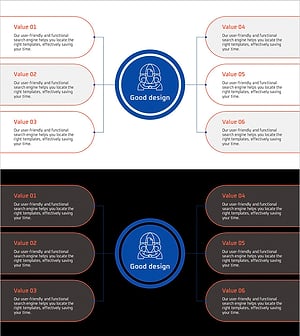
Collaborative Business Diagram – Business Strategy and Goals
#Company Introduction #Business Vision and Strategy #Diagram
-
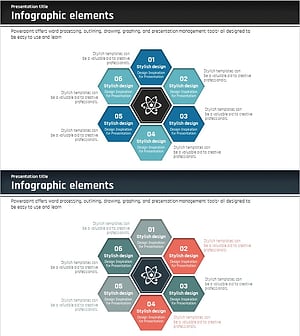
Science Business Area Diffusion Diagram – Connecting the Future of Business
#Company Introduction #Business Introduction #Diagram
-
Energy Business Sector Diagram Slide – Flow and Spread
#Company Introduction #Business Introduction #Diagram
