



Business Service Operation Plan Slide Template
RM0200002_22
- Last Update 02/01/2025
- File Size 0.6MB
- # of Slides 2
- File Format PPTX
- Slide Ratio 16:9
- Color
Keywords
- #Content-Based Slides
- #Design-Based Slides
- #Operational Plan
- #Technical Approach
- #Diagram
- #Project Implementation Schedule
- #Service Operation Plan
- #Cluster
- #Combination Diagram
- #16:9
- #nested cluster diagram PowerPoint
- #hierarchical diagram slide template
- #business service operation plan PPT
- #relationship diagram PowerPoint
- #system structure slide
- #how to create cluster diagram in PowerPoint
About the Product
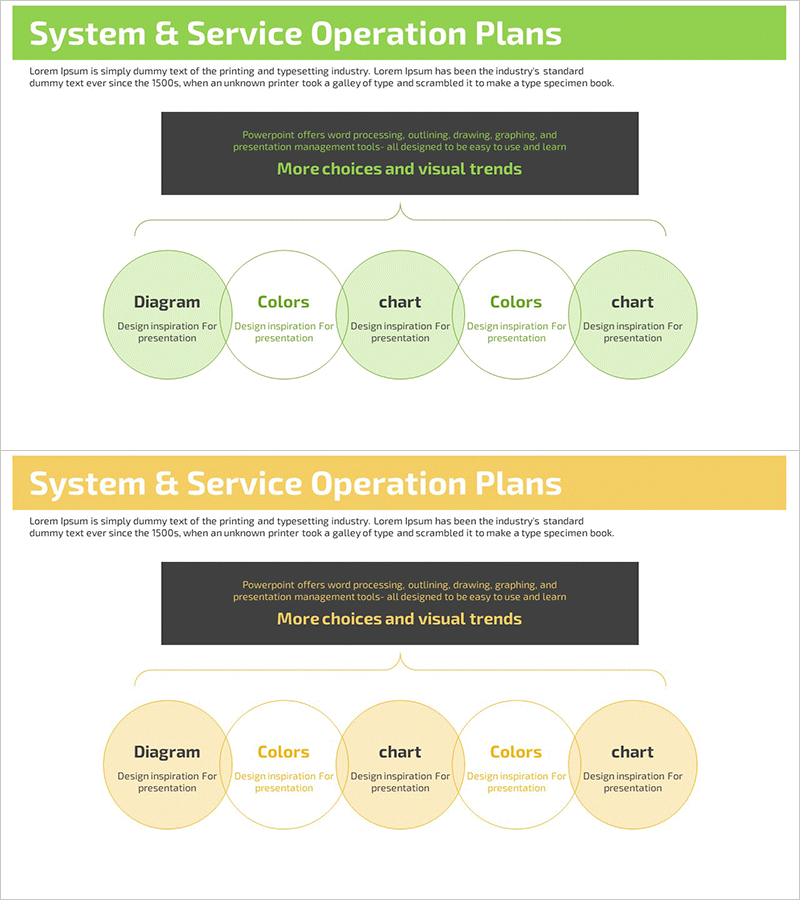
A nested cluster diagram PowerPoint slide designed to visualize business service operation plans. Five circular nodes in green tones are hierarchically arranged to clearly express relationships and inclusion structures between service components. Comprising two slides—one with the diagram and one with color combination variations—this template effectively communicates system operation strategies through a structure that radiates from a central core concept to surrounding detail items. Ready to use immediately in presentations, planning documents, and operational plan materials.
Usage Points
-
Main Usage
This diagram visually represents the operational framework and structural relationships between components of a business service. With a core concept at the center and surrounding detail items arranged hierarchically, it enables stakeholders to grasp the entire system structure at a glance.
-
How to Use
Use this template when presenting operation plans, explaining technical architecture, or creating service structure planning documents. Input text into each node to label service items, operational divisions, or technology stacks, and adjust colors to distinguish priorities or categories.
-
Recommended For
IT technical teams, operations managers, business planners, and consultants explaining system structures, service frameworks, and organizational operation plans. Suitable for inclusion in technical documentation, executive reports, and strategic planning presentations.
-
Slide Structure
Slide 1: Five circular nodes in green tones arranged in nested and inclusion relationships, forming a hierarchical cluster with a central node and four surrounding nodes. Slide 2: Same diagram with color variation (white and beige tone nodes added) to differentiate component categories.
Related Products
-
System Service Operation Plan Slide – Efficient Planning
#Operational Plan #Technical Approach #Diagram
-
Operational Plan Diagram – Effective Information Delivery through Clusters
#Operational Plan #Technical Approach #Diagram
-
Service Operation Strategy – Linear Flow Diagram
#Operational Plan #Technical Approach #Diagram
-
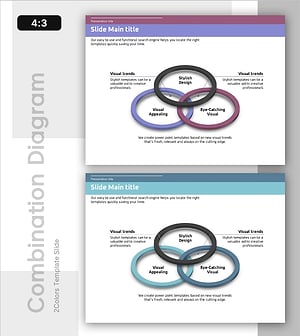
Purple Green Overlay Diagram – Business Vision and Strategy
#Business Vision and Strategy #Technical Approach #Diagram
