



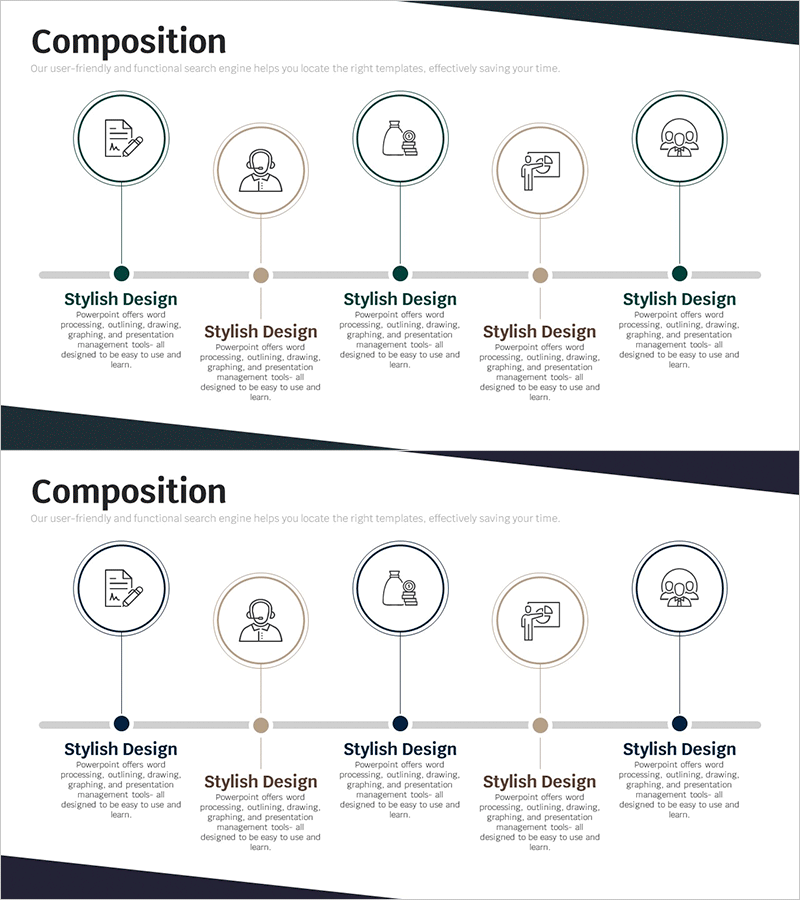
Program Composition Diagram – Product and Service Introduction
RM0100014_17
- Last Update 01/29/2025
- File Size 0.3MB
- # of Slides 2
- File Format PPTX
- Slide Ratio 16:9
- Color
Keywords
- #Content-Based Slides
- #Design-Based Slides
- #Product/Service Introduction
- #Diagram
- #Composition
- #Program Introduction
- #Cluster
- #Chain Diagram
- #16:9
- #program composition diagram PowerPoint
- #5-step process flow diagram
- #product introduction slide template
- #service overview PPT
- #business process diagram slide
About the Product
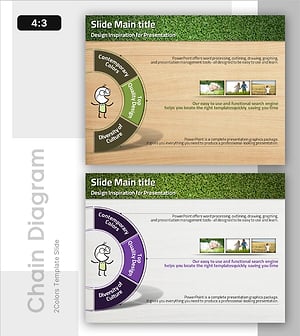
A horizontal timeline diagram PowerPoint slide that visualizes program composition across five sequential steps. Each stage features a circular node with icon and descriptive text area, making it ideal for presenting product features, service offerings, business processes, and operational frameworks. The design uses dark accent colors (navy, brown, forest green) against a light background to distinguish each step, with connecting lines emphasizing the flow progression. The 2-slide set provides layout variations for immediate use in presentations, business plans, proposals, and company introductions.
Usage Points
-
Main Usage
Visualize product or service components in sequential stages and communicate business processes, operational structures, and program workflows. The diagram clearly shows each step's role and interconnections, enhancing audience comprehension of complex processes.
-
How to Use
Enter stage names in the circular nodes and replace icons to reflect each stage's characteristics. Add detailed descriptions in the text areas and modify accent colors to highlight key stages. Insert into presentations, business plans, proposals, and company profiles as needed.
-
Recommended For
Product managers, marketing teams, sales professionals, consultants, and project managers presenting product features, service descriptions, business models, and operational processes. Particularly effective for emphasizing sequential progress and step-by-step procedures.
-
Slide Structure
2-slide set with horizontal timeline layout featuring five circular nodes connected by flow lines. Each node includes an icon placeholder and text description area. Dark accent colors (navy, brown, green) contrast with light background to create visual hierarchy and stage distinction.
Related Products
-
Baby Products Business Components Slide - Cluster Diagram Design
#Product/Service Introduction #Diagram #Composition
-
EV Charging Facility Operation Plan – Introduction to Installation Components
#Product/Service Introduction #Diagram #Composition
-
Product/Service Introduction PowerPoint Template – Visually Captivating Design
#Product/Service Introduction #Diagram #Other
-
Program Configuration Connection Diagram – Innovative Service Introduction
#Product/Service Introduction #Diagram #Composition
