



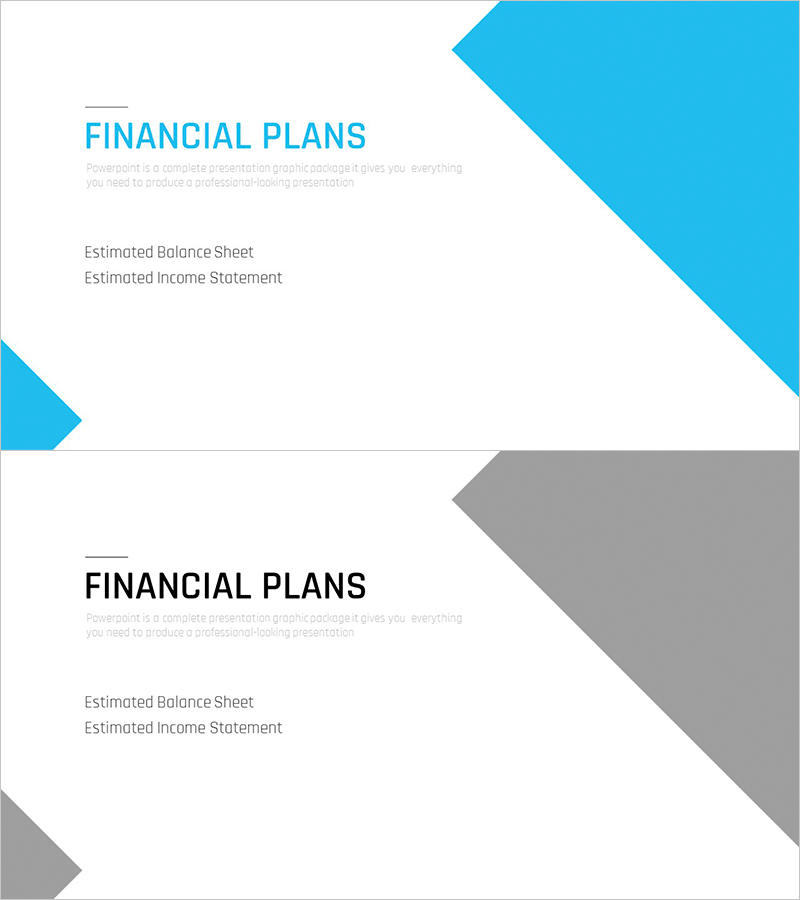
Multipurpose Business Plan Template Section Slide – Basic and Elegant Design
RM0100006_30
- Last Update 01/26/2025
- File Size 0.3MB
- # of Slides 2
- File Format PPTX
- Slide Ratio 16:9
- Color
Keywords
About the Product
A 2-slide section divider set designed for business plans, investment pitch decks, and financial reports. Features a bright blue background with a right-pointing arrow shape and a minimalist layout that clearly separates title and subtitle input areas. Instantly editable in PowerPoint, these slides introduce key financial sections (financial plans, ROI, income statement, budget) and enhance document structure. Delivered in 16:9 widescreen PPTX format compatible with all PowerPoint versions.
Usage Points
-
Main Usage
Serves as a section divider in business plans, investment pitch decks, and financial reports to introduce major sections such as financial plans, ROI, income statement, and budget. The clearly defined title and subtitle areas emphasize each section's topic and help organize the presentation flow systematically.
-
How to Use
Open the section slide in PowerPoint and enter the section name (e.g., 'Financial Plans', 'ROI') in the title text box. Add a brief description in the subtitle area. The blue arrow shape remains fixed; you can change its color to differentiate sections if needed. Both slides use identical layouts, making them reusable across multiple sections.
-
Recommended For
Ideal for business professionals, startup founders, finance team members, and executives preparing business plans, investment pitches (IR), financial reports, and management presentations. Particularly effective for long documents with multiple sections where readability and structural clarity are essential.
-
Slide Structure
2-slide set with identical layouts. Each slide features a left-aligned blue arrow shape and a right-side text input area. Title input field (approximately 20 characters) at the top and subtitle field (approximately 50 characters) in the middle create a hierarchical section information display. Optimized for 16:9 widescreen format on modern projectors and monitors.
Related Products
-
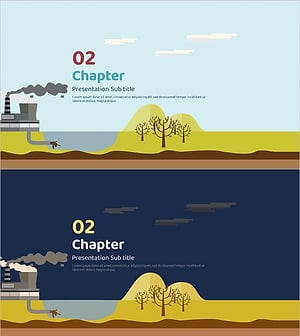
Eco Energy Template - Sustainability and Innovation
#Slide Type #Section Cover
-

Management & Performance Delivery Slide – Strategic Execution
#Slide Type #Section Cover
-
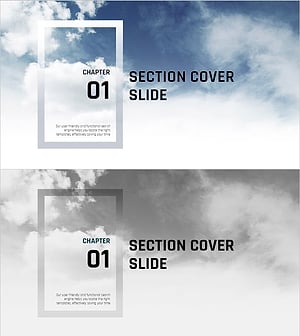
Sea Lighthouse Theme Guide Template – Starting Your Voyage
#Slide Type #Section Cover
-
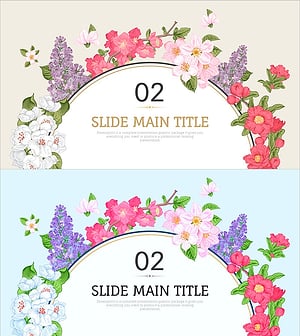
Gorgeous Slide Template with Elegant Style
#Slide Type #Section Cover
