



 Practical Resources
Annual Subscribers Only
Practical Resources
Annual Subscribers Only
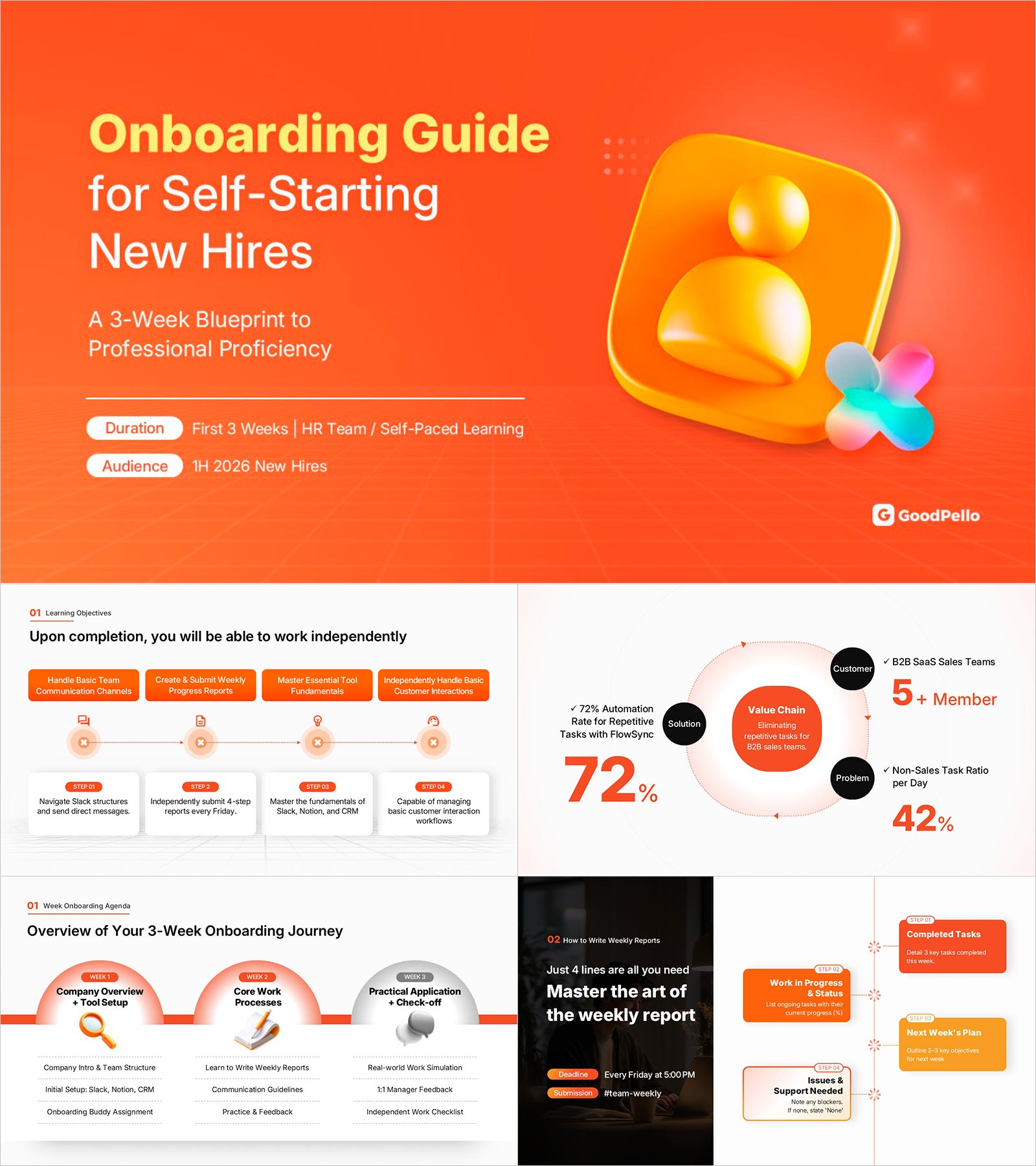
New Employee Onboarding Presentation Template | A 16-Slide Training Framework That Gets New Hires Working Independently in 3 Weeks
BTK0800002
- Last Update 04/01/2026
- File Size 39.1MB
- # of Slides 16
- File Format PPTX
- Slide Ratio 16:9
- Color
This resource is included in the Biz Toolkit.
Download is only available to annual subscribers.



Keywords
About the Product
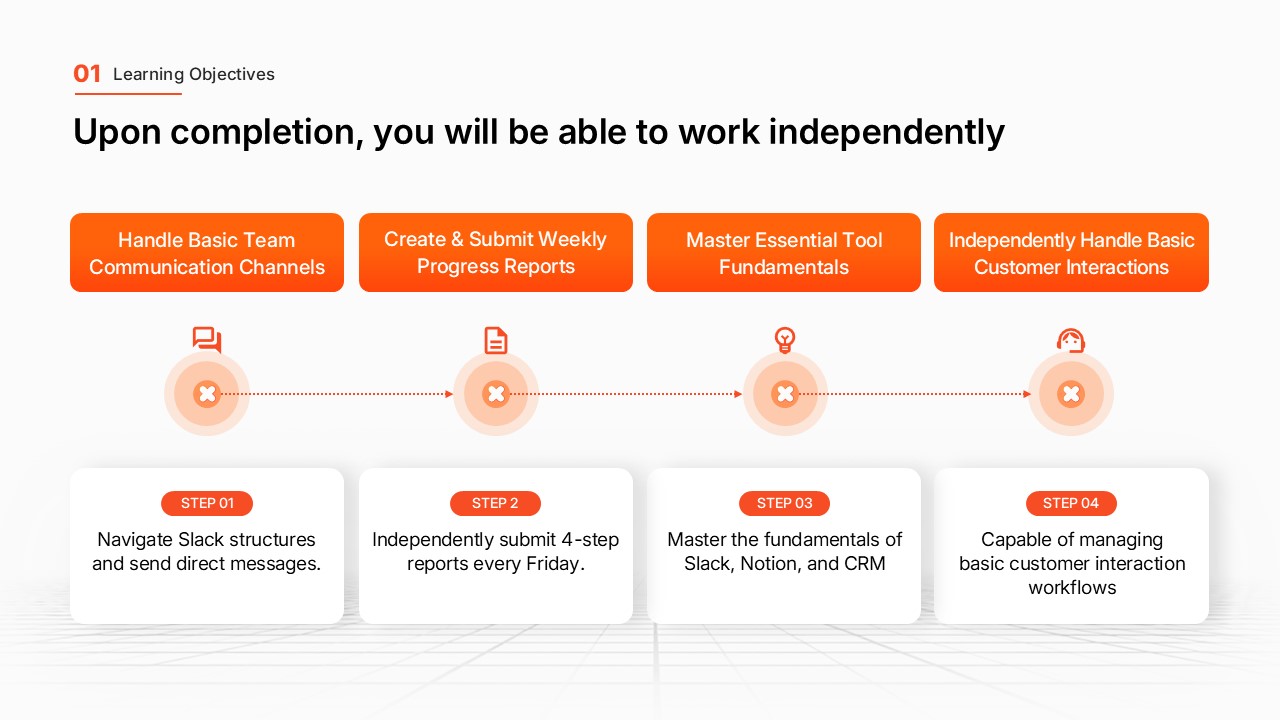
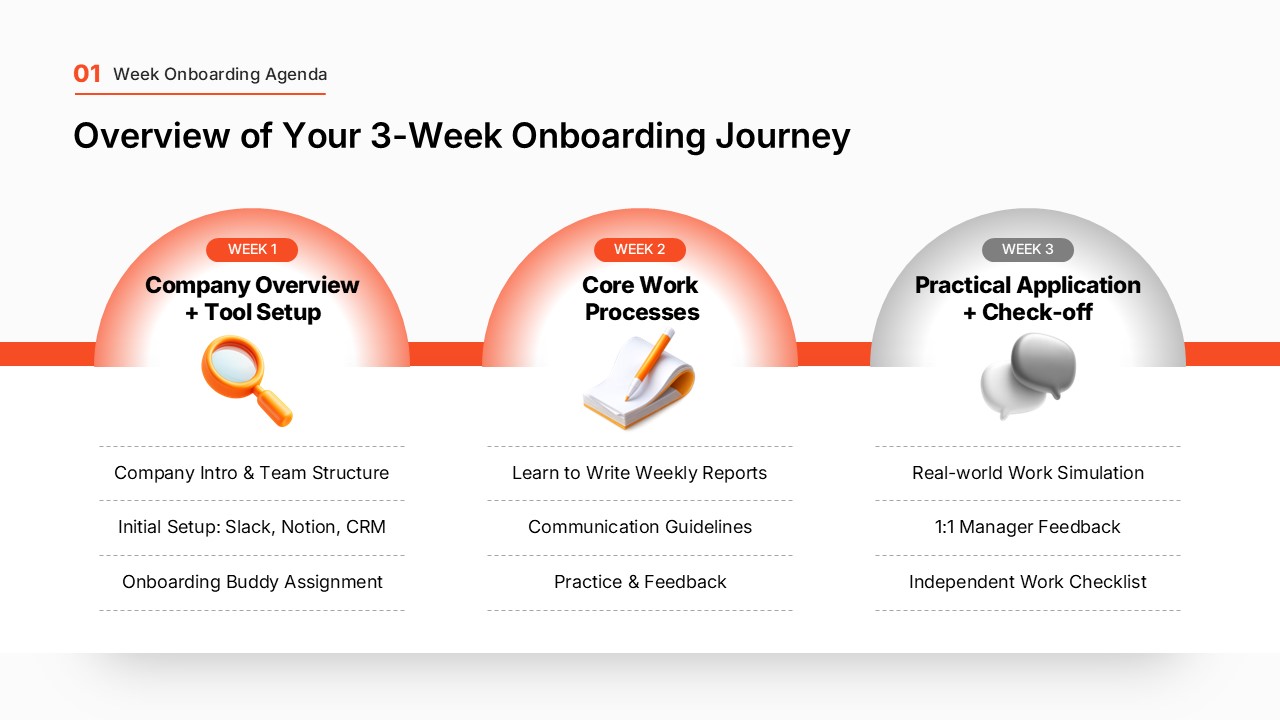
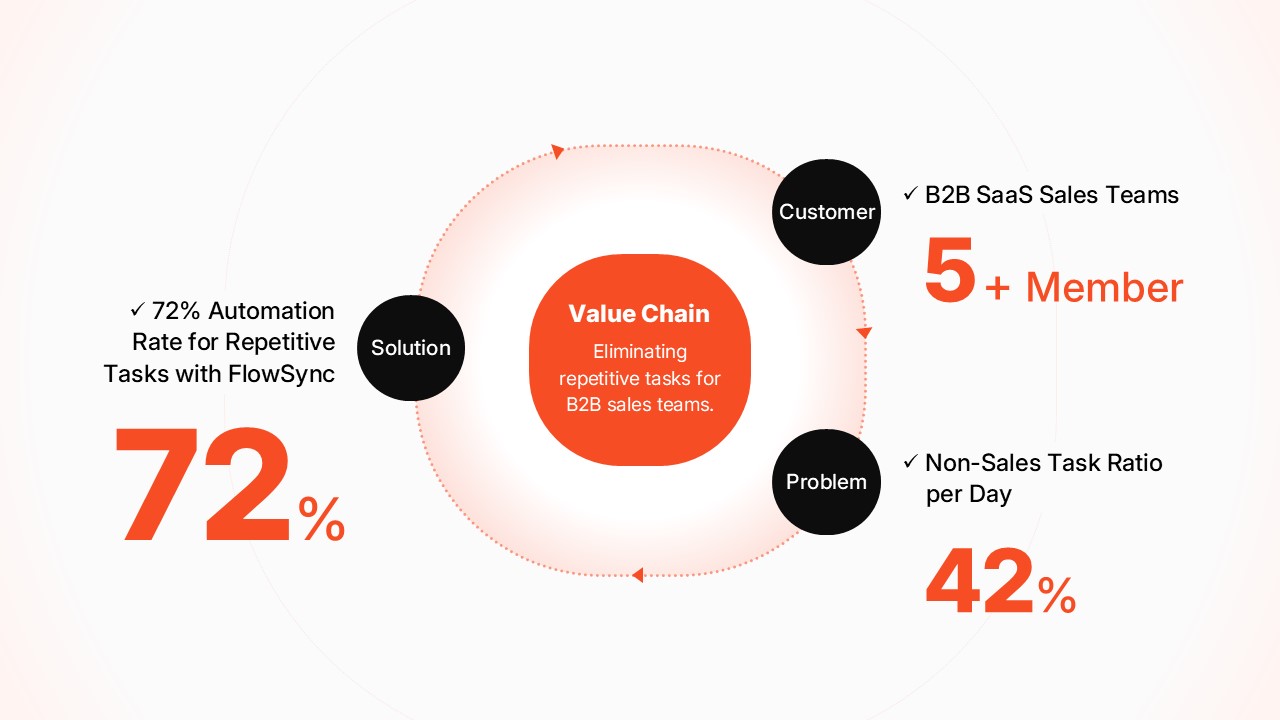
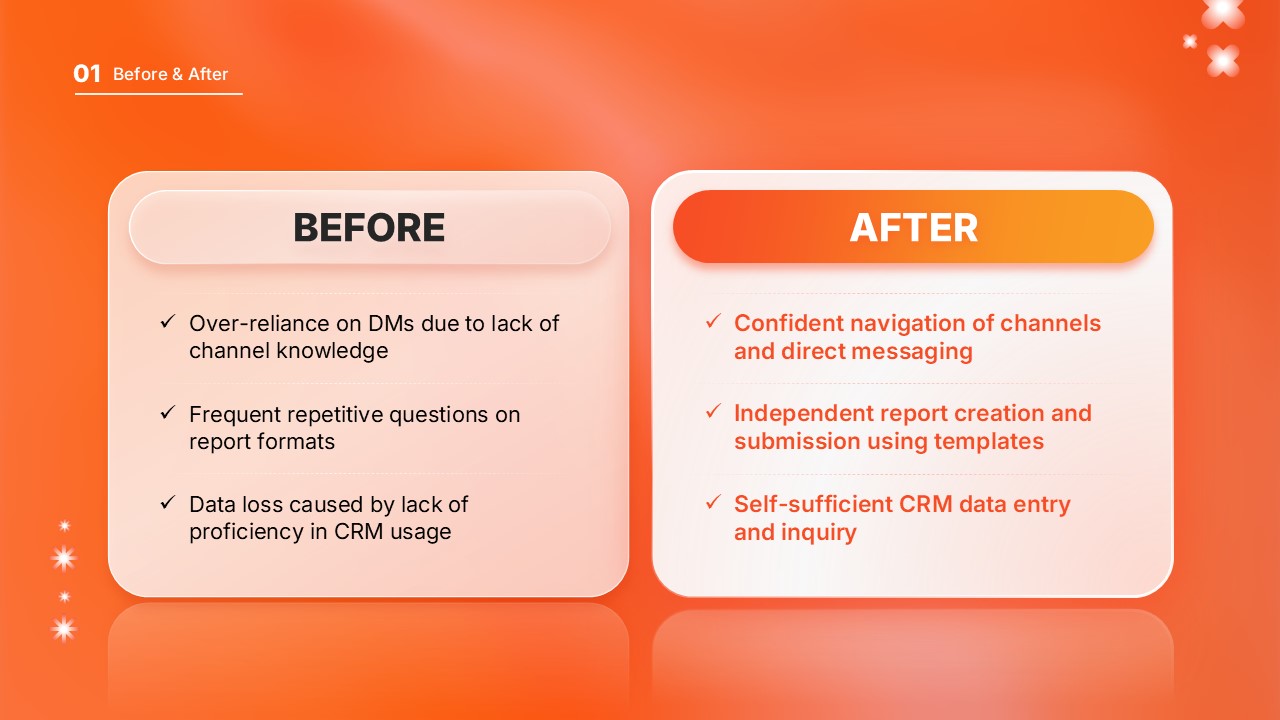
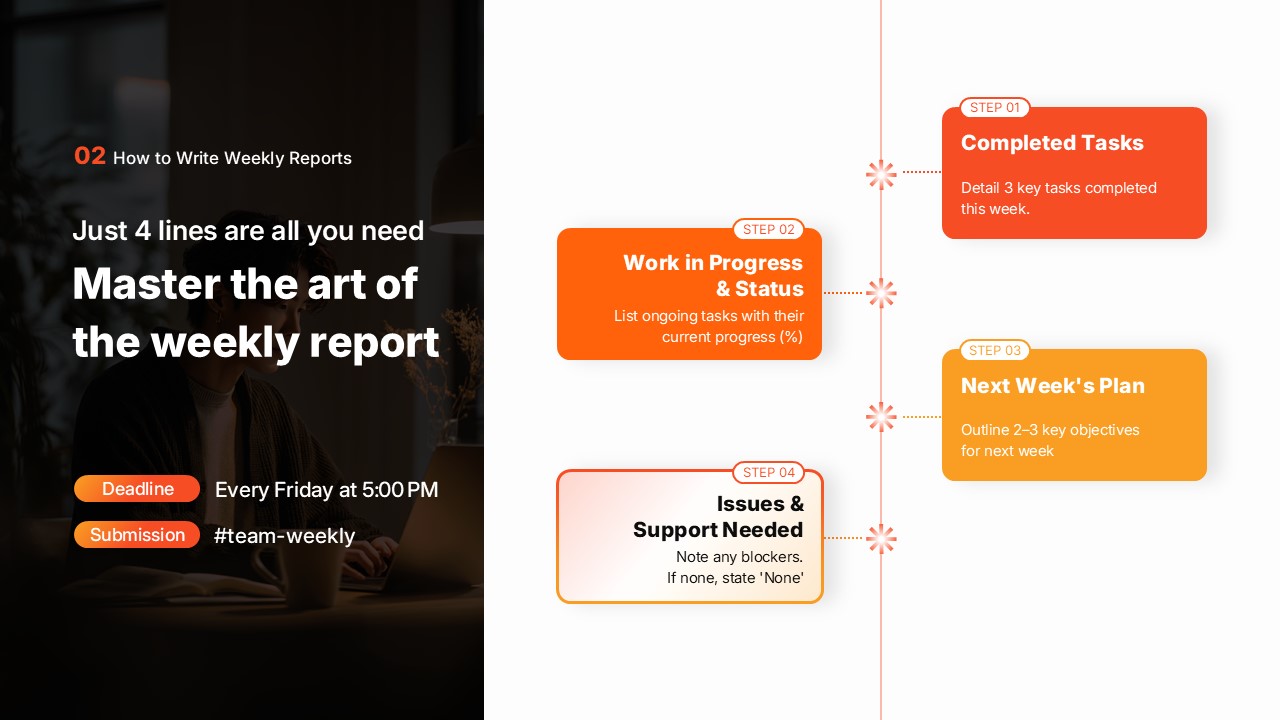
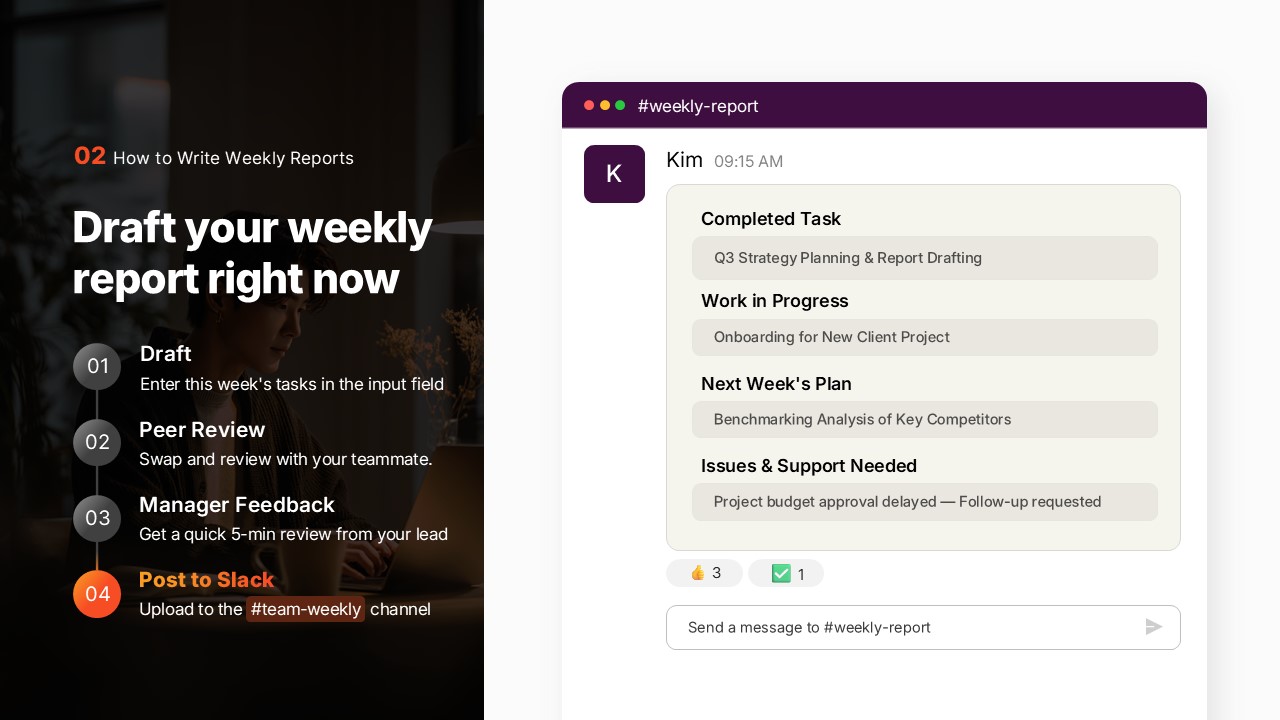
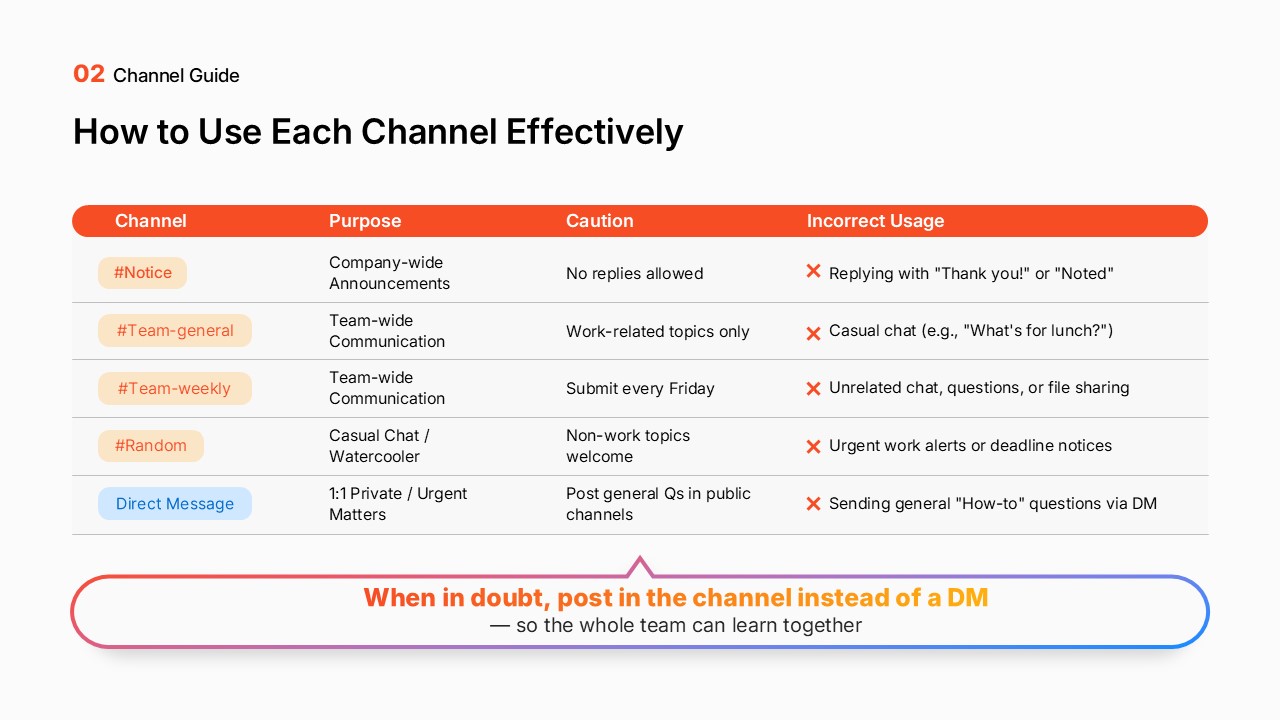
A comprehensive onboarding presentation template designed to help new hires achieve independent work capability within 3 weeks. Featuring a vibrant orange and white modern design that boosts engagement, this PowerPoint template systematically covers four core learning objectives: mastering team communication channels, learning essential tools, understanding customer interaction workflows, and building CRM proficiency. Each section includes checkpoint assessments and weekly progress report slides, enabling both HR teams and new employees to track advancement clearly. Fully editable in PowerPoint format—simply customize with your company logo, colors, and content to deploy immediately as a professional training presentation.
Usage Points
-
Main Usage
To systematically guide new hires through essential company processes, tools, and customer interaction protocols during their critical first 3 weeks, enabling them to work independently and confidently within the team.
-
How to Use
HR teams conduct weekly training sessions using this presentation, progressing through each section sequentially. After each major section, use the checkpoint assessment slides to verify comprehension. Complete weekly progress report slides to document learning milestones and identify areas requiring additional support or clarification.
-
Recommended For
HR departments and training teams in mid-to-large organizations that hire new employees regularly, companies seeking to standardize and systematize their onboarding process, and organizations wanting to ensure consistent training quality across all new hires.
-
Slide Structure
Cover and agenda (slides 1-2) → Learning objectives and 3-week roadmap (slide 3) → Section 1: Team communication channels fundamentals (slides 4-5) → Section 2: Essential tools and core functions (slides 6-8) → Section 3: Customer interaction and CRM workflows (slides 9-11) → Section 4: Weekly progress tracking and checkpoints (slides 12-14) → Key takeaways and next steps (slide 15) → Closing and Q&A (slide 16)
Related Products
-
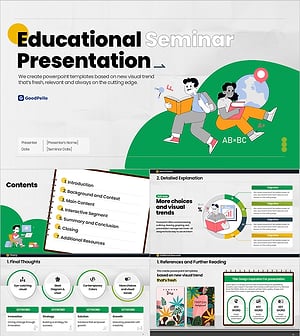
Academic Improvement Online Class PPT Template – Stylish Illustration Design
#Education and Seminar
-

Sports Education Seminar Presentation Template – Clean and Professional Design
#Education and Seminar
-
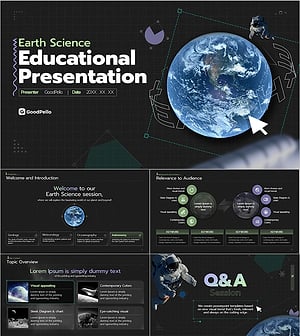
Earth Science Education Seminar Template – Modern Design with Visual Elements
#Education and Seminar
-
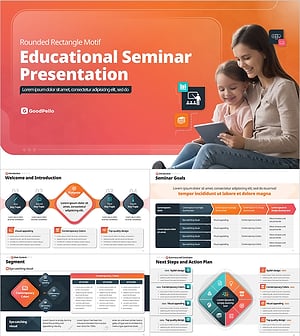
Rounded Edu Class PowerPoint Template – Rounded Rectangle Motif Design
#Education and Seminar
