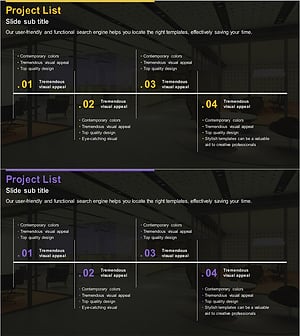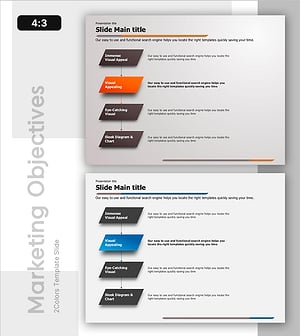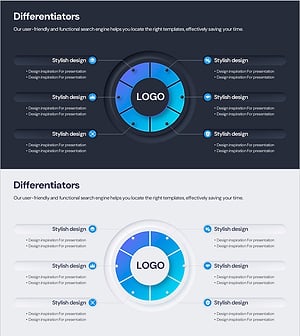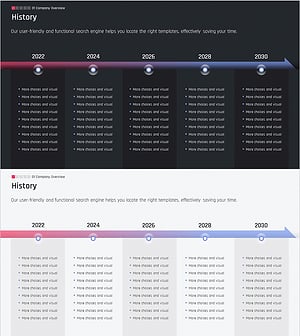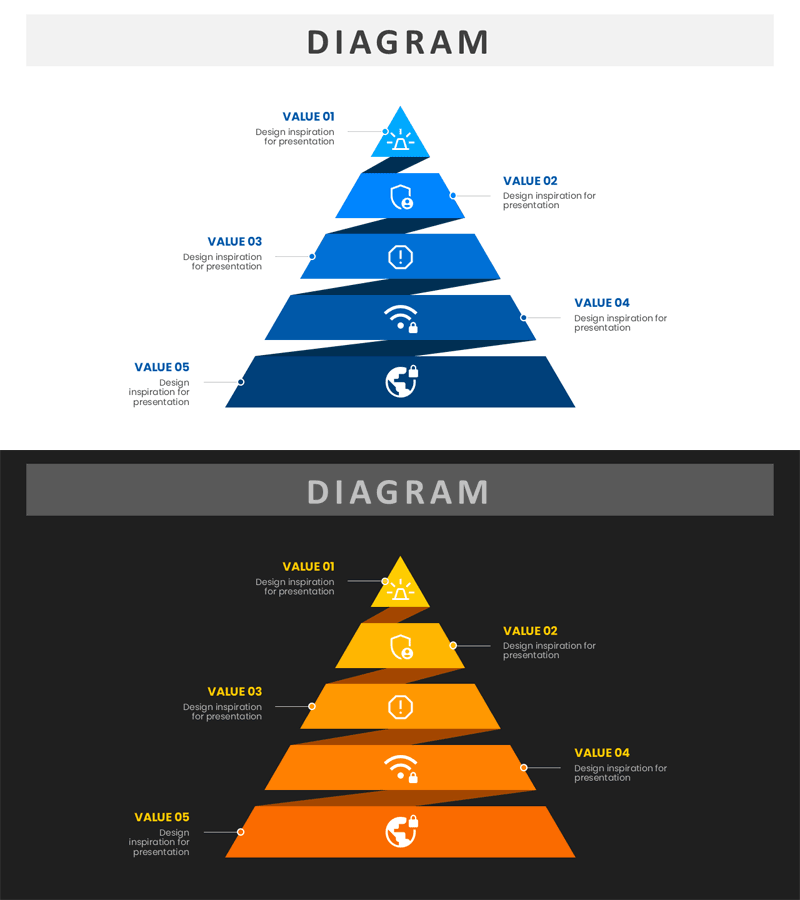
Free Pyramid Layer Diagram PowerPoint Template – Visualize Value Stages with a Clean Tiered Structure
OD0100004
- Last Update 11/11/2025
- File Size 0.1MB
- # of Slides 2
- File Format PPTX
- Slide Ratio 16:9
- Color
Keywords
About the Product
This free PowerPoint slide features a five-tier pyramid diagram that visually communicates value hierarchies, priority structures, and step-by-step strategic goals. Each layer contains a centered icon with alternating left-right label and description text areas, allowing you to organize five distinct items in a clear, structured layout. Two color themes are included: a light version with a white background and blue gradient layers, and a dark version with a charcoal background and yellow-to-orange gradient layers, giving you flexibility to match your presentation tone. Simply replace the VALUE 01–05 labels, description text, and icons in PowerPoint to adapt this slide for business plans, strategy reports, investor presentations, or company profile decks. No additional design work is required—this presentation slide is ready to use immediately after download. For a wider selection of pyramid and layered diagram slides, explore GoodPello's premium diagram collection.
Usage Points
-
Main Usage
Designed to visually represent five-level value hierarchies, priority rankings, or step-by-step strategic goals using a layered pyramid structure in a single PowerPoint slide.
-
How to Use
Replace the VALUE 01–05 labels and description text in each layer with your content, then swap the center icons to match each item's theme. Use the blue theme for formal corporate presentations and the orange theme for dynamic or creative pitches.
-
Recommended For
Ideal for strategists, startup founders, business planners, and consultants who need to visualize core values, priority frameworks, or phased goals in business plans, IR decks, strategy reports, or company profiles.
-
Slide Structure
Single-slide layout with five stacked trapezoidal pyramid layers, each containing a centered icon and alternating left-right label with description text areas—5 editable content zones in total. Includes two color themes: blue gradient on white background and yellow-orange gradient on charcoal background.