



Energy Saving Business Direction Illustration – Vision and Strategy
RJ0600050_6
- Last Update 08/28/2025
- File Size 0.4MB
- # of Slides 2
- File Format PPTX
- Slide Ratio 16:9
- Color
Keywords
- #Content-Based Slides
- #Design-Based Slides
- #Business Strategy
- #Diagram
- #Step-by-Step Schedule Plan
- #Structure
- #Pyramid Chart
- #Project Progress
- #16:9
- #business direction PowerPoint slide
- #vision strategy execution diagram
- #3-step infographic template
- #business strategy presentation
- #executive report slide template
About the Product
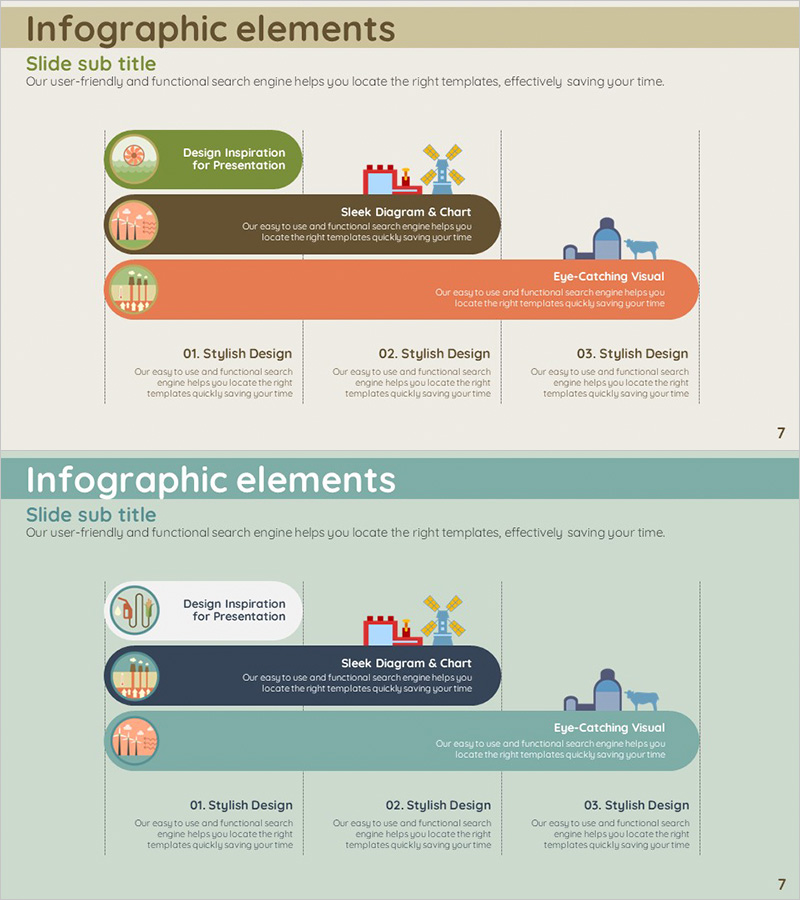
A visually engaging PowerPoint slide that illustrates business direction through a three-step infographic flow. The design features rounded boxes in green, brown, and orange backgrounds with icons and text to represent vision, strategy, and execution phases. Each step includes a dedicated description area, and the bottom section contains three comparison items for detailed information. Ideal for business plans, executive reports, and strategic presentations. Provided in editable PPTX format with 16:9 widescreen layout across 2 slides.
Usage Points
-
Main Usage
Communicate business direction and strategic phases clearly to executives and team members through visual representation. The three-step flow from vision establishment to execution strategy enables intuitive understanding, fostering organizational alignment and strengthening commitment to implementation.
-
How to Use
Insert this slide into the 'Strategic Direction' or 'Implementation Strategy' section of business plans, executive reports, or strategic presentations. Customize the text and icons in each box to reflect your organization's actual vision, strategy, and execution details. Adjust colors and fonts to match your company's branding guidelines.
-
Recommended For
Ideal for executives, planning teams, strategy departments, and business managers presenting organizational direction. Suitable for energy, manufacturing, construction, finance, and public sector organizations developing and executing long-term business plans. Use in executive meetings, shareholder meetings, and external presentations.
-
Slide Structure
Three rounded boxes at the top (green, brown, orange) represent vision, strategy, and execution phases, each with an icon and description text area. The bottom section displays three detailed items in '01. Stylish Design', '02. Stylish Design', '03. Stylish Design' format, allowing space for phase-specific information and supporting details.
Related Products
-
Single Slide Template for Visualizing Stages of Lung Cancer
#Business Strategy #Diagram #Step-by-Step Schedule Plan
-
Business Progress System Slide Design
#Business Strategy #Diagram #Step-by-Step Schedule Plan
-
Linear Diagram of Business Step-by-Step Plan – Essential Template for Achieving Business Goals
#Business Strategy #Diagram #Text Box
-
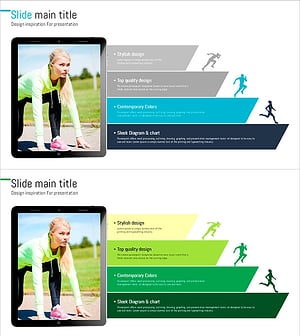
Running Silhouette Step-by-Step Features – Innovation and Goals
#Business Vision and Strategy #Business Strategy #Diagram
