



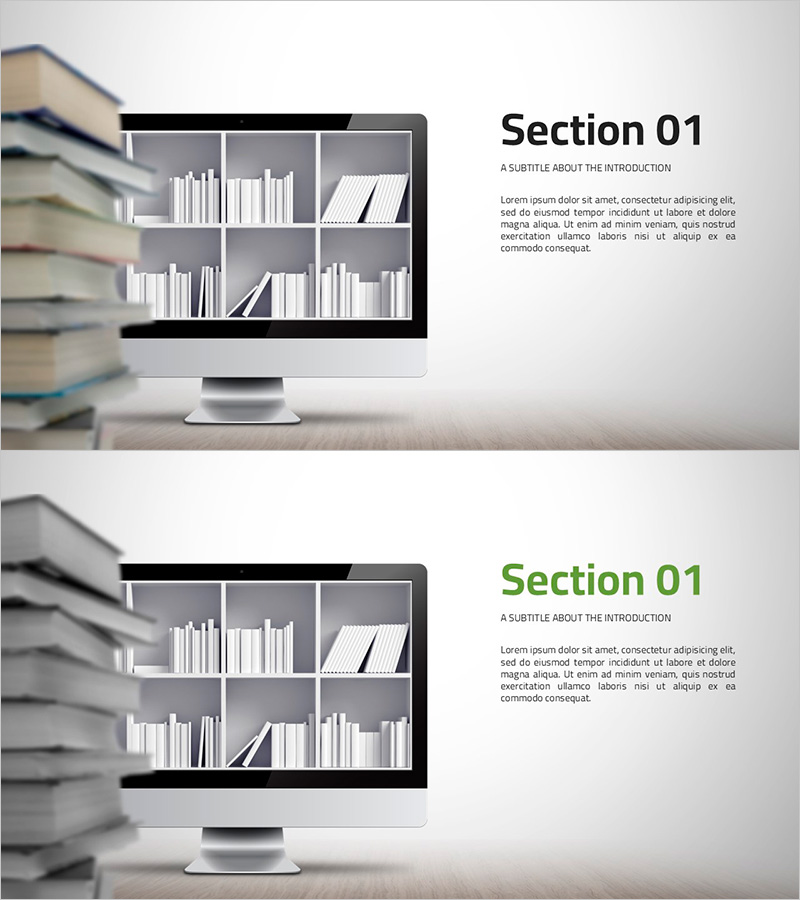
Library Mockup Section Slide – Harmony of Information and Visuals
RJ0500018_9
- Last Update 08/27/2025
- File Size 2.2MB
- # of Slides 2
- File Format PPTX
- Slide Ratio 16:9
- Color
Keywords
About the Product
A section divider PowerPoint slide featuring a library bookshelf mockup design. The layout combines a monochrome bookshelf image on the left with title and descriptive text on the right, creating a balanced composition of visual and textual information. Provided in 16:9 widescreen PPTX format with 2 slides, this template is ready to use for section breaks and topic transitions. Ideal for education, library, and information-related presentations, with clearly defined text input areas for easy customization.
Usage Points
-
Main Usage
This section divider slide is designed to separate different topics and refocus audience attention during presentations. It works particularly well for education, library, and information-related talks, where visual breaks help organize content and maintain engagement throughout the presentation.
-
How to Use
Keep the library mockup image on the left as a fixed background element. Enter your section title in the heading area on the right, and add a brief description or overview in the subtitle field. You can adjust text color and size to match your brand guidelines while maintaining the template's visual style.
-
Recommended For
Educational institutions, libraries, publishing companies, and information management organizations. Suitable for academic presentations, educational seminars, library operation reports, information system introductions, and any presentation requiring professional section breaks.
-
Slide Structure
Two-slide set with identical layout: left side features a fixed monochrome library bookshelf mockup image, right side contains two text input areas (title and subtitle). Optimized for 16:9 widescreen format with clearly separated text zones for straightforward editing.
Related Products
-
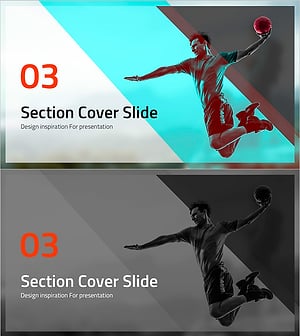
Dunk Section Cover Slide – Innovative Design
#Slide Type #Section Cover
-
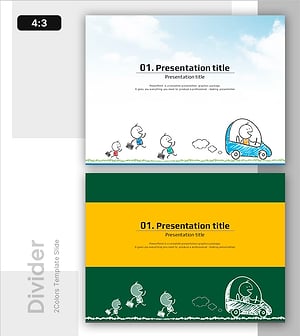
Simple and Friendly Slide with Presentation Title
#Slide Type #Section Cover
-
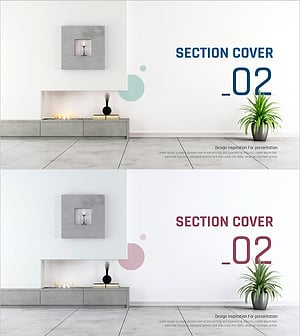
Simple Interior Template Section Cover 02 – The Start of a Stylish Presentation
#Slide Type #Section Cover
-
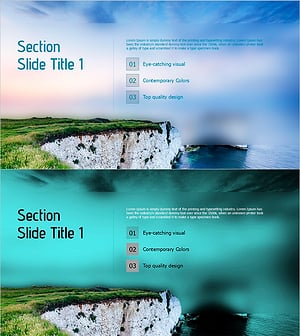
Section Slide Template with Visual Emphasis – Contemporary Design
#Slide Type #Section Cover
