



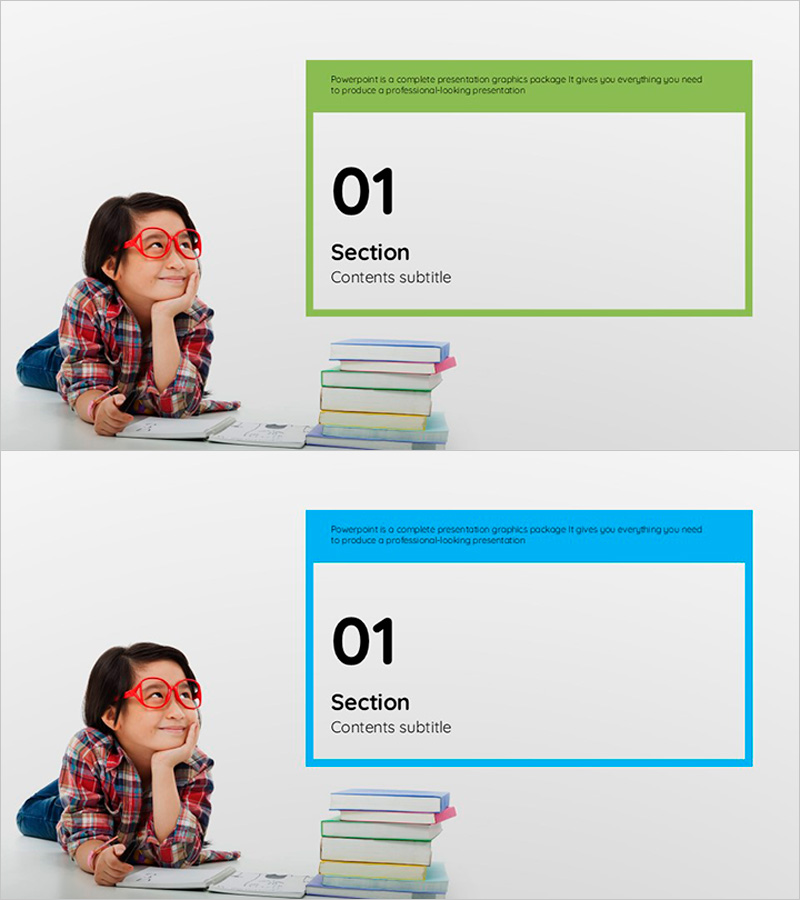
Square Children's Education Template Section Slide
RJ0500005_3
- Last Update 08/27/2025
- File Size 0.7MB
- # of Slides 2
- File Format PPTX
- Slide Ratio 16:9
- Color
Keywords
About the Product
A section divider PowerPoint slide designed for children's education presentations. This slide deck features two color versions—bright green and blue—with a child character and stacked books illustration on the left side, and a section number and title input area on the right. The 16:9 widescreen format includes 2 slides ready for immediate use to clearly separate presentation sections and enhance visual engagement for educational content. All text boxes are fully editable, allowing you to customize section names and subtitles to match your specific educational topic.
Usage Points
-
Main Usage
This slide serves as a visual separator between sections in educational presentations, capturing audience attention during topic transitions. It clearly displays section numbers and titles to guide the presentation flow systematically while establishing a friendly and positive atmosphere appropriate for children's educational content.
-
How to Use
Insert this slide before each new section to mark topic transitions. Enter the section number in the designated field and add the section title in the title area. Choose either the green or blue version based on your overall presentation color scheme and apply it consistently throughout your slides.
-
Recommended For
Ideal for elementary school and kindergarten program presentations, educational institution briefings, parent-focused education seminars, online educational content creation, and teaching workshops. Perfect for educators, instructors, and education marketing professionals.
-
Slide Structure
The 2-slide set features a two-column layout with the image area (child character and book stack) on the left and text area (section number, title, and subtitle) on the right. A descriptive text box at the top allows you to add section overviews, and all text elements are fully editable for customization.
Related Products
-
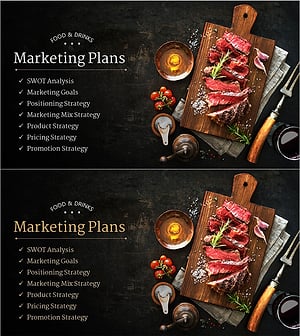
Restaurant Business Plan Template Section Slide
#Slide Type #Section Cover
-
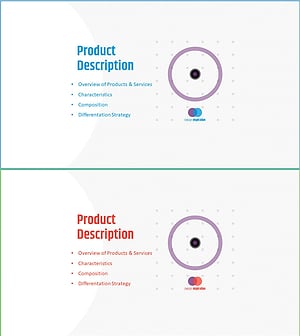
Business Plan PowerPoint Template – Stylish Composition
#Slide Type #Section Cover
-
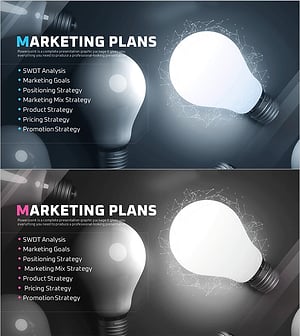
Startup Business Plan Template Section – Marketing Plans
#Slide Type #Section Cover
-
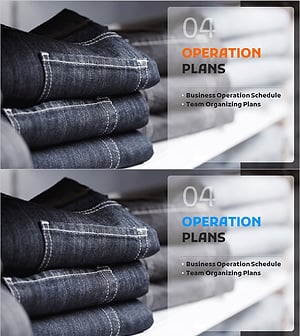
Fashion Business Plan Template Section Slide – Emphasizing Operation Plans
#Slide Type #Section Cover
