



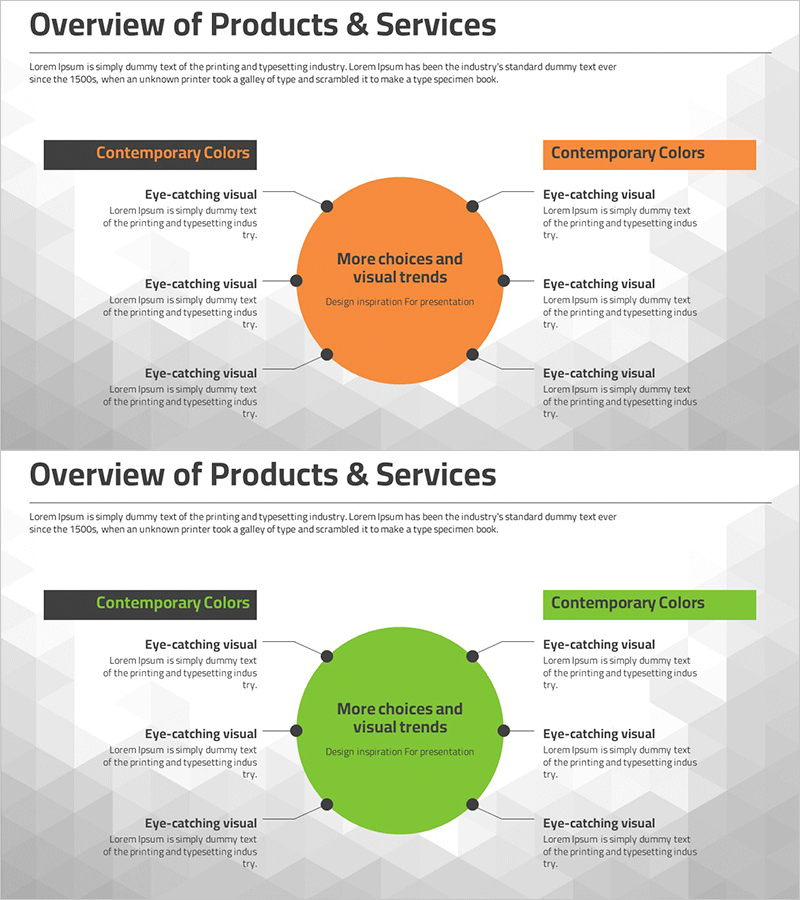
Product and Service Overview Diagram
RM0100002_15
- Last Update 01/24/2025
- File Size 0.4MB
- # of Slides 2
- File Format PPTX
- Slide Ratio 16:9
- Color
Keywords
- #Content-Based Slides
- #Design-Based Slides
- #Product/Service Introduction
- #Diagram
- #Product/Service Introduction
- #Product and Service Overview
- #Cluster
- #Spread
- #Chain Diagram
- #Centralized Diagram
- #16:9
- #central radial diagram PowerPoint
- #product overview slide template
- #service description diagram
- #6-item radial layout
- #business presentation slides
- #how to create radial diagram in PowerPoint
About the Product
A central radial diagram PowerPoint slide designed to present product and service overviews. The slide features a central hub surrounded by six radiating items, available in two color versions: orange and green. Each item includes a dedicated text area for describing product features, service scope, core values, or key benefits. This 2-slide deck in 16:9 format is ready to use in company presentations, product launch decks, business pitches, and corporate overview presentations. All elements are fully editable and can be customized to match your brand identity.
Usage Points
-
Main Usage
Presents a core concept or message at the center, with six key points radiating outward to illustrate product features, service benefits, or organizational values. This layout enables audiences to quickly grasp the complete structure and relationships between the central idea and supporting details in a visually organized manner.
-
How to Use
Enter your core message (product name, service title, or main value proposition) in the central circle. Add supporting details in each of the six surrounding text boxes. Customize colors, fonts, and text freely. Adjust the number of items if needed. Ideal for product overview sections in company profiles, service descriptions in marketing decks, and investor pitch presentations.
-
Recommended For
Product marketing managers, service planning teams, sales presenters, business development professionals, corporate communications specialists, startup founders, and consultants who need to clearly explain product or service offerings to stakeholders.
-
Slide Structure
Two-slide deck with 16:9 aspect ratio. Each slide features a central circular shape with six radiating text boxes positioned at top, bottom, left, right, top-left, and top-right. Connecting lines link each item to the center. First slide uses orange color scheme; second slide uses green. All shapes and text are fully editable in standard PowerPoint format.
Related Products
-
Clothing Product Area Diagram – Emphasizing Style and Quality
#Product/Service Introduction #Diagram #Product/Service Introduction
-
Product and Service Overview Slides - Clear Visual Communication
#Product/Service Introduction #Diagram #Product/Service Introduction
-
Product and Service Overview Diagram – Intuitive Connections
#Product/Service Introduction #Diagram #Product/Service Introduction
-
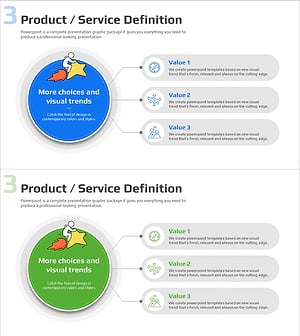
Product Overview and Key Features Diagram – Product/Service Definition
#Product/Service Introduction #Diagram #Product/Service Introduction
