



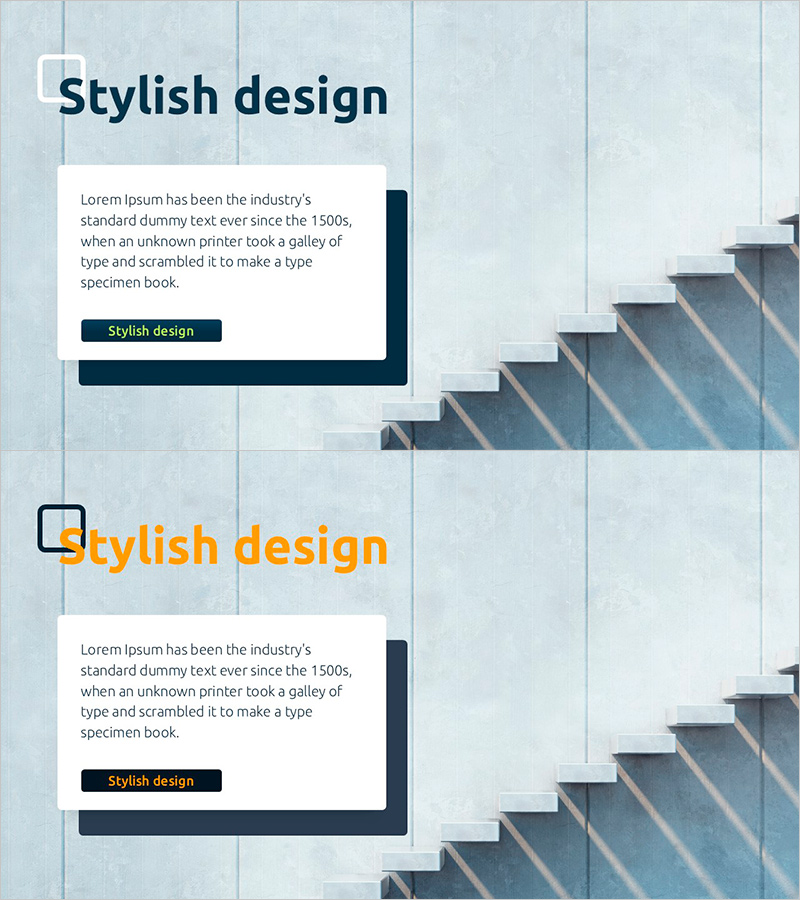
Text Box Slide Representing Growth and Prospects
RJ0900029_9
- Last Update 08/25/2025
- File Size 3.8MB
- # of Slides 2
- File Format PPTX
- Slide Ratio 16:9
- Color
Keywords
- #Content-Based Slides
- #Design-Based Slides
- #Technical Approach
- #Market and Competitor Analysis
- #Text Box
- #Future Development Roadmap
- #Future Outlook
- #Rectangle Text Box
- #16:9
- #text box PowerPoint slide
- #growth prospects presentation
- #marketing slide design
- #business report template
- #text box layout PPT
About the Product
A professional PowerPoint slide template designed to communicate corporate growth and future prospects through structured text boxes. Featuring a light blue grid background with dark blue accent boxes across 2 slides, this template uses an asymmetrical layout with text content on the left and a stepped visual element on the right. Clear sections for title, body text, and call-to-action button make it ideal for marketing presentations, business reports, and strategic planning decks. Available in 16:9 widescreen PPTX format, fully editable in all PowerPoint versions.
Usage Points
-
Main Usage
Effectively communicate corporate growth strategies, future vision, and business prospects through a combination of text and visual elements. The left text area accommodates key messages while the right stepped graphic can represent growth phases or development milestones.
-
How to Use
Enter your presentation topic in the title area (e.g., 2024 Growth Strategy, Long-term Vision). Fill the text box with detailed content and use the accent button for key takeaways or calls-to-action. Replace the right-side image with company logos, product photos, or growth charts to match your presentation theme.
-
Recommended For
Ideal for marketing strategy presentations, quarterly business reports, investor pitch decks, strategic planning sessions, and performance reviews. Recommended for executives, marketing managers, and business development professionals presenting growth initiatives.
-
Slide Structure
2-slide template with each slide divided into 4 sections: title area (top left), body text input field (center left), accent button (bottom left), and stepped image area (right side). Light blue grid background with dark blue box accents create clear visual hierarchy.
Related Products
-
Structure and Characteristics of Plant Growth Stages – Technical Insight
#Technical Approach #Market and Competitor Analysis #Diagram
-
Business Future Outlook Diagram
#Technical Approach #Market and Competitor Analysis #Diagram
-
Summary Slide for Future Charts – Market Outlook and Expectations
#Business Strategy #Market and Competitor Analysis #Text Box
-
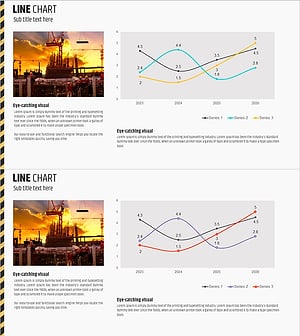
Current Status and Prospects of Construction Business – Insightful Analysis
#Technical Approach #Market and Competitor Analysis #Graph
