



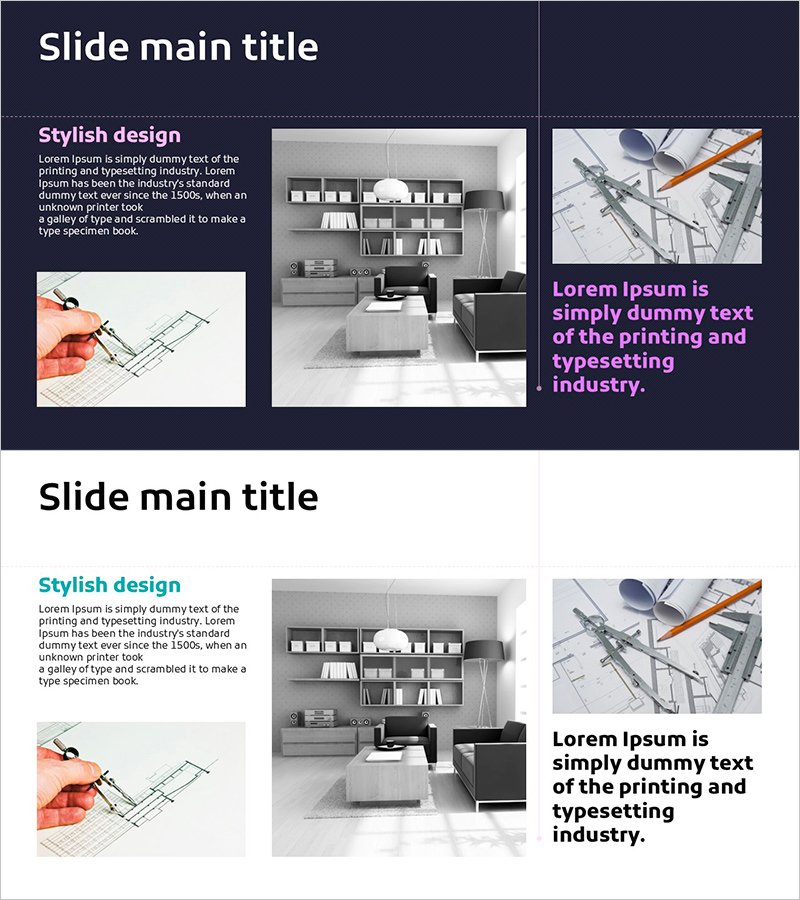
Effective Column Slide on Construction Plan
RJ0900025_10
- Last Update 08/23/2025
- File Size 1.1MB
- # of Slides 2
- File Format PPTX
- Slide Ratio 16:9
- Color
Keywords
- #Content-Based Slides
- #Product/Service Introduction
- #Business Strategy
- #Development Plan
- #Production Plan
- #16:9
- #construction plan PowerPoint slide
- #construction schedule slide design
- #two-column construction plan template
- #building project presentation
- #how to create a construction timeline in PowerPoint
About the Product
A two-column PowerPoint slide designed to effectively communicate construction plans for building projects. The dark navy background separates the left text area from the right image space, allowing you to clearly structure construction schedules, implementation strategies, and development plans. Combine architectural drawings, interior space photos, and construction site images to deliver a trustworthy presentation to clients, contractors, and investors. Available in 16:9 PPTX format for immediate editing and serves as a key component in the business implementation strategy section.
Usage Points
-
Main Usage
Visually communicate construction plans, implementation timelines, and development strategies for building and infrastructure projects. The left column displays text descriptions while the right side accommodates architectural drawings, site photos, and construction images, building confidence with clients, partners, and investors.
-
How to Use
Use this slide in the business implementation strategy and development plan sections to explain construction schedules, phased implementation plans, and key milestones. Enter construction timelines, major dates, and execution frameworks in the left text area, then place architectural drawings, site photos, and completion images in the right image space to enhance visual credibility.
-
Recommended For
Ideal for construction companies, real estate developers, architectural firms, construction managers, and project managers presenting to clients, contractors, and investors. Effectively used in real estate development projects, infrastructure initiatives, and building renovation projects during the business implementation phase.
-
Slide Structure
Two-column layout on dark navy background with two text input areas on the left for title and description, and two image placement areas on the right. Clear separation between top title section and bottom explanation area creates distinct information hierarchy, while balanced text-image arrangement ensures both readability and visual impact.
Related Products
-
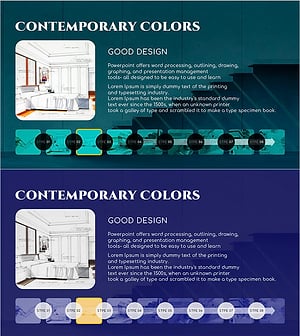
Detailed Architectural Design Steps – Flow with Modern Touch
#Product/Service Introduction #Business Strategy #Operational Plan
-
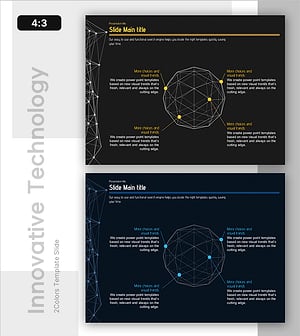
Central System and Four Strategic Elements – Dynamic Development Strategy
#Product/Service Introduction #Business Strategy #Diagram
-
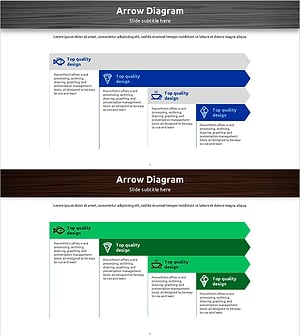
Meal Menu Flow Diagram – Intuitive Information Delivery
#Product/Service Introduction #Business Strategy #Diagram
-
Execution Plan from Ingredient Sourcing to Consumption
#Product/Service Introduction #Business Strategy #Diagram
