



Architectural Analysis Diagram – Visual Tool for Marketing Strategy
RJ0900020_28
- Last Update 08/22/2025
- File Size 6.2MB
- # of Slides 2
- File Format PPTX
- Slide Ratio 16:9
- Color
Keywords
- #Content-Based Slides
- #Design-Based Slides
- #Marketing Plan and Strategy
- #Diagram
- #Promotion Strategy
- #Key Marketing Activities
- #Spread
- #Decentralized Diagram
- #16:9
- #4-direction radial diagram PowerPoint
- #central hub diagram template
- #marketing strategy slide
- #radial diagram PowerPoint template
- #business analysis diagram slide
About the Product
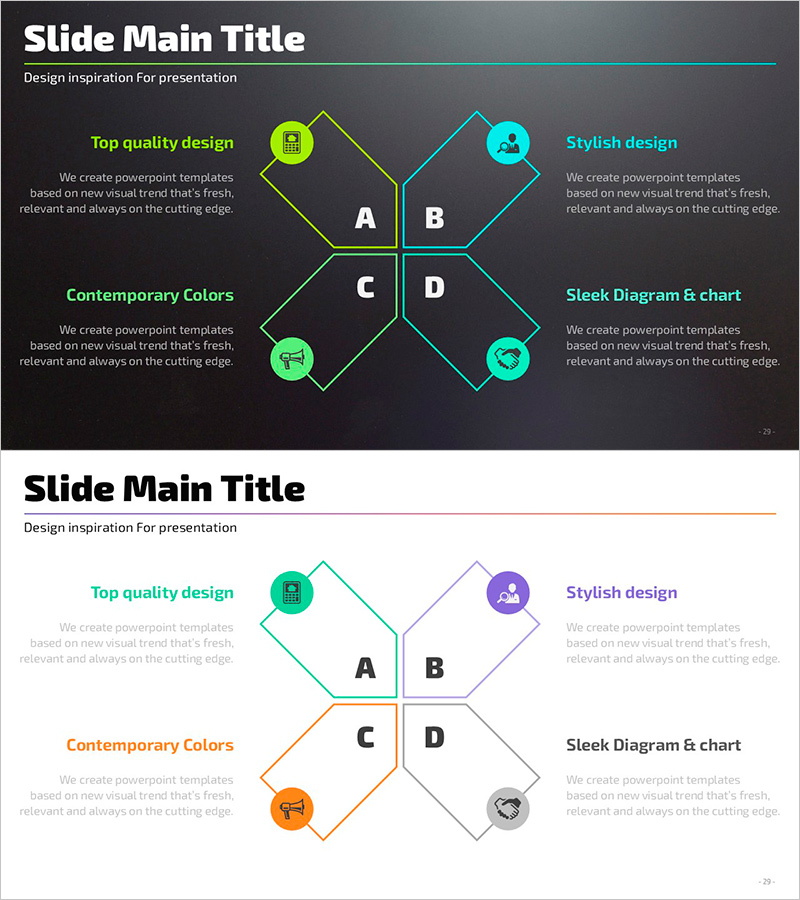
A radial diagram PowerPoint slide with four directional nodes expanding from a central hub. The design features lime green and cyan blue dual-tone color scheme, circular icons, and dedicated text areas for each section. Perfect for visualizing marketing strategies, promotional plans, business analysis, and strategic initiatives. This 16:9 widescreen template includes 2 slides ready for immediate editing and presentation use.
Usage Points
-
Main Usage
Visualize four key elements radiating from a central concept, such as marketing strategy, design style, color approach, and chart integration. The radial structure emphasizes equal importance of all four components while maintaining visual hierarchy through color differentiation and icon placement.
-
How to Use
Input your content into the A, B, C, and D sections at each directional node. Add detailed descriptions in the left and right text boxes. Customize icons to match your presentation theme, and adjust colors if needed. The template supports both dark and light backgrounds for flexible presentation scenarios.
-
Recommended For
Marketing managers, strategy planning teams, business development departments presenting quarterly strategies, new project planning meetings, and executive briefings. Ideal for any business presentation requiring balanced visualization of four major components or strategic pillars.
-
Slide Structure
Two-slide set featuring a dark charcoal background with lime green and cyan blue directional lines forming a 4-node radial diagram on the first slide. The second slide presents the same structure on a white background with lighter tones for print compatibility. Each node includes a circular icon, text label, and description area arranged symmetrically around the central hub.
Related Products
-
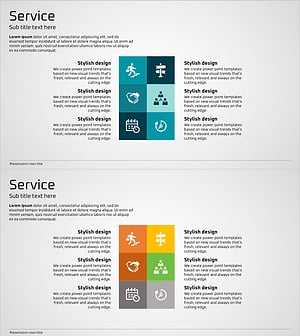
Marketing and Promotion Strategies – Blue, Orange, Green Diagram
#Marketing Plan and Strategy #Diagram #Promotion Strategy
-

Business Strategy Plan – Marketing Goals and Activities
#Marketing Plan and Strategy #Diagram #Marketing Objectives
-
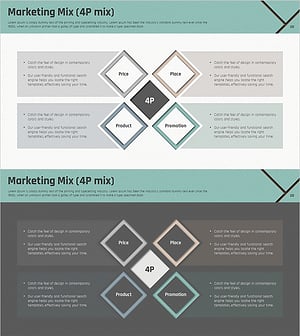
Marketing Mix 4P Square Diagram - Understanding Key Marketing Strategies
#Marketing Plan and Strategy #Diagram #Promotion Strategy
-
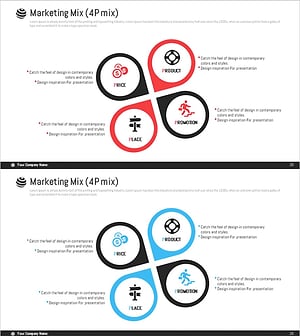
Flower Shape Split Diagram – Marketing Strategy and Promotion
#Marketing Plan and Strategy #Diagram #Promotion Strategy
