



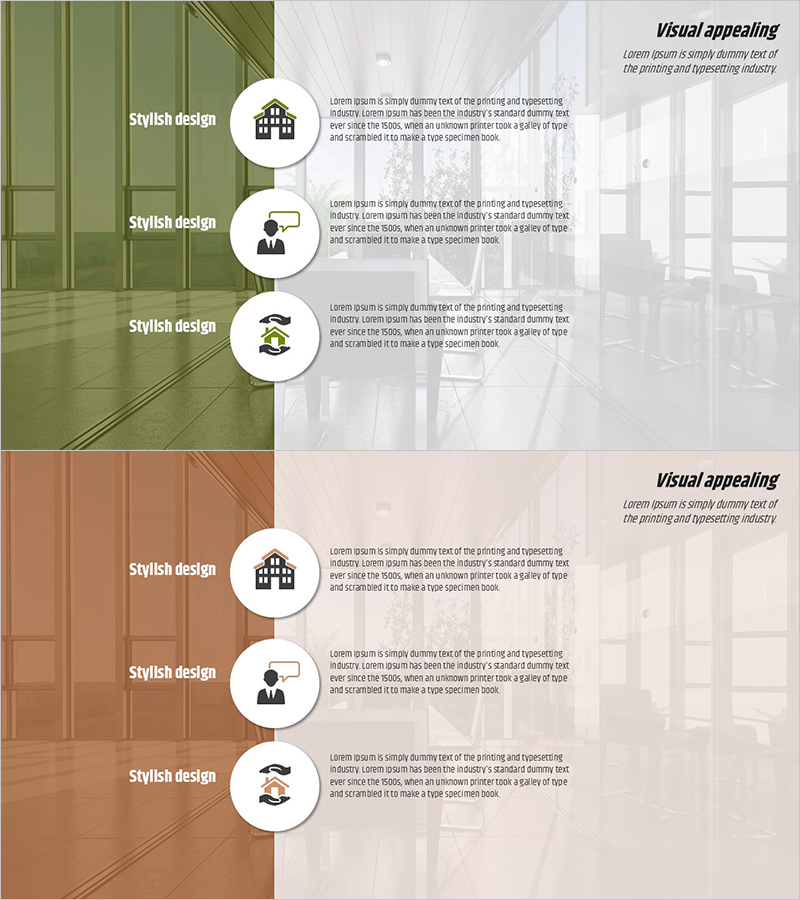
Real Estate Policy Description Slide – Clear and Professional Design
RJ0900012_9
- Last Update 08/19/2025
- File Size 2.7MB
- # of Slides 2
- File Format PPTX
- Slide Ratio 16:9
- Color
Keywords
About the Product
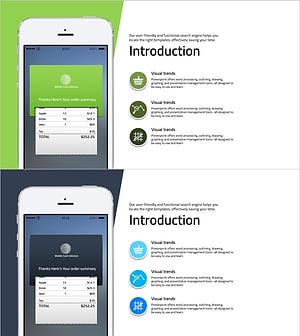
A 2-slide PowerPoint presentation designed to clearly explain real estate policies and services. The left side features a color-divided background in olive green and terracotta tones, creating visual contrast with the bright image area on the right. Three circular icon points are vertically arranged to present policy content in a structured manner. Each point includes an icon and corresponding text description area, making it ideal for real estate company investment briefings, policy announcements, and service introductions. The 16:9 widescreen PPTX format is fully editable across all presentation software platforms.
Usage Points
-
Main Usage
This slide effectively presents three real estate policies, services, or investment products with clear visual separation. The left color-divided background enhances visual distinction, while the circular icons and text combination deliver each policy's key message efficiently.
-
How to Use
Use in real estate company investment briefings, policy presentations, and service introduction meetings. Input policy names, descriptions, and target audiences in each circular point area, and customize icons to match various real estate products and services.
-
Recommended For
Real estate developers, property brokers, investment relations managers at financial institutions, government policy officials, and real estate consultants presenting policy explanations and service overviews. Particularly effective when comparing and presenting three distinct policies or products.
-
Slide Structure
Two-slide layout with each slide divided into a left color-separated area (olive green and terracotta) and a right image background area. Three circular icon points are vertically aligned on the right side, each with title and descriptive text input fields.
Related Products
-
Mobile Network Service Introduction Slide – Emphasizing Functionality and Efficiency
#Product/Service Introduction #Other #Product/Service Introduction
-
Audio Equipment Product Introduction – Innovation and Quality
#Product/Service Introduction #Other #Product/Service Introduction
-
Introducing Blue Orange Business Services – Stylish Design
#Product/Service Introduction #Text Box #Product/Service Introduction
-
Mobile Market Service Introduction and Outlook – User-Friendly Solution
#Product/Service Introduction #Other #Product/Service Introduction
