



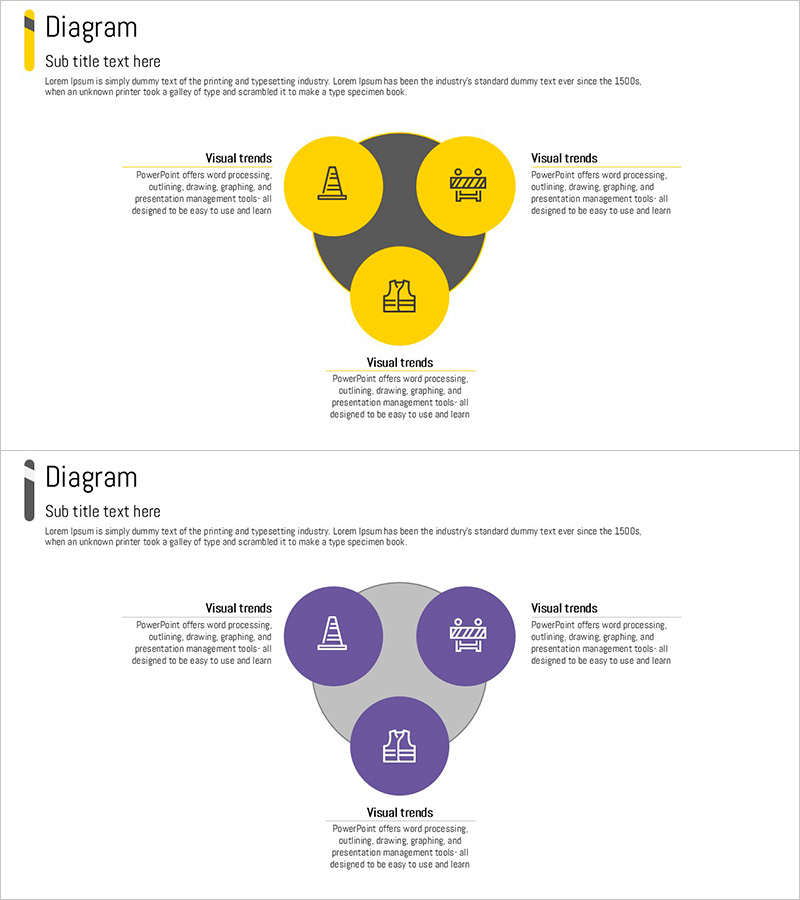
Diagram Slide for Safety Management System
RJ0900007_24
- Last Update 10/06/2025
- File Size 0.1MB
- # of Slides 2
- File Format PPTX
- Slide Ratio 16:9
- Color
Keywords
- #Content-Based Slides
- #Design-Based Slides
- #Business Vision and Strategy
- #Operational Plan
- #Diagram
- #Business Strategy
- #Production and Technology Development Strategy
- #Spread
- #Decentralized Diagram
- #16:9
- #radial diagram PowerPoint
- #safety management system slide
- #3-node diagram template
- #how to create radial diagram in PowerPoint
- #safety management PowerPoint slide download
About the Product
A radial diagram PowerPoint slide designed for safety management system presentations. The structure features a central core element with three nodes radiating outward, effectively illustrating key safety management areas such as policy, implementation, and evaluation. Available in yellow and purple color schemes, each node includes icons and text areas for immediate customization. This 16:9 format, 2-slide template is ideal for operational strategy presentations, business planning documents, and safety management training materials.
Usage Points
-
Main Usage
Visually communicate organizational safety management frameworks, operational strategies, and business plans. The radial structure with a central element and three surrounding nodes clearly conveys relationships and hierarchies between key areas, making it suitable for operational briefings, strategy meetings, and safety training presentations.
-
How to Use
Enter your core topic (e.g., Safety Management) in the central node. Fill the three surrounding nodes with key areas (Policy, Implementation, Evaluation, etc.). Customize icons and text to match your organization's context, then insert into presentations, business plans, or operational manuals.
-
Recommended For
Safety managers, operations directors, business planners, site supervisors, and training coordinators explaining organizational safety systems and operational strategies. Particularly valuable in manufacturing, construction, logistics, and other safety-critical industries.
-
Slide Structure
2-slide template featuring identical radial diagrams in different color schemes: first slide in yellow tones, second in purple tones. Each slide contains a central node with three radiating nodes connected by gray lines, icons in each node, and 'Visual trends' text areas. Provided in 16:9 aspect ratio.
Related Products
-
Concrete PPT Strategy Diagram
#Business Vision and Strategy #Operational Plan #Diagram
-
Exploring Three Network Solutions – Business Vision and Cluster Collaboration
#Business Vision and Strategy #Operational Plan #Diagram
-
3-Step Business Strategy Climbing Loop Diagram – Operations and Vision
#Business Vision and Strategy #Operational Plan #Diagram
-
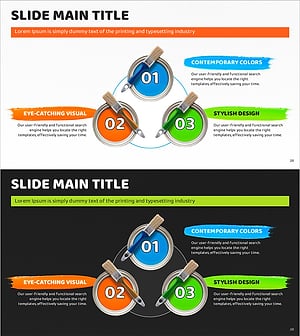
Paint 3set Diagram for Structuring Business Strategy
#Business Vision and Strategy #Operational Plan #Diagram
