



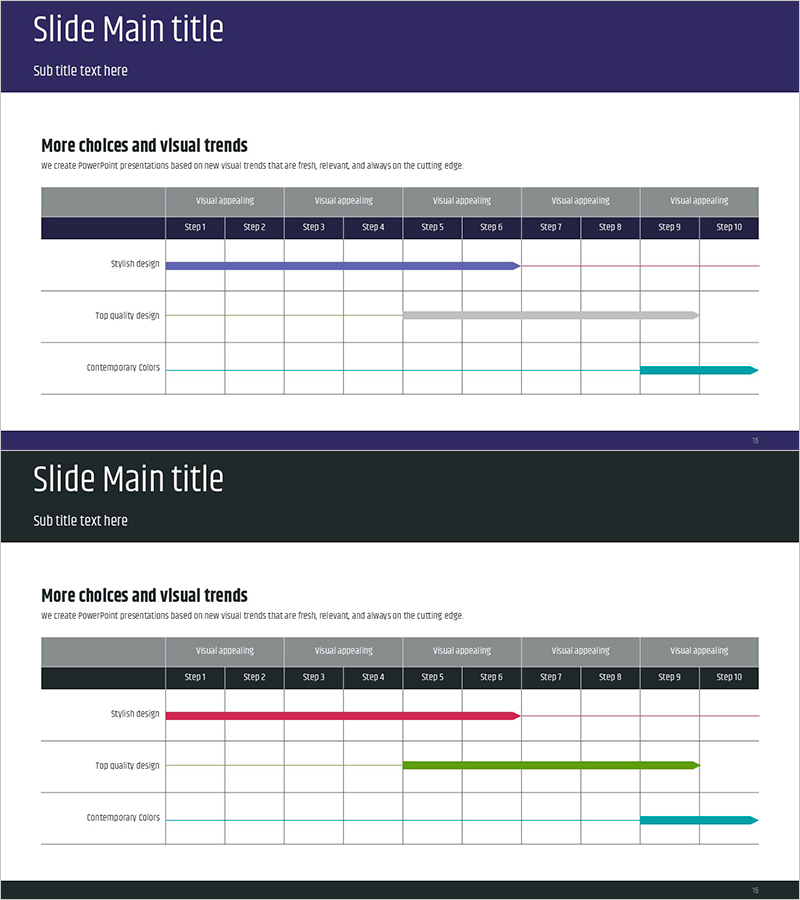
Simple Timeline Summary – An Efficient Business Planning Tool
RJ0900006_15
- Last Update 08/17/2025
- File Size 0.1MB
- # of Slides 2
- File Format PPTX
- Slide Ratio 16:9
- Color
Keywords
- #Content-Based Slides
- #Design-Based Slides
- #Business Strategy
- #Operational Plan
- #Diagram
- #Roadmap
- #Project Implementation Schedule
- #Table
- #Standard Table
- #16:9
- #timeline PowerPoint slide
- #horizontal bar chart template
- #business roadmap presentation
- #project schedule PPT
- #milestone diagram PowerPoint
- #Gantt-style timeline slide
About the Product
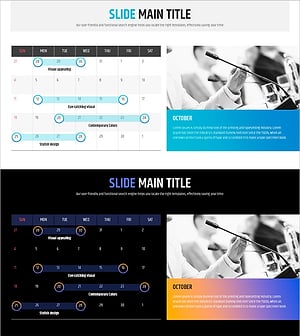
A horizontal bar timeline PowerPoint slide designed to visualize business execution strategies and operational plans. This presentation template displays 10 sequential project phases with color-coded bars, allowing stakeholders to instantly grasp the start and end points of each stage. The dark navy header contrasts with the light background for enhanced readability, while blue, gray, and teal bars distinguish different project components. The 16:9 format includes 2 slides ready for immediate use in presentations, and all elements are fully editable to accommodate various business scenarios including schedule management, milestone tracking, and project roadmaps.
Usage Points
-
Main Usage
Visualizes business execution timelines and project phases in sequential stages, enabling clear communication of overall implementation plans. The bar length and color coding represent duration and task type, improving schedule management efficiency and allowing stakeholders to intuitively understand project progress and milestones.
-
How to Use
Insert into the timeline or execution plan section of business proposals, strategy presentations, or operational reports. Adjust bar lengths to reflect actual schedules, modify colors to distinguish project types or departments, and edit text labels to input specific phase names and timeframes. All elements are fully customizable within PowerPoint.
-
Recommended For
Ideal for executives, project managers, planning teams, and marketing departments presenting business strategies, project management plans, organizational restructuring timelines, product launch schedules, and marketing campaign roadmaps. Particularly effective when communicating multi-phase implementation plans that require clear visual hierarchy.
-
Slide Structure
2-slide set with dark navy header (title area) and white content area on each slide. The content section features 3 horizontal bar sets (blue, gray, teal) representing 10 sequential phases. Each bar spans from start to end point, with phase labels on the left and a Step 1–10 timeline axis at the top, creating a clear Gantt-style visualization.
Related Products
-
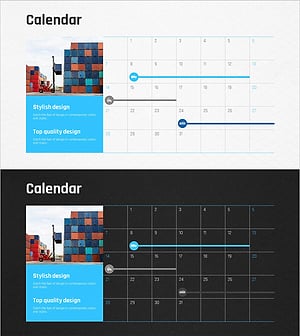
Logistics Industry Future Plan – Strategic Business Roadmap
#Business Strategy #Operational Plan #Diagram
-
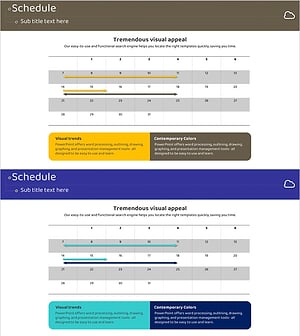
Business Promotion Schedule Roadmap – Effective Operational Plan
#Business Strategy #Operational Plan #Diagram
-
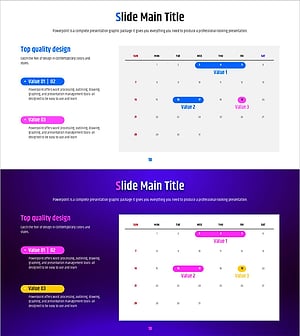
Geometric Pattern Wide PPT Table – Business Strategy and Operations Plan
#Business Strategy #Operational Plan #Diagram
-
Newspaper Wide PowerPoint Template Schedule – Business Strategy
#Business Strategy #Operational Plan #Diagram
