



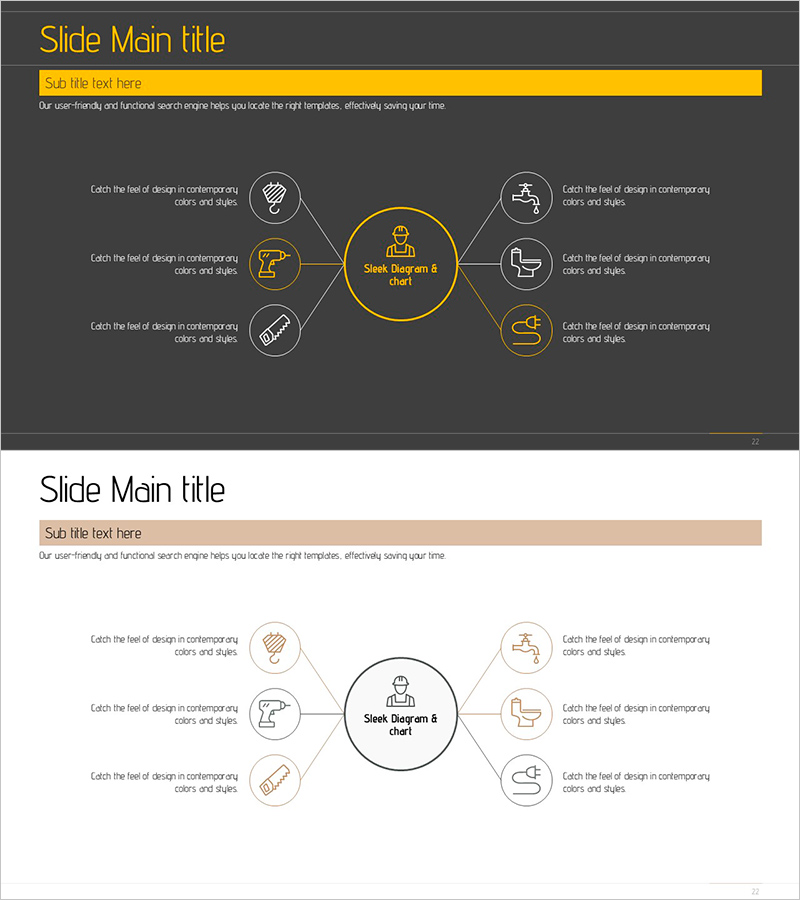
Visualizing the Field of Interior Technology – Service Diagram for Efficiency and Innovation
RJ0900004_21
- Last Update 08/16/2025
- File Size 0.4MB
- # of Slides 2
- File Format PPTX
- Slide Ratio 16:9
- Color
Keywords
- #Content-Based Slides
- #Design-Based Slides
- #Product/Service Introduction
- #Technical Approach
- #Diagram
- #Product/Service Introduction
- #Service Architecture Diagram
- #Spread
- #Centralized Diagram
- #16:9
- #radial diagram PowerPoint
- #center diagram slide template
- #service architecture diagram
- #6-node diagram
- #technology presentation slide
- #how to create radial diagram in PowerPoint
- #radial diagram slide download
About the Product
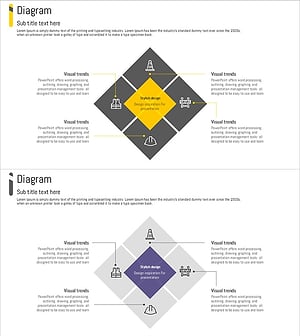
A radial center diagram PowerPoint slide that visualizes the service architecture of the interior technology field. The design features a central core icon surrounded by 6 related elements connected in a radial pattern, with each node containing an independent icon and text description area. Built on a dark gray background with gold accent colors and white connecting lines, it conveys technical expertise and professional credibility. Provided in two color versions (dark and light) to adapt to various presentation environments, and can be immediately customized with your own service items.
Usage Points
-
Main Usage
Presents core service elements and surrounding functions in a single visual using a radial center structure. Ideal for explaining service portfolios, business domains, and organizational functions in technology, IT solutions, consulting, and interior design sectors.
-
How to Use
Enter your core service name or brand in the central circle, then add detailed items and descriptions to the 6 surrounding nodes. Customize node icons to match your services, adjust text and background colors to align with your company branding, and complete your presentation material.
-
Recommended For
Suitable for technology company introductions, service presentations, business briefings, and investment pitch decks. Marketing teams, sales professionals, and business development managers in interior design, construction, IT, manufacturing, and consulting sectors can use this as a persuasive client presentation tool.
-
Slide Structure
2-slide set: Slide 1 features dark gray background with gold accent color version (central circle + 6 radial nodes + individual node icons + text areas); Slide 2 provides the light background version. Each node is independently editable, allowing easy adjustment of node count and icon replacement.
Related Products
-
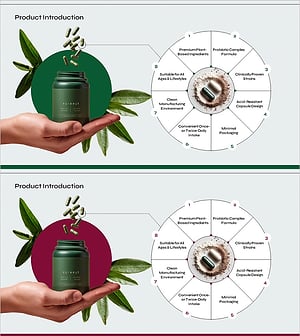
Product Feature and Ingredient Overview Content Slide
#Product/Service Introduction #Diagram #Product/Service Introduction
-
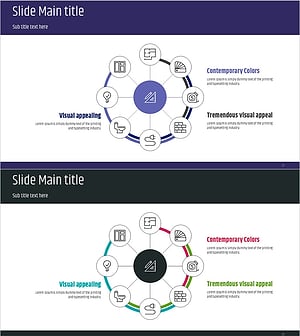
Design Systems and Key Points Diagram – Technical Section and Product Introduction
#Product/Service Introduction #Technical Approach #Diagram
-
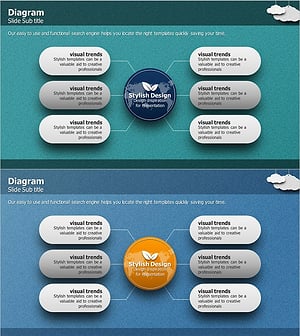
Global Service Characteristics Diagram – Effective Product Presentation
#Product/Service Introduction #Diagram #Product/Service Introduction
-
Safety Rules for Construction Site – Optimized Diagram for Risk Prevention
#Product/Service Introduction #Business Introduction #Diagram
