



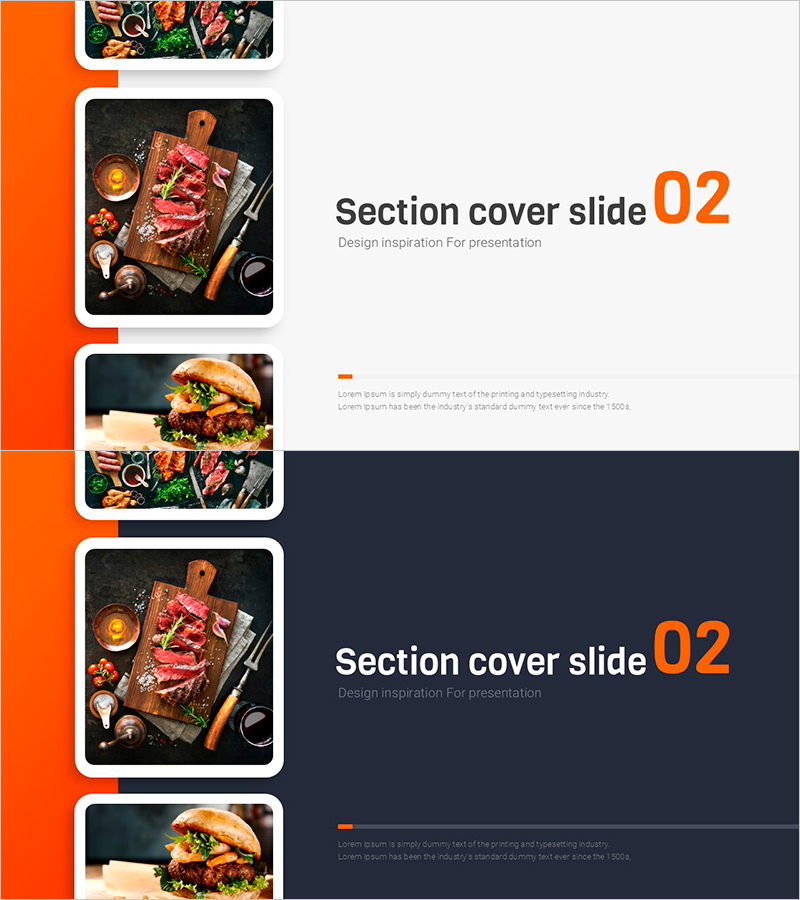
Food UI Wide PPT Section Cover 02 – Harmony of Flavor and Visuals
RJ0800051_14
- Last Update 08/14/2025
- File Size 1.6MB
- # of Slides 2
- File Format PPTX
- Slide Ratio 16:9
- Color
Keywords
About the Product
A 2-slide section divider set designed for food and culinary presentations. Features an orange-colored left sidebar with food imagery and a right-side text area for titles and subtitles in a widescreen 16:9 format. Includes both light and dark background versions to match your presentation style. Perfect for restaurants, food brands, culinary education, and food marketing pitches. High-resolution food photography combined with clean typography creates visual impact while reinforcing brand credibility. Fully editable text and customizable colors and images in PowerPoint.
Usage Points
-
Main Usage
Serve as visual section dividers in food, restaurant, and culinary presentations. The high-quality food imagery captures audience attention during topic transitions, while customizable section titles enhance presentation clarity and structure.
-
How to Use
Insert this section cover slide before each major section of your presentation to mark content transitions. Place relevant food photography in the left image area and add your section title and subtitle in the right text fields. Choose between light or dark background versions based on your overall presentation theme and color scheme.
-
Recommended For
Restaurant and cafe business presentations, food company product launches, culinary school and chef portfolio showcases, food marketing campaign proposals, food industry conferences, restaurant brand presentations, and hospitality industry pitches.
-
Slide Structure
Two-slide set with light background version and dark background version. Each slide uses a two-column layout: left orange sidebar (image area) and right text section. Contains three text input areas for title, subtitle, and descriptive content on each slide.
Related Products
-
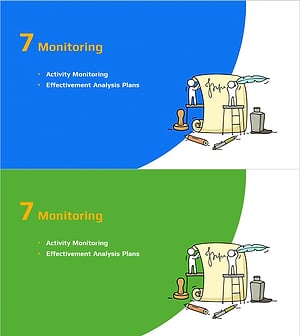
Idea Marketing Plan Template Section Slide
#Slide Type #Section Cover
-
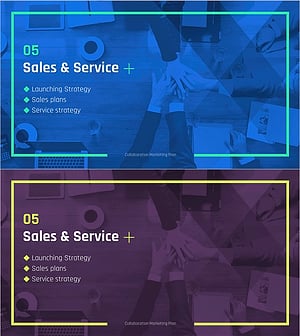
Collaboration Marketing Plan Template – Strategy and Service
#Slide Type #Section Cover
-
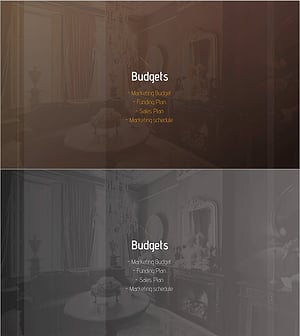
Luxury Hotel Marketing Plan Template Section Slide
#Slide Type #Section Cover
-
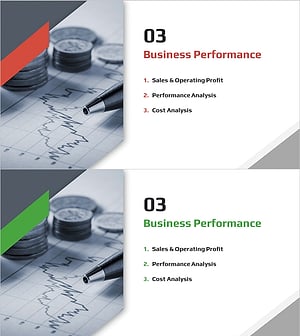
Diagonal Theme IR Template Section Slide – Emphasizing Business Performance
#Slide Type #Section Cover
