



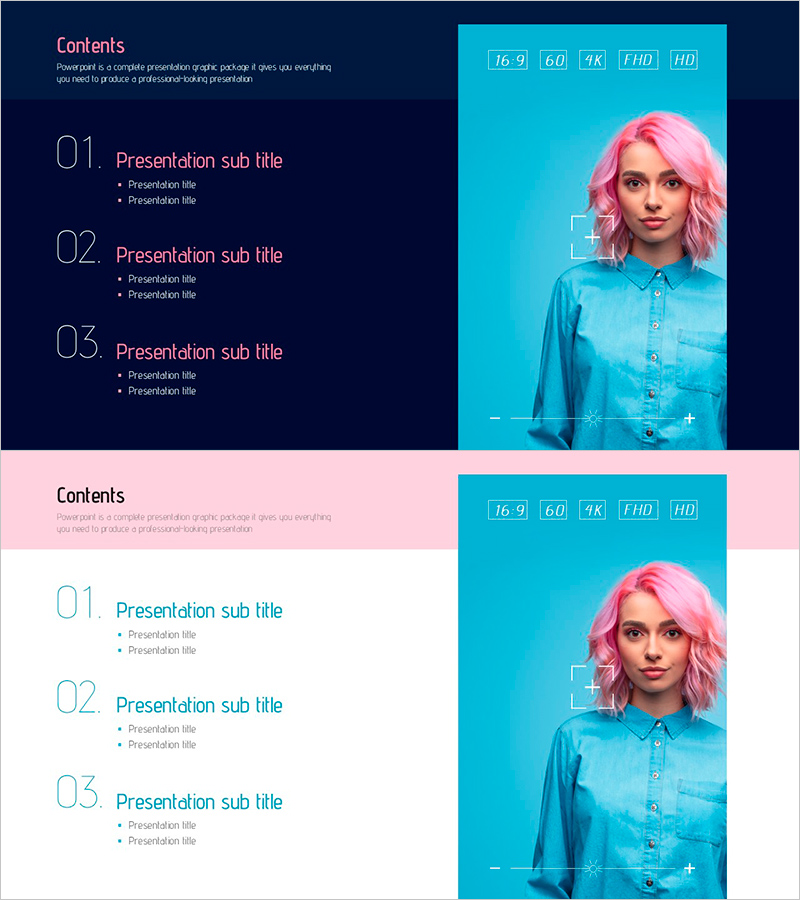
Vivid Camera App Wide Table of Contents – Fill Your Presentation with Visualization
RJ0800049_2
- Last Update 08/14/2025
- File Size 1.1MB
- # of Slides 2
- File Format PPTX
- Slide Ratio 16:9
- Color
Keywords
About the Product
This Vivid Camera App Wide Table of Contents slide features a sleek design with bold colors to effectively introduce your presentation. The top emphasizes the main topics while the bottom organizes subtitles and content visually, facilitating structured communication. The striking contrast of red, blue, and navy captures attention, and the clear layout is user-friendly. This slide is ideal for conferences, marketing meetings, and lecture materials, aiding in easy navigation of the slide flow.
Usage Points
-
Main Usage
- This template serves as a versatile tool for effective communication during corporate presentations and educational lectures, enabling presenters to convey their messages clearly and efficiently. It enhances audience engagement by presenting information in an organized manner, making it suitable for discussions on complex topics where clarity is crucial.
-
How to Use
- Utilize this template during workshops or brainstorming sessions where visual clarity is essential for understanding diverse ideas. By structuring content effectively, it supports collaborative efforts and helps participants stay focused on key points, especially when reviewing proposals or planning future initiatives.
-
Recommended For
- Ideal for professionals such as project managers or educators who need to present complex information succinctly. This template is well-suited for anyone who requires a visually appealing format to facilitate discussions, such as sales teams pitching new products or academic researchers sharing findings.
-
Slide Structure
- The overall layout is designed to guide the audience through the presentation logically, starting with main themes followed by detailed subtitles. This arrangement aids in maintaining the flow of information, ensuring that each segment builds on the previous one, which is particularly useful for project updates or strategic planning sessions.
Related Products
-
Table of Contents Slide with Person Turning Pages
#Slide Type #Table of Contents
-
Hot Air Balloon Rainbow Template Table of Contents
#Slide Type #Table of Contents
-
Writing Instrument Illustration Template – Table of Contents
#Slide Type #Table of Contents
-
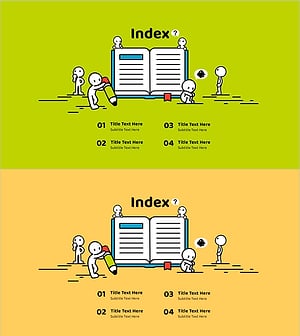
Illustration Education Template Index – Stimulating Creative Thinking
#Slide Type #Table of Contents
