



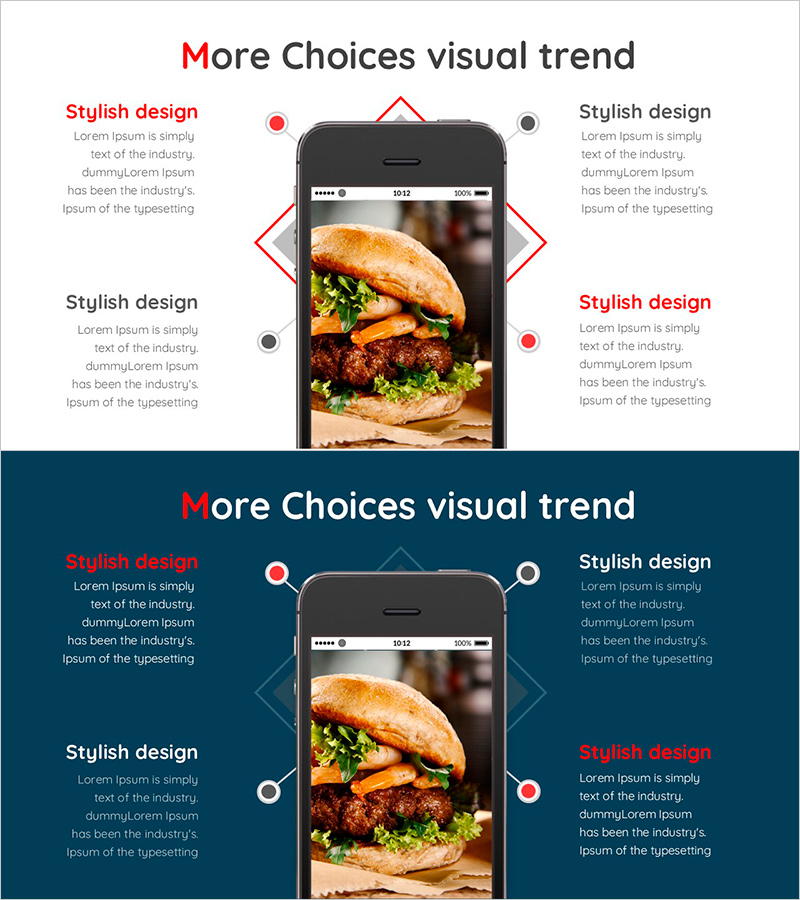
How to order Hamburger Mobile – Stylish Visual Trend
RJ0800046_16
- Last Update 08/13/2025
- File Size 0.4MB
- # of Slides 2
- File Format PPTX
- Slide Ratio 16:9
- Color
Keywords
- #Content-Based Slides
- #Design-Based Slides
- #Business Vision and Strategy
- #Technical Approach
- #Diagram
- #Other
- #Business Strategy
- #Service Implementation Plan
- #Spread
- #Centralized Diagram
- #16:9
- #radial diagram PowerPoint
- #4-direction flowchart slide
- #mobile process diagram
- #central image layout
- #how to create radial diagram in PowerPoint
- #radial structure slide template
About the Product
A radial diagram PowerPoint slide with a central smartphone image and four directional information flows extending upward, downward, left, and right. Red and gray circular nodes connected by diamond-framed lines create visual hierarchy and guide viewer attention. The layout is optimized for mobile app workflows, product feature explanations, service step-by-step processes, and multi-directional information presentation. Includes 2 slides in 16:9 format, fully editable with text and image placeholders.
Usage Points
-
Main Usage
Presents a central image (product, app interface, or service) with four directional explanations, features, or process steps radiating outward. Ideal for mobile ordering flows, app capability overviews, four-way product benefits, service journey mapping, and multi-directional information architecture.
-
How to Use
Insert product photo, app screenshot, or logo in the central smartphone frame. Add descriptions, step names, features, or benefits in the four surrounding text boxes. Use red nodes for primary information and gray nodes for secondary details to establish visual priority and guide audience focus.
-
Recommended For
Mobile app and service presentations, product usage tutorials, customer journey maps in marketing decks, solution architecture in sales proposals, multi-step process explanations in training materials. Particularly effective for fintech, food delivery, retail, and mobile commerce presentations.
-
Slide Structure
Central smartphone mockup with four directional nodes (2 red, 2 gray) connected via diamond-framed lines. Text boxes positioned adjacent to each node (50–80 characters per box). Two-slide set with white background (Slide 1) and dark blue background (Slide 2) for design flexibility.
Related Products
-
A Key Strategy for Sports Games – Vision for Diverse Game Styles
#Product/Service Introduction #Business Vision and Strategy #Diagram
-
Network Solution Demonstrated on Tablet – Stylish Design
#Business Vision and Strategy #Diagram #Other
-
Renewable Energy Business Strategy Circulation Diagram - Green Mint
#Business Vision and Strategy #Technical Approach #Diagram
-
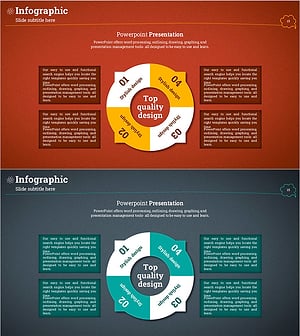
Circular Diffusion Infographic – Visualization of Business Strategy
#Business Vision and Strategy #Technical Approach #Diagram
