



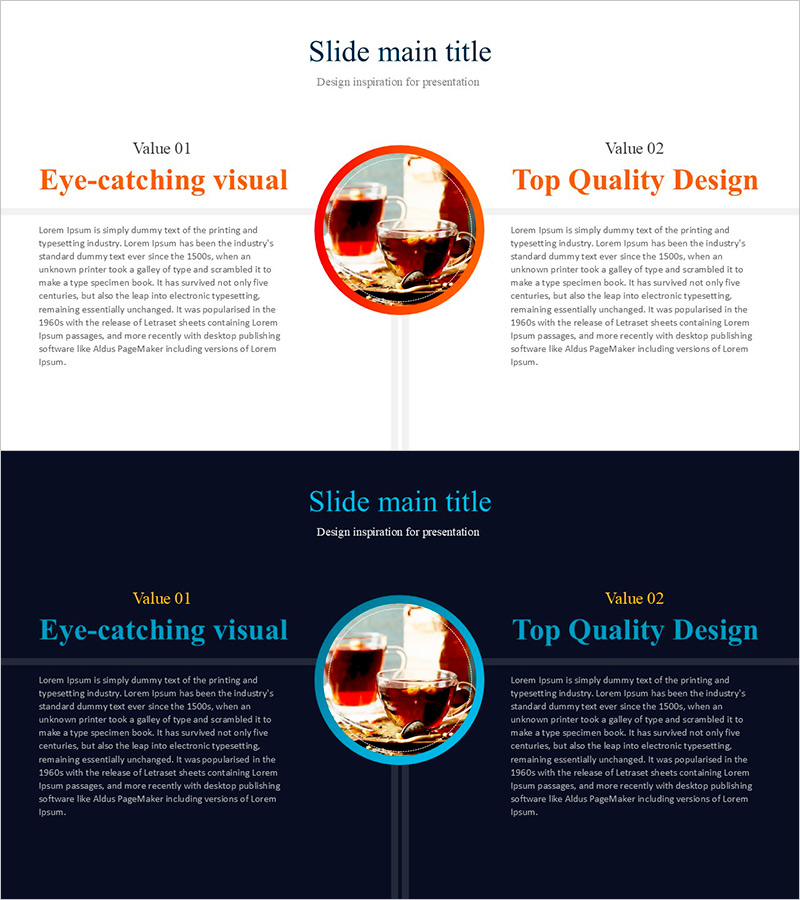
Diagram Slide Visualizing How to Drink Herbal Tea
RJ0800032_27
- Last Update 08/09/2025
- File Size 2.5MB
- # of Slides 2
- File Format PPTX
- Slide Ratio 16:9
- Color
Keywords
About the Product
A PowerPoint slide that visually compares and analyzes future directions using a two-column layout. Value 01 and Value 02 are contrasted side by side, with a circular image element in the center providing visual focus. Clear color differentiation between orange and blue tones intuitively expresses two directional strategies, while each section offers ample space for title, subtitle, and body text input. This presentation slide is ideal for showcasing business vision, technology development roadmaps, product improvement strategies, and other forward-looking plans.
Usage Points
-
Main Usage
Present future business vision, technology development direction, or product improvement strategy using a clear left-right comparison structure. Effectively compare two alternatives or strategic directions simultaneously, and support decision-making by visually presenting choices to stakeholders.
-
How to Use
Enter the first direction's title and description in the left Value 01 section, and the second strategic direction in the right Value 02 section. Insert key visual elements (product images, icons, charts) in the central circular frame to represent the connection or commonality between the two directions.
-
Recommended For
Suitable for executive briefings, strategy meetings, product development team presentations, and investor pitch decks where future plans must be presented. Particularly useful in technology, business strategy, and marketing discussions when objectively comparing two alternative directions.
-
Slide Structure
The slide consists of a title area at the top, two-column body sections on left and right, and a central image area. Each column contains a Value label, title (highlighted in orange or blue), subtitle, and body text input space. The circular frame in the center is designed for image or icon insertion.
Related Products
-
Introduce Your Signature Tea - Innovative Product Vision
#Product/Service Introduction #Business Vision and Strategy #Diagram
-
Column on Food Distribution1 - Visualizing Business Background and Necessity
#Business Introduction #Business Vision and Strategy #Diagram
-
Visualizing Evidence of Trial Documents in PowerPoint Slides
#Business Vision and Strategy #Operational Plan #Other
-
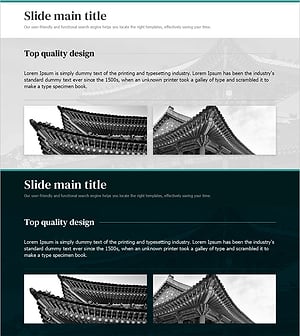
PowerPoint Template Showcasing the Beauty of Traditional Architecture
#Product/Service Introduction #Business Vision and Strategy #Features
