



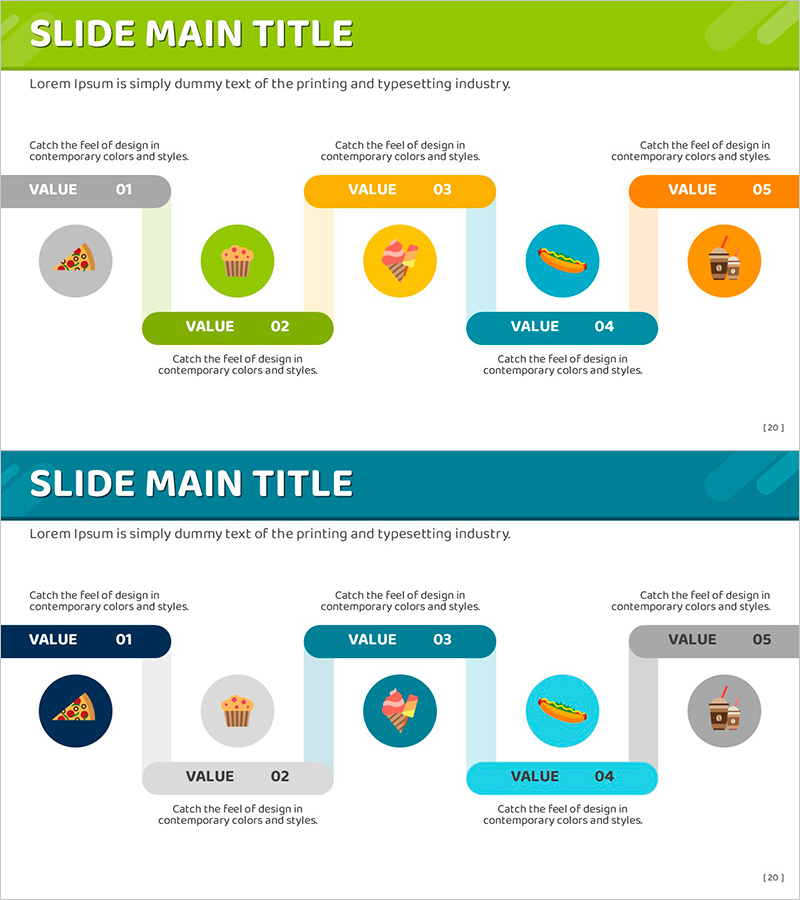
Snack Connection Diagram – Business Strategy
RJ0800013_19
- Last Update 08/03/2025
- File Size 0.4MB
- # of Slides 2
- File Format PPTX
- Slide Ratio 16:9
- Color
Keywords
- #Content-Based Slides
- #Design-Based Slides
- #Business Strategy
- #Technical Approach
- #Diagram
- #Production Plan
- #Service Configuration Plan
- #Cluster
- #Chain Diagram
- #16:9
- #connection diagram PowerPoint
- #business strategy presentation slide
- #5-node relationship diagram
- #business execution strategy diagram
- #marketing plan visualization PPT
About the Product
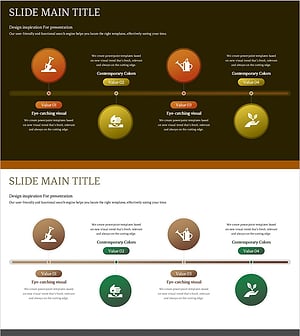
A 5-node connection diagram PowerPoint slide designed to visualize business strategy and marketing planning. Five circular nodes are arranged in a central and peripheral layout, distinguished by lime, green, orange, teal, and gray colors to clearly express relationships and flows between elements. The 2-slide set includes a lime background version and a teal background version, allowing you to select the tone that matches your presentation. Each node features an icon area and text input field, enabling immediate editing for product introductions, marketing strategies, business plans, and other business content.
Usage Points
-
Main Usage
A visualization tool for business execution strategies, marketing plans, and product introductions that displays the connection relationships and flows between multiple elements at a glance. With clearly distinguished nodes, it enhances audience comprehension and conveys complex business processes in a simple and intuitive manner.
-
How to Use
Edit the icons and text in each circular node to match your content. The lime background version suits bright and positive presentations, while the teal background version is ideal for trustworthy corporate presentations. You can customize the number of nodes to match your strategy elements by reducing or adding nodes.
-
Recommended For
Marketing managers, business planners, executives preparing reports, startup pitch presenters, product launch presentation leads, and other professionals who need to convey business strategies and execution plans persuasively.
-
Slide Structure
2-slide set. The top slide features a lime background with 5 circular nodes (gray, green, orange, teal, orange) arranged in a central and peripheral layout. The bottom slide has a teal background with the same 5-node arrangement. Each node includes an icon area and text input field, with connecting lines between nodes expressing relationships.
Related Products
-
Business Support Plan for Agricultural Development – Cluster Diagram
#Business Strategy #Operational Plan #Diagram
-
Fruit and Puzzle Diagram – Visualizing Business Strategies
#Business Strategy #Business Management #Diagram
-
Gardening System Diagram – Optimizing Business Strategy Composition
#Business Strategy #Technical Approach #Diagram
-
Gardening Process Diagram – Eco-Friendly Operational Strategy
#Business Strategy #Operational Plan #Diagram
