Wedding Flower Template Ending – Thank You
RJ0800011_30
- Last Update 08/03/2025
- File Size 0.7MB
- # of Slides 2
- File Format PPTX
- Slide Ratio 16:9
- Color
Keywords
About the Product
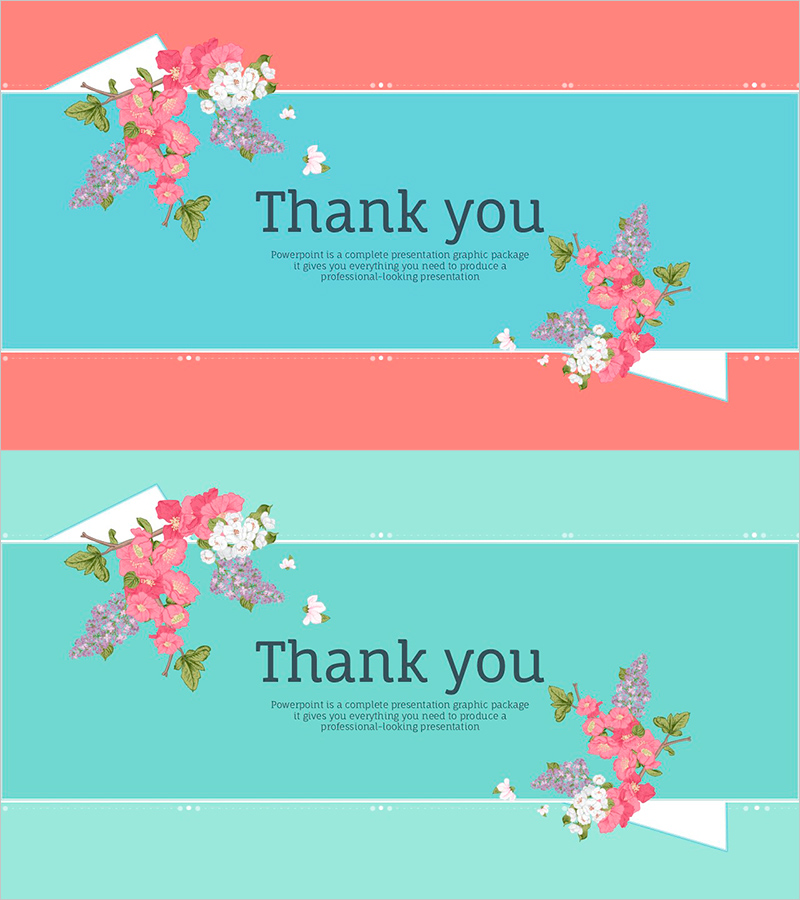
A closing slide set designed for weddings, events, and appreciation presentations. This PowerPoint template features two slides with pink flowers and turquoise backgrounds that create a harmonious visual composition. The layout is text-focused and minimalist, with floral illustrations positioned at the top and bottom to provide visual interest. The slide deck is optimized for delivering gratitude messages and leaving a positive final impression on your audience. Perfect for presentations requiring an elegant closing statement.
Usage Points
-
Main Usage
Provides a graceful closing to your presentation by expressing gratitude to your audience. Ideal for weddings, corporate events, seminars, and any presentation where a heartfelt thank you message is needed to create a memorable final impression.
-
How to Use
Insert these slides at the end of your presentation to deliver your closing remarks. Customize the text areas with your gratitude message, contact information, or website details. The two-slide format allows flexibility for different closing variations and messaging options.
-
Recommended For
Wedding presentations, event slideshows, corporate seminars, product launches, and any professional setting requiring a graceful closing. Particularly suited for female-focused presentations, emotionally resonant events, and occasions where a positive, memorable conclusion is desired.
-
Slide Structure
Two-slide composition with floral illustrations positioned symmetrically at top and bottom. Central text area features 'Thank you' heading with space for descriptive message. Turquoise background with pink, lavender, and white flowers creates balanced, visually appealing layout.