



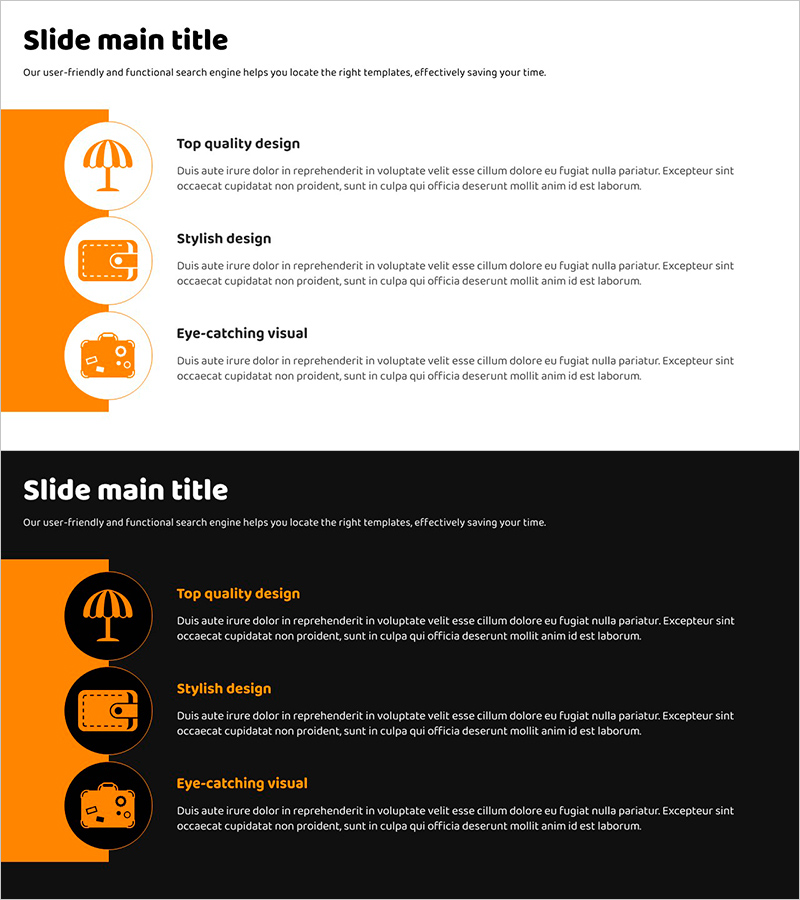
Itemized Analysis Text Box Slide – Effective Information Organization
RJ0600100_15
- Last Update 07/18/2025
- File Size 0.4MB
- # of Slides 2
- File Format PPTX
- Slide Ratio 16:9
- Color
Keywords
About the Product
A professional PowerPoint slide featuring three circular text boxes for organizing and comparing item-by-item analysis content. The design includes an orange accent bar on the left with white circular frames positioned to highlight each item's key information. The layout consists of a title area at the top and three independent text input spaces, making it ideal for information comparison, analysis, and explanation. Two versions are included—one with a light background and one with a dark background—allowing you to choose based on your presentation environment. Icons (umbrella, wallet, suitcase) visually represent each item's meaning, and the slide is ready to edit and use immediately.
Usage Points
-
Main Usage
Use this slide when presenting three items with equal emphasis on their characteristics, advantages, or analysis results. The independent circular text boxes are visually connected, clearly conveying relationships between items. Enter your analysis topic in the title area and fill each text box with the item's key content.
-
How to Use
Open the slide and enter your analysis topic in the title. Replace the text within each circular text box with descriptions of your three items, and swap icons if needed. Use the light background version for daytime presentations and printing, and the dark background for evening presentations or projector environments.
-
Recommended For
Ideal for marketing strategy presentations (target audience analysis), product introductions (key features), business plans (three-step implementation strategy), educational materials (three learning objectives), and consulting reports (three improvement recommendations).
-
Slide Structure
Two-slide layout: Slide 1 features a light background (white/light gray) with an orange left accent bar and three circular text boxes; Slide 2 uses a black background with identical layout. Each circle contains a white icon and text input area. 16:9 widescreen format optimized for modern presentation environments.
Related Products
-
Science Lab Break Time – Smart Text Design
#Text Box #Hexagon Text Box
-
Pink Blue Business Intro – Stylish Design
#Slide Type #Text Box #Intro
-
How to Enjoy Leisure Time While Traveling – Modern Design Relaxation
#Product/Service Introduction #Diagram #Text Box
-
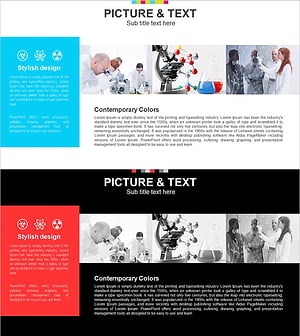
Overview of Successful Scientific Experiments Slide - Modern Design
#Company Introduction #Text Box #Company Overview
