



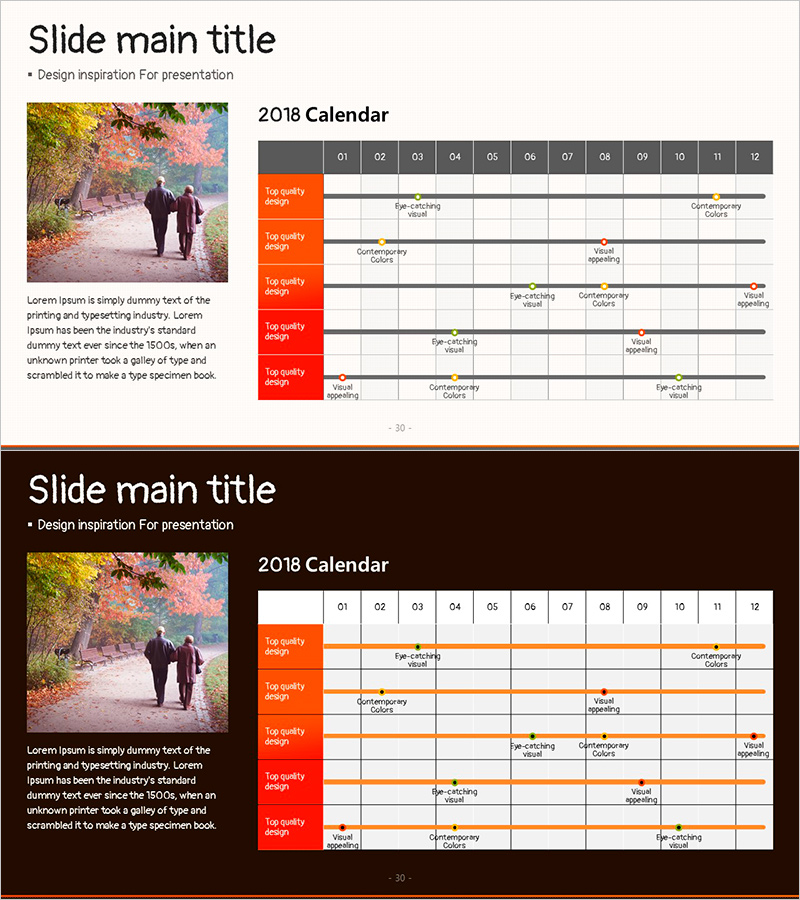
Autumn Schedule Slide for Project Timeline Planning
RJ0600097_29
- Last Update 07/17/2025
- File Size 4.7MB
- # of Slides 2
- File Format PPTX
- Slide Ratio 16:9
- Color
Keywords
About the Product
A professional project timeline PowerPoint slide for managing business schedules across 12 months with a Gantt-style horizontal bar chart. This 2-slide set offers both light and dark background design options, featuring 5 project rows with orange accent labels and gray month dividers (01–12). The layout clearly visualizes project phases, campaign timelines, and milestone schedules for business proposals, project reports, and management presentations. Fully editable text fields allow you to input actual project names and dates, making it ready for immediate use in business planning, marketing campaign tracking, and operational reporting.
Usage Points
-
Main Usage
Visualize project timelines and business schedules across 12 months to communicate project phases, milestones, and deadlines to stakeholders. Serves as a key visual element in business plans, project proposals, and executive reports for the strategy and timeline sections.
-
How to Use
Enter project names, campaign titles, or task descriptions in the 5 orange label fields on the left. Adjust the horizontal bars to represent start and end dates within the 12-month timeline. Choose the light background for bright presentations or the dark background for modern dark-themed decks to maintain visual consistency.
-
Recommended For
Project managers, business analysts, marketing directors, and operations teams presenting to executives, clients, or internal stakeholders. Ideal for board meetings, client pitches, quarterly reviews, and team planning sessions where multiple concurrent projects need clear timeline visualization.
-
Slide Structure
Layout includes a title area, left-side image placeholder, and right-side 12-month timeline grid. Five project rows each contain an orange accent label on the left and a horizontal bar extending across the month columns. The gray month headers (01–12) provide clear period divisions, with 5 fully editable text input areas for project names and flexible bar positioning for accurate schedule representation.
Related Products
-
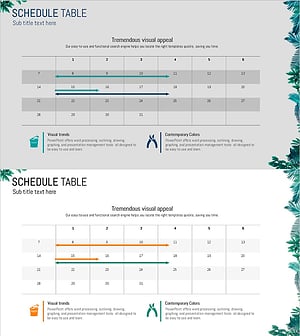
Botanic Garden Wide PowerPoint Table – Business Management and Operational Planning
#Business Management #Operational Plan #Diagram
-
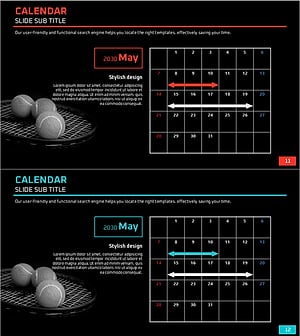
Tennis Schedule – Efficient Management and Planning
#Business Management #Diagram #Implementation Plan
-
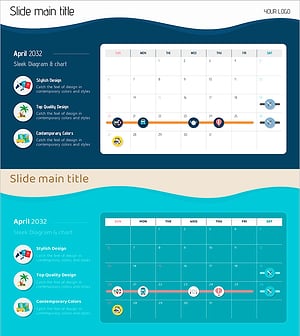
Summer Holiday Schedule – Business Operation Plan
#Business Management #Operational Plan #Diagram
-
Environmental Protection Schedule – A Diagram for Business Management Efficiency
#Business Management #Diagram #Implementation Schedule
