



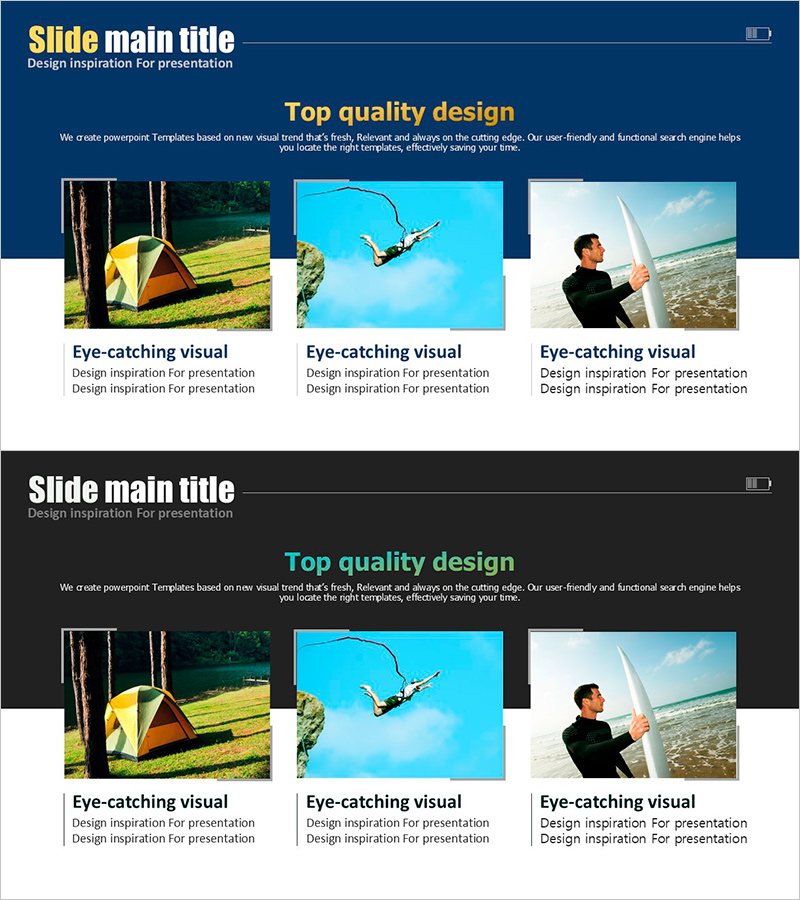
Activity Types of Activities – Slides Featuring Various Experiences
RJ0600092_21
- Last Update 07/15/2025
- File Size 6.6MB
- # of Slides 2
- File Format PPTX
- Slide Ratio 16:9
- Color
Keywords
About the Product
A 2-slide PowerPoint presentation designed to showcase diverse experience activities with visual impact. Features a dark navy background with golden yellow titles and three bright activity images arranged in a balanced three-column layout. Each image includes a text area below for activity descriptions, making it easy to customize for your program. The 16:9 widescreen format ensures compatibility with modern presentation systems. Perfect for tourism agencies, educational institutions, experience centers, and leisure companies introducing multiple activities or program options.
Usage Points
-
Main Usage
Present multiple experience activities or program options in a visually compelling way. The three-image layout allows you to highlight different activities simultaneously, helping audiences quickly understand the variety and appeal of your program offerings.
-
How to Use
Enter your program name or section title in the golden yellow header area. Insert activity photos into the three image spaces, then add activity names and descriptions in the text boxes below each image. Works well for tourism presentations, educational program introductions, and experience center promotions.
-
Recommended For
Tourism companies, travel agencies, educational institutions, experience centers, cultural facilities, and activity coordinators who need to present multiple program options. Ideal when you want to emphasize program diversity and appeal to decision-makers or potential participants.
-
Slide Structure
Two-slide set with navy background. Each slide features a golden yellow title area at the top, three evenly-spaced image placeholders in the center, and text description areas below each image. The balanced three-column layout and dark background make images stand out while maintaining professional readability.
Related Products
-
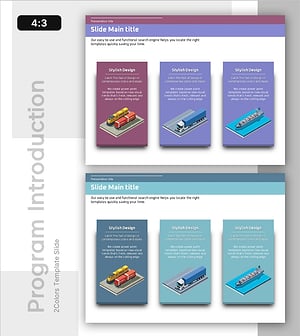
Features of Trade Vehicles – Product Introduction Slide
#Product/Service Introduction #Diagram #Product/Service Introduction
-
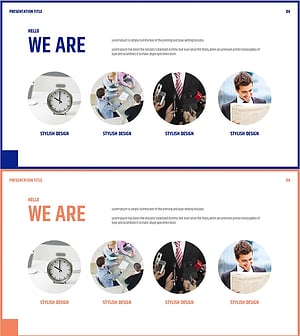
Business Program Introduction Diagram
#Product/Service Introduction #Diagram #Product/Service Introduction
-
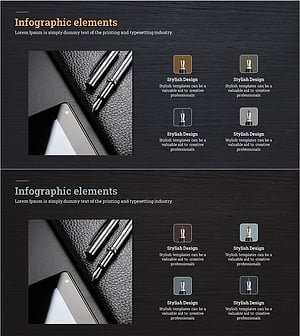
Fountain Pen Product Overview – Stylish Design
#Product/Service Introduction #Diagram #Product/Service Introduction
-
Introduction to Development Drug Slide – Visual Trends
#Product/Service Introduction #Diagram #Product/Service Introduction
