



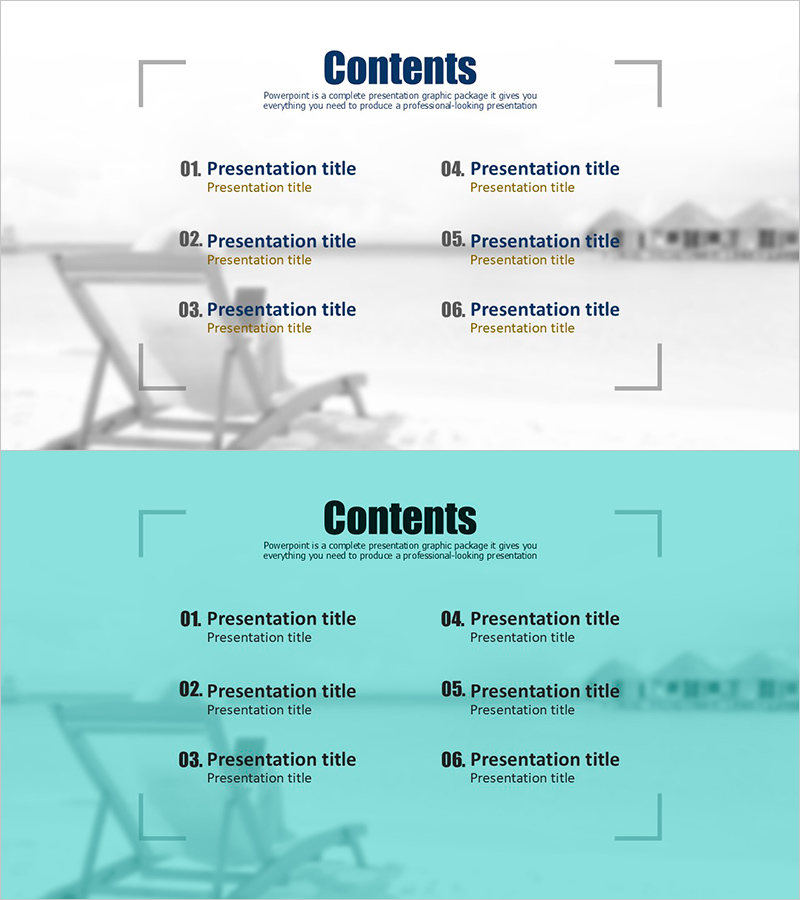
Table of Contents Slide for Frame Templates
RJ0600092_2
- Last Update 07/15/2025
- File Size 0.4MB
- # of Slides 2
- File Format PPTX
- Slide Ratio 16:9
- Color
Keywords
About the Product
A professional table of contents PowerPoint slide that clearly presents your presentation structure to the audience. Featuring a two-tone background combining navy blue and light tones, this slide arranges six content sections in a two-column layout for easy navigation. Each section includes dedicated input areas for numbering, title, and subtitle, making it instantly applicable to business documents such as business plans, proposals, and company profiles. Provided in 16:9 widescreen PPTX format, you can customize it to match your presentation content with simple text editing.
Usage Points
-
Main Usage
This slide serves as the table of contents page that previews your entire presentation structure to the audience. The contrast between navy blue and light tones creates clear visual distinction, while the balanced six-section layout presents all topics with equal importance.
-
How to Use
Open the slide and replace each 'Presentation title' text with your actual section names. Add key content descriptions in the subtitle areas. Keep the existing color scheme and typography while editing only the text content for quick completion.
-
Recommended For
Ideal for professionals including business planners, marketers, sales executives, and management who need a contents page for business presentations such as business plans, proposals, company profiles, marketing strategies, and investor pitch decks.
-
Slide Structure
Two-slide set with a header section containing 'Contents' title and descriptive text, followed by six items arranged in two columns (three on left, three on right). Each item features three-level text input areas: number (01-06), title, and subtitle for hierarchical information delivery.
Related Products
-
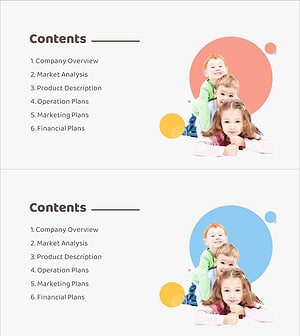
Baby Products Business Plan Template Contents
#Slide Type #Table of Contents
-
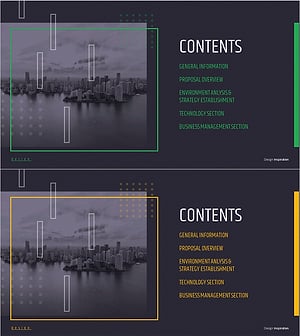
Modern City Theme Proposal Contents
#Slide Type #Table of Contents
-
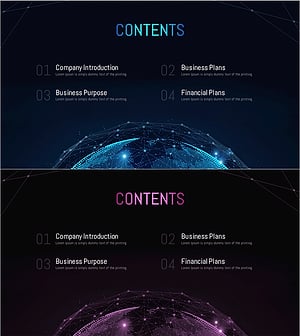
Global Investment Attraction Template Contents – Professionalism and Innovation
#Slide Type #Table of Contents
-
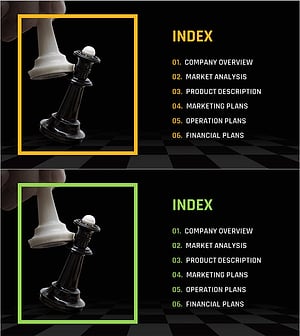
Chess Themed Business Strategy Template Contents
#Slide Type #Table of Contents
