



Visualizing Awards and Achievements in PowerPoint – Outstanding Presentation Design
RJ0600082_9
- Last Update 07/12/2025
- File Size 2MB
- # of Slides 2
- File Format PPTX
- Slide Ratio 16:9
- Color
Keywords
- #Content-Based Slides
- #Design-Based Slides
- #Company Introduction
- #Business Strategy
- #Other
- #Awards and Certifications, and Patents
- #Achievements
- #Mockup
- #16:9
- #awards mockup PowerPoint slide
- #certificate layout presentation
- #how to showcase achievements in PowerPoint
- #company profile awards slide
- #3-tier mockup design
About the Product
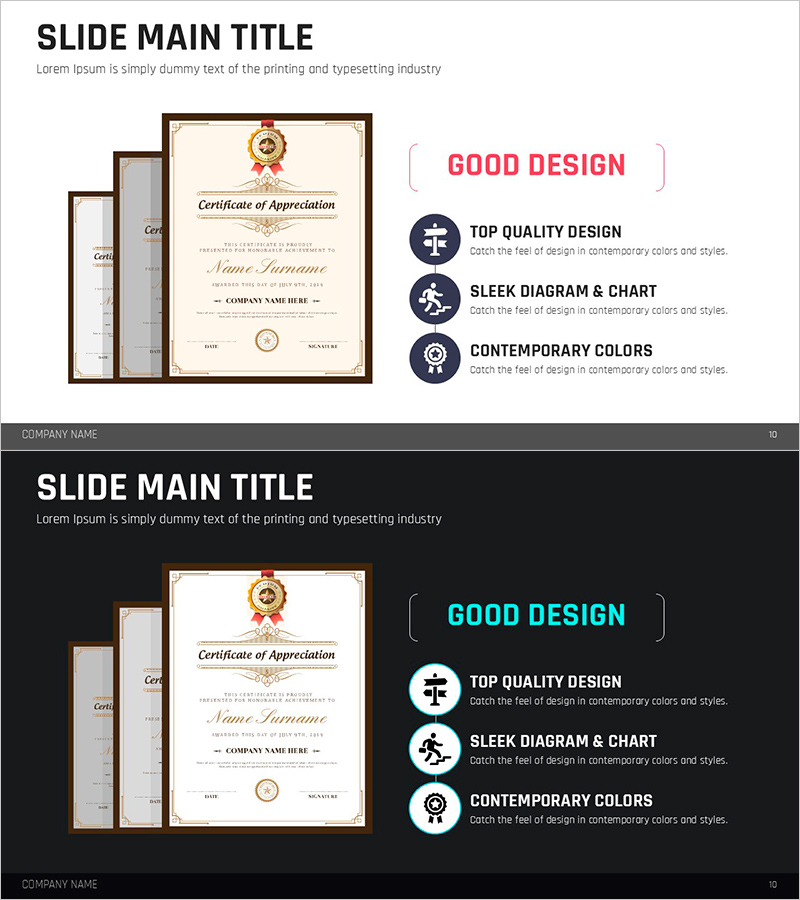
A 2-slide PowerPoint presentation designed to showcase corporate awards, certifications, and achievements through visual mockup layouts. The slide features three overlapping certificate mockups arranged in a cascading 3-tier hierarchy on the left side, set against a warm beige and cream background with gold borders and ribbon accents that convey trust and professionalism. The right side displays a 'GOOD DESIGN' heading with three icon-based feature points (TOP QUALITY DESIGN, SLEEK DIAGRAM & CHART, CONTEMPORARY COLORS), creating a balanced composition ideal for company profile presentations and business strategy pitches. Available in 16:9 widescreen PPTX format, fully editable for immediate use.
Usage Points
-
Main Usage
This slide effectively visualizes corporate awards, certifications, and professional achievements through a stacked mockup layout. The cascading certificate arrangement demonstrates multiple accolades at a glance, while the accompanying icon list on the right reinforces key corporate values such as quality, design excellence, and contemporary aesthetics.
-
How to Use
Integrate this slide into the 'Awards & Certifications' or 'Company Credentials' section of company presentations, investor pitches, or business proposals. Replace the certificate mockup areas with actual award images or certification documents, and customize the right-side icon text to reflect your organization's core differentiators. Ideal for establishing credibility with investors and business partners.
-
Recommended For
Perfect for company introductions, investor relations presentations, and business proposals where corporate credibility and professional achievements are key selling points. Recommended for organizations with multiple certifications or awards, including startups, manufacturing firms, service providers, and quality-focused enterprises seeking to differentiate themselves.
-
Slide Structure
The 2-slide set features a balanced layout with a left-side mockup zone containing three editable certificate image placeholders arranged in a 3-tier cascading pattern, and a right-side information zone with one headline ('GOOD DESIGN') and three icon-labeled feature points. The beige, cream, and gold color palette is complemented by dark blue icons, optimized for 16:9 widescreen display.
Related Products
-
Outstanding Papers and Awards PowerPoint Slide – Focus on Achievements
#Company Introduction #Business Strategy #Other
-

Introduction of Patents and Technologies Slide – Innovation and Achievement
#Company Introduction #Other #Awards and Certifications, and Patents
-
Winner Trophy Slide – Emphasizing Achievements and Certifications
#Company Introduction #Business Strategy #Awards and Certifications, and Patents
-

Exclusive Technical Differentiation Diagram – Design Emphasizing Certificates and Awards
#Company Introduction #Diagram #Other
