



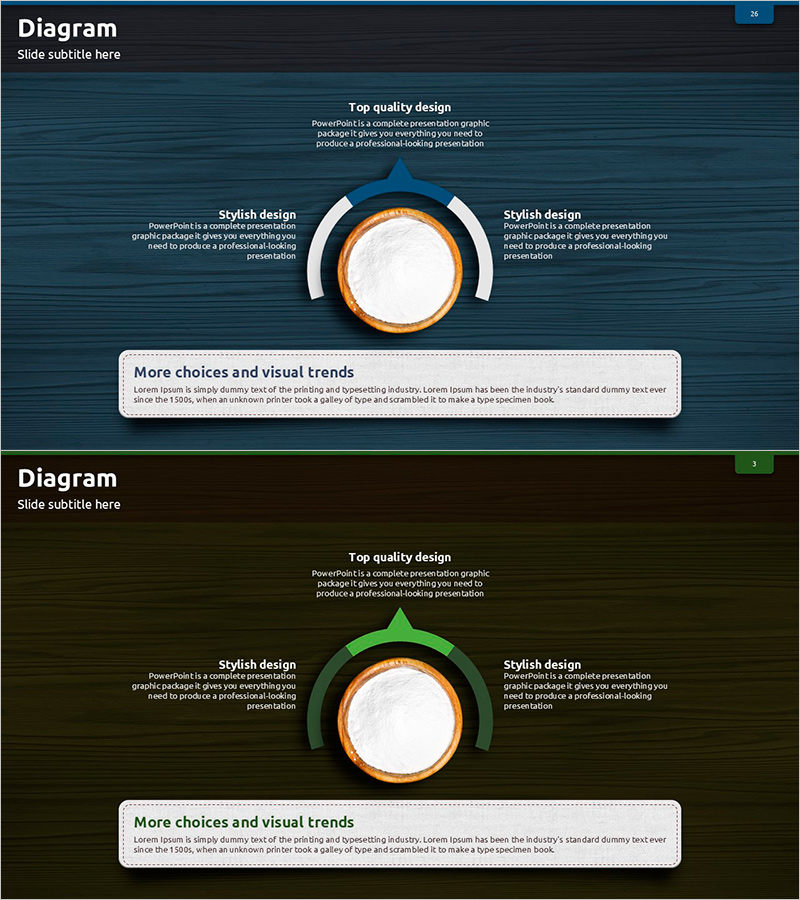
Creative Diagram Slide for How to Use Flour
RJ0600069_25
- Last Update 07/08/2025
- File Size 4.7MB
- # of Slides 2
- File Format PPTX
- Slide Ratio 16:9
- Color
Keywords
- #Content-Based Slides
- #Design-Based Slides
- #Product/Service Introduction
- #Technical Approach
- #Diagram
- #Differentiation Strategy for Products/Services
- #Service Configuration Plan
- #Spread
- #Radial Diagram
- #16:9
- #radial diagram PowerPoint
- #hub-and-spoke slide template
- #3-direction diagram
- #product introduction PPT slide
- #technical explanation presentation
About the Product
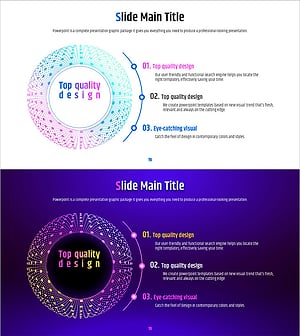
A radial diagram PowerPoint slide featuring a central hub node extending in three directions. The design uses orange and white color contrast to clearly distinguish the core concept from supporting details. The 2-slide set includes a title area at the top, a central circular node, and text boxes positioned left, right, and top for describing product features, technical components, or application methods. Formatted in 16:9 widescreen PPTX, it is ready for immediate editing and ideal for business presentations, technical explanations, and service introductions.
Usage Points
-
Main Usage
Visualizes information structures that radiate from a central concept into three main branches. Effectively presents product features, technical layers, application domains, or multiple perspectives derived from a single core theme in a hierarchical manner.
-
How to Use
Enter the main topic in the title area at the top. Place the core concept in the central circular node. Fill the left, right, and top text boxes with supporting details to complete the three-direction radial structure. Adjust colors and text sizes to control emphasis levels.
-
Recommended For
Recommended for product brochures, technical documentation, service proposals, and marketing strategy presentations. Particularly useful when explaining multiple benefits derived from a core value, technical stack layers, or key business model components.
-
Slide Structure
2-slide set. Each slide features a title area, a central circular node with orange border and white fill, and text boxes (white background with dotted borders) positioned left, right, and top. Dark blue background with white typography creates strong contrast. Relationships are expressed through node positioning rather than arrows.
Related Products
-
Main Marketing Activities for Camping Business – Visually Appealing Infographic
#Product/Service Introduction #Marketing Plan and Strategy #Diagram
-
Business Differentiation Strategy by Sector – Keys to Success in the Market
#Product/Service Introduction #Marketing Plan and Strategy #Diagram
-
Watercolor Butterfly Diagram Business Process – A Guide for Flexible Business Structuring
#Product/Service Introduction #Technical Approach #Diagram
-
Visualizing Work Process with Geometric Pattern Wide Diagram
#Product/Service Introduction #Operational Plan #Diagram
