



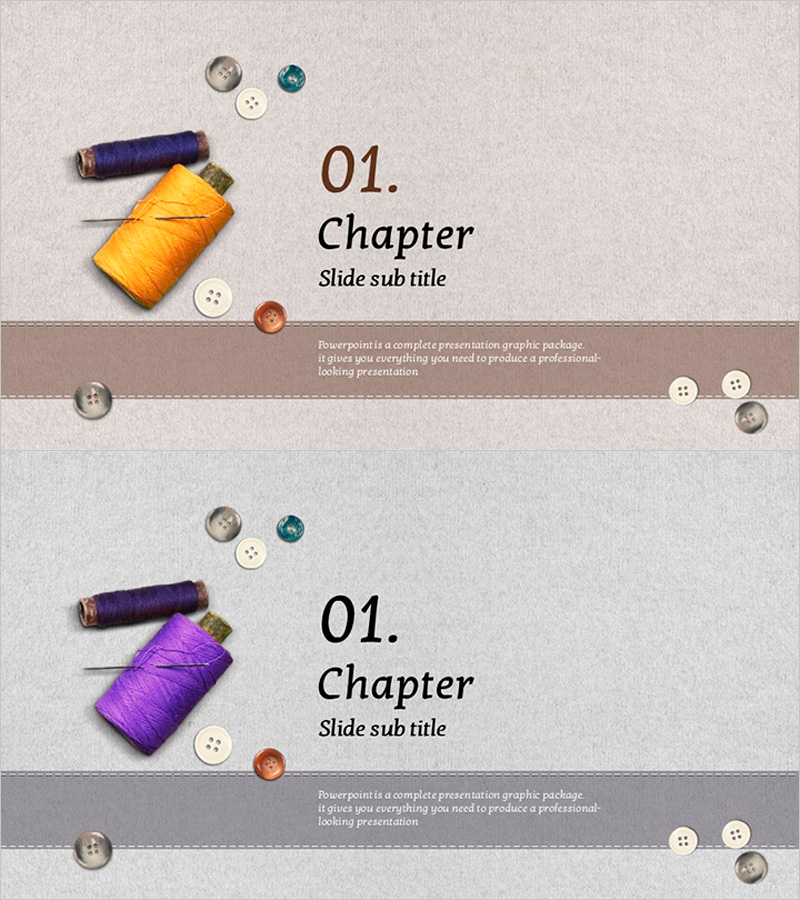
Fashion Button Template Chapter – Stylish Introduction
RJ0600059_3
- Last Update 07/06/2025
- File Size 4.5MB
- # of Slides 2
- File Format PPTX
- Slide Ratio 16:9
- Color
Keywords
About the Product
A chapter divider PowerPoint slide set designed for fashion and apparel industry presentations. The beige-toned background features colorful thread and button props, effectively conveying the aesthetic of fashion brands. The 2-slide composition includes dedicated text areas for chapter titles and subtitles, optimized for modern 16:9 widescreen presentations. This PPT slide is ideal for fashion shows, product introductions, brand storytelling, and various presentation section breaks in the fashion industry.
Usage Points
-
Main Usage
This chapter divider slide serves as a visual transition tool for fashion and apparel presentations, clearly marking section breaks and maintaining audience engagement. It effectively introduces new sections such as product launches, brand philosophy, seasonal collections, and design narratives.
-
How to Use
Replace the '01. Chapter' text with your section number and update 'Slide sub title' with your section heading (e.g., New Collection, Brand Philosophy, Seasonal Launch). Insert this slide at key transition points in your fashion presentation to clearly delineate major sections and improve overall flow.
-
Recommended For
Fashion designers, apparel brand marketing teams, fashion agencies, product managers, and brand strategists presenting new collections, product launches, brand storytelling, and seasonal campaigns.
-
Slide Structure
The 2-slide set features colorful thread and button imagery at the top, centered chapter number and title input areas, and descriptive text space at the bottom. A beige background with brown dividing lines creates a refined layout, optimized for 16:9 widescreen displays.
Related Products
-
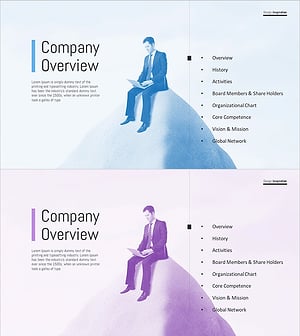
Thinking Office Worker Template - Innovative Company Overview
#Slide Type #Section Cover
-
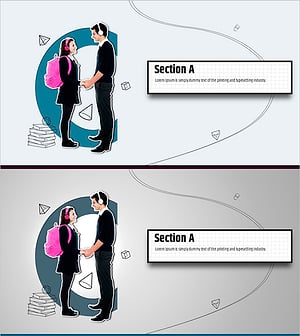
Content-Based Slide Template – Elegant Design Focused on Content
#Slide Type #Section Cover
-
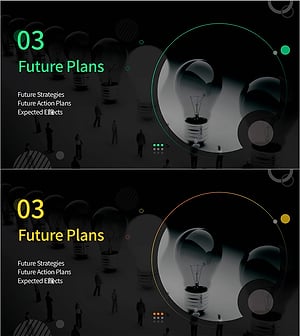
Future Strategies & Action Plans Divider
#Slide Type #Section Cover
-
Business Meeting Divider – The Start of Effective Communication
#Slide Type #Section Cover
