



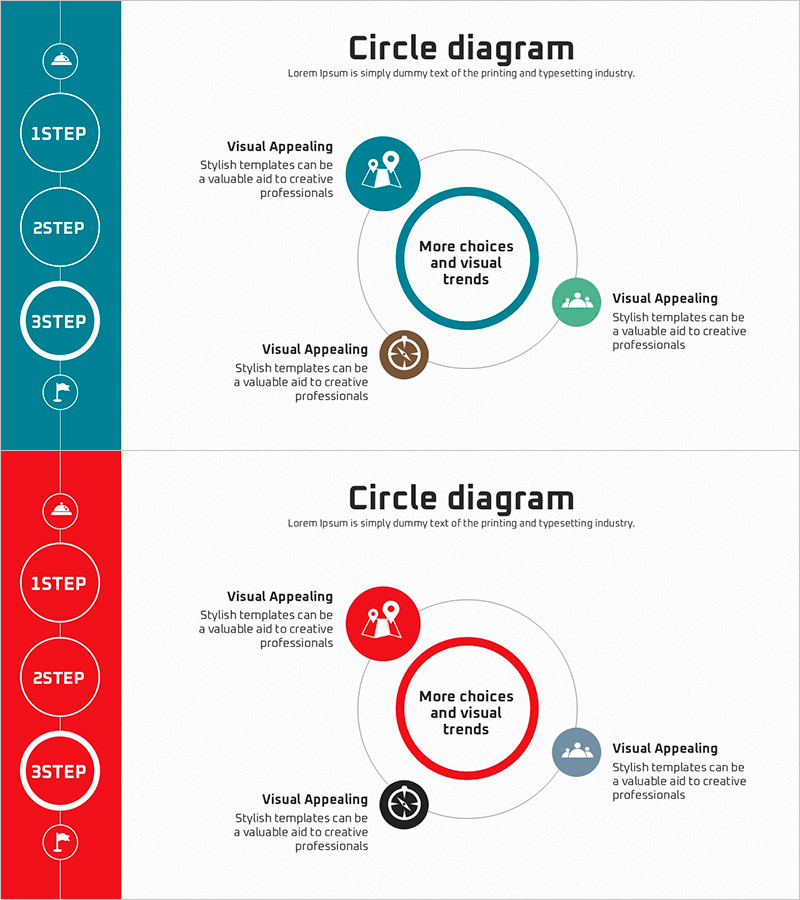
Target Point Key Strategies – Challenge and Innovation
RJ0600058_18
- Last Update 07/06/2025
- File Size 1.7MB
- # of Slides 2
- File Format PPTX
- Slide Ratio 16:9
- Color
Keywords
- #Content-Based Slides
- #Design-Based Slides
- #Operational Plan
- #Technical Approach
- #Diagram
- #Production and Technology Development Strategy
- #Service Operation Plan
- #Spread
- #Centralized Diagram
- #16:9
- #central circle diagram PowerPoint
- #4-node diagram slide template
- #strategy analysis presentation
- #how to create circle diagram in PowerPoint
- #strategic planning slide design
About the Product
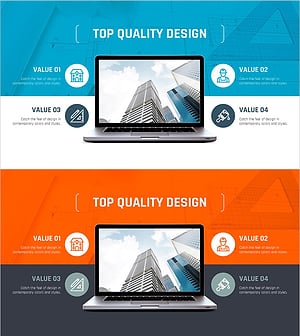
A central circle diagram PowerPoint slide that places core strategy at the center with four surrounding nodes representing key elements. Available in two color versions: teal blue and red, each node includes icons and descriptive text areas for detailed information. This presentation slide is ready to use for target point analysis, strategic planning, operational planning, and technology sector presentations. Composed of 2 slides in 16:9 widescreen format with fully editable elements.
Usage Points
-
Main Usage
Visualizes organizational core strategy at the center with four surrounding elements (vision, objectives, execution methods, outcomes) connected in a circular layout for comprehensive overview. Optimized for executive presentations, strategic planning meetings, and operational plan briefings.
-
How to Use
Enter core strategy name in the central circle, then add detailed items (Visual Appealing, choices, visual trends, etc.) to the four surrounding nodes. Customize node icons and colors to match your organization's branding, then use as presentation material.
-
Recommended For
Ideal for executives, strategy planning teams, operations managers, and technology leaders explaining organizational goals and execution strategies. Recommended for business plan presentations, quarterly strategy reports, organizational restructuring explanations, and new project kickoff meetings.
-
Slide Structure
Large central circle (core message input area) + 4 satellite nodes (each with icon, title, and descriptive text field). Left-side vertical timeline (1STEP–3STEP) showing phased progression. Two color versions provided: teal blue and red.
Related Products
-
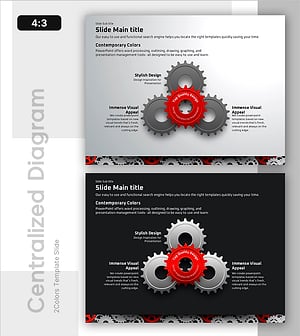
Dynamic Gear System for Enhanced Service Operations
#Operational Plan #Technical Approach #Diagram
-
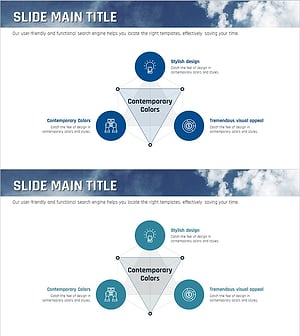
Ocean Lighthouse Marketing Goals Triangle Diagram
#Operational Plan #Technical Approach #Diagram
-
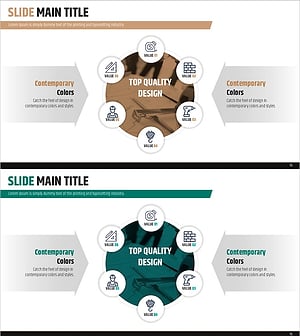
Design Strategy Diagram – Product/Service Differentiation
#Product/Service Introduction #Operational Plan #Diagram
-
PowerPoint Template for Technology Status and Introduction – Innovation and Performance
#Business Introduction #Operational Plan #Diagram
