



Communicating Marketing Goals with Linear Arrows
RJ0600028_29
- Last Update 06/28/2025
- File Size 4.1MB
- # of Slides 2
- File Format PPTX
- Slide Ratio 16:9
- Color
Keywords
About the Product
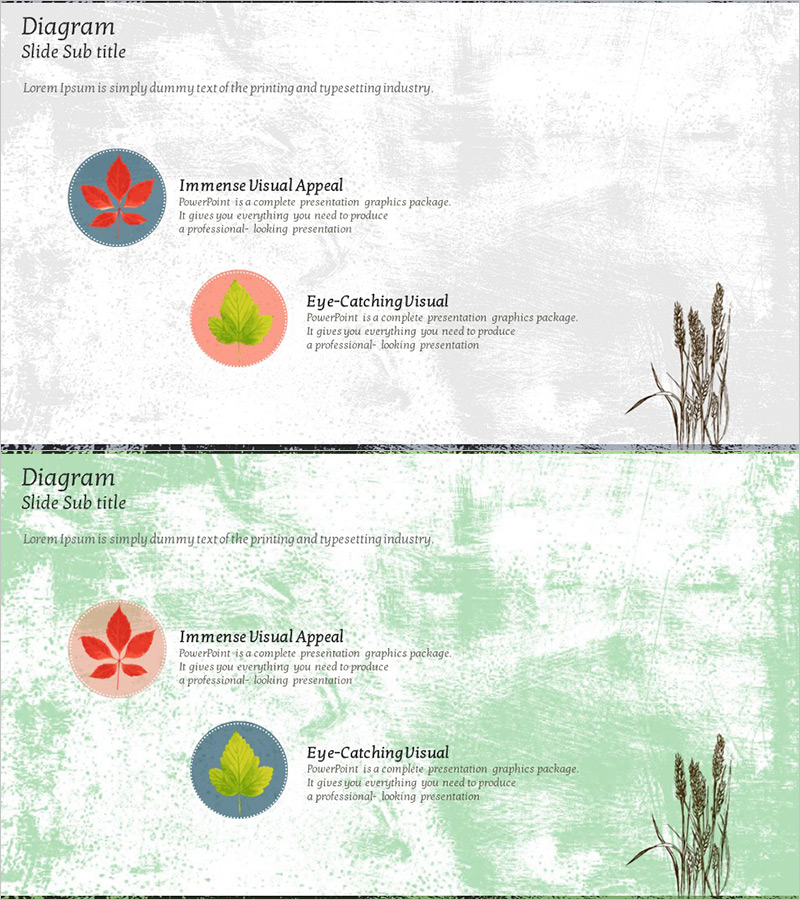
A 2-slide PowerPoint presentation optimized for marketing strategy presentations. This deck uses linear arrows to communicate sequential goal achievement, featuring circular icons (red and yellow leaf designs) on a gray background with dedicated text areas. Each slide highlights two key marketing objectives with visual emphasis, complemented by botanical illustrations on the right for balanced composition. Perfect for product introductions, marketing planning documents, and business strategy presentations where clear goal progression is essential. Available in 16:9 widescreen PPTX format, fully editable and ready to customize.
Usage Points
-
Main Usage
Visualizes marketing objectives and achievement pathways using a linear arrow structure, enabling clear strategy communication to stakeholders and team members. The circular icon-based information architecture simplifies complex goals into intuitive visual representations, making it highly effective for product introduction and marketing planning sections.
-
How to Use
Enter marketing goal titles in the circular icon areas and detailed descriptions or execution strategies in the right-side text boxes. Use arrow direction to represent sequential progression stages, and differentiate priorities through color coding (red and yellow). Apply this template when presenting product introductions, discussing marketing strategies in team meetings, or outlining business plan objectives.
-
Recommended For
Marketing managers, product planning teams, sales strategy specialists, and business development managers explaining goal achievement pathways. Ideal for investor presentations, internal strategy meetings, client proposals, and quarterly marketing objective sharing sessions.
-
Slide Structure
Two-slide layout with each slide containing two circular icon areas (information input zones) and a right-side text box (description area). Linear arrows express sequential connection structure, while the gray background and botanical illustrations balance professionalism with visual warmth. Optimized for 16:9 widescreen format in modern presentation environments.
Related Products
-
Visualizing the Efficacy of Herbal Teas with a Cluster Slide Template
#Product/Service Introduction #Business Strategy #Diagram
-
Use of Transportation by Cargo Volume Presentation Slide
#Product/Service Introduction #Business Strategy #Diagram
-
Introduction to Architectural Services – Efficient Operational Plans and Strategies
#Product/Service Introduction #Business Strategy #Operational Plan
-
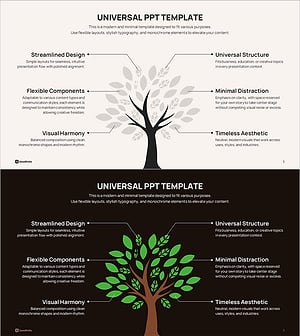
Visualizing Business Strategy with Tree Silhouette Diagram
#Product/Service Introduction #Business Strategy #Diagram
