



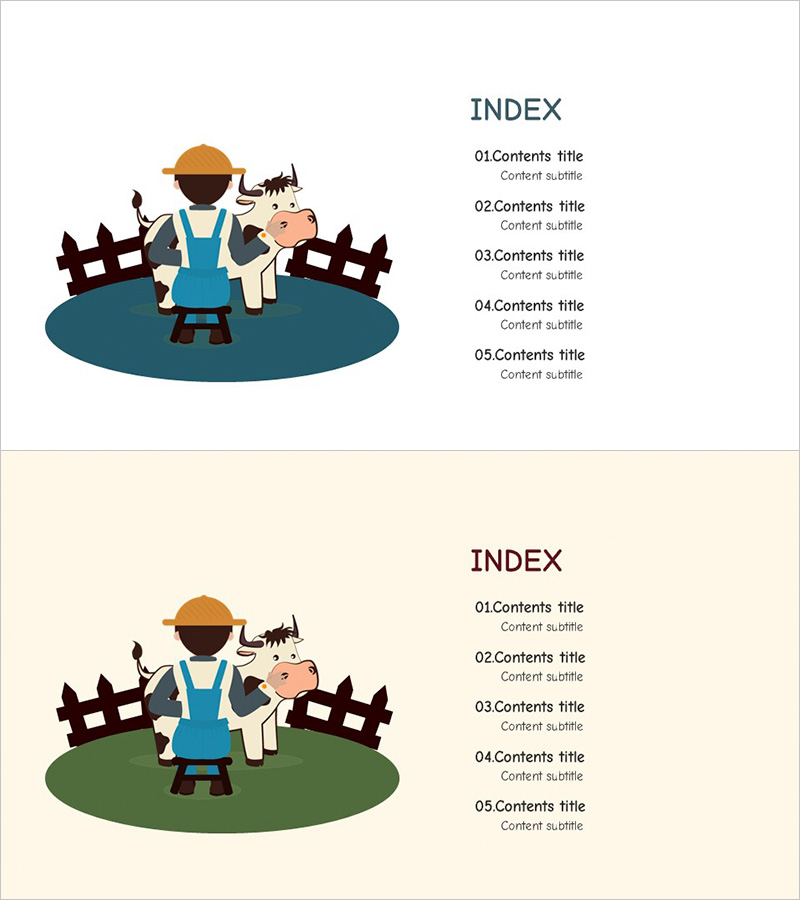
Farm Wide Template for Table of Contents
RJ0600019_2
- Last Update 06/25/2025
- File Size 1.8MB
- # of Slides 2
- File Format PPTX
- Slide Ratio 16:9
- Color
Keywords
About the Product
A 2-slide table of contents PowerPoint template featuring a farm theme in 16:9 widescreen format. The design combines warm-toned backgrounds with farm illustrations, creating an approachable and friendly aesthetic ideal for agriculture, rural development, and environmental presentations. Clear text input areas enable immediate customization, allowing presenters to outline their content structure at a glance. The layout is optimized for quick editing while maintaining visual consistency throughout your presentation deck.
Usage Points
-
Main Usage
This slide serves as the table of contents section in your presentation, previewing the full agenda and guiding your audience through the presentation flow. It is particularly suited for agriculture, farming, environmental sustainability, and rural development topics where a warm, approachable visual tone enhances credibility.
-
How to Use
Simply input your section titles into the designated text areas on each slide. With 2 slides available, you can accommodate 8–10 content sections total. Adjust text size as needed based on title length, and keep the farm illustration and background colors intact for visual consistency. Replace only the text to create your customized outline quickly.
-
Recommended For
Ideal for agricultural businesses, rural development projects, environmental conservation initiatives, agricultural product marketing presentations, and farming technology seminars. Suitable for educational institutions, government agencies, agricultural NGOs, agritourism companies, and any organization presenting farm or agriculture-related topics.
-
Slide Structure
2-slide layout with 4–5 text input areas per slide for content items. An asymmetrical design places farm illustrations on the left and numbered or bulleted content items on the right. Each item is clearly separated, creating a distinct information hierarchy that guides audience attention.
Related Products
-
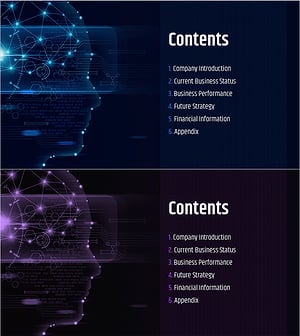
AI Technology IR Template Contents – Innovation and Vision
#Slide Type #Table of Contents
-
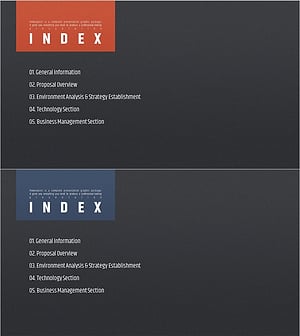
Modern Simple Proposal Template Contents – Professionalism and Clarity
#Slide Type #Table of Contents
-
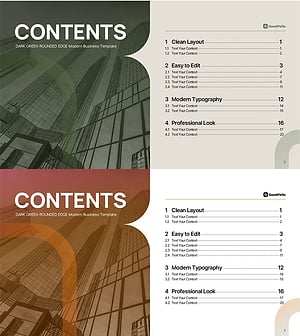
Table of Contents Slide – Rounded Edge Business PowerPoint
#Slide Type #Table of Contents
-
Stylish Company Profile Template Contents
#Slide Type #Table of Contents
