



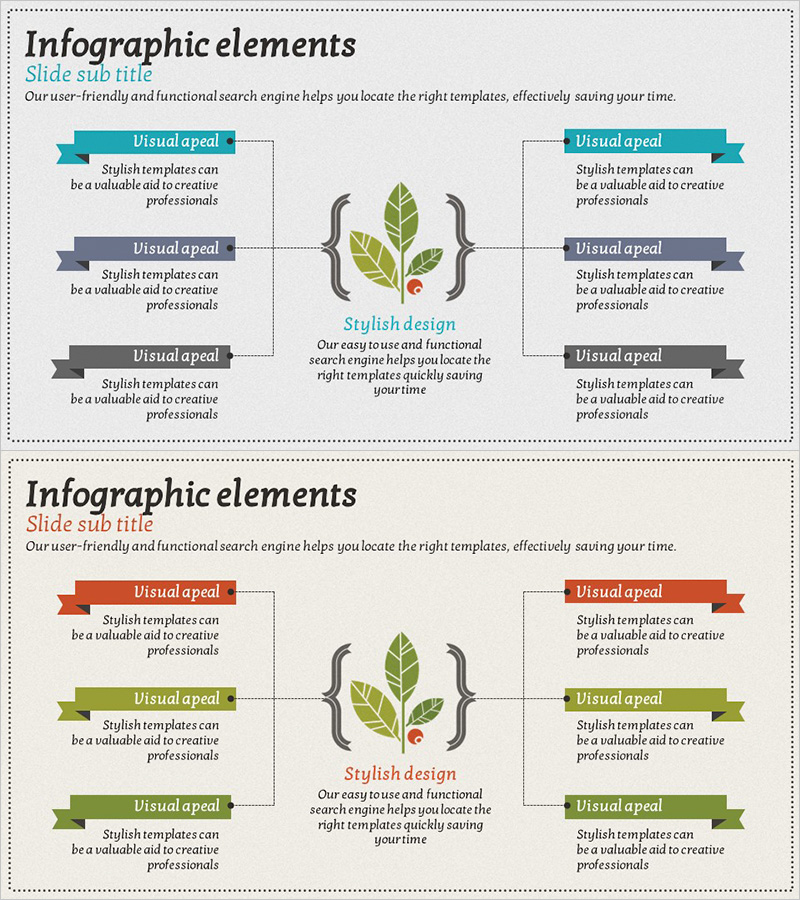
Differentiation Strategy Blue Orange – Highlighting Business Vision and Core Competencies
RJ0600004_19
- Last Update 06/22/2025
- File Size 15.3MB
- # of Slides 2
- File Format PPTX
- Slide Ratio 16:9
- Color
Keywords
- #Content-Based Slides
- #Design-Based Slides
- #Product/Service Introduction
- #Business Vision and Strategy
- #Diagram
- #Product/Service Introduction
- #Core Competencies
- #Spread
- #Centralized Diagram
- #16:9
- #radial diagram PowerPoint
- #central focus presentation slide
- #6-item diagram template
- #business strategy PowerPoint slide
- #differentiation strategy presentation download
About the Product
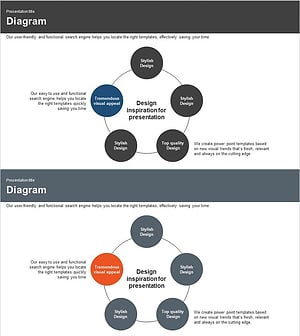
A radial diagram PowerPoint slide that expands from a central concept to six key items, using blue and orange dual-tone coloring to visually emphasize core strategy and competencies. This presentation template is optimized for expressing business vision, differentiation strategy, and core capabilities in a hierarchical structure. With 2 slides included, it's ready to use immediately for strategy presentations, organizational capability introductions, business direction statements, and various corporate presentations.
Usage Points
-
Main Usage
Express organizational core values, strategies, and competencies through a radial structure expanding from center to periphery. Effectively communicate hierarchical relationships and priorities in executive briefings, business overview meetings, and organizational restructuring announcements.
-
How to Use
Enter the core concept (vision, strategy, objective) in the central circle and place detailed content in the six surrounding items. Use blue-orange color differentiation to distinguish importance levels or categories, and enhance information delivery by adding text and icons to each node.
-
Recommended For
Ideal for executives, strategic planning teams, marketing professionals, and organizational development specialists presenting business strategies, organizational capabilities, and differentiation factors. Suitable for executive reports, investor presentations, and internal training materials.
-
Slide Structure
2-slide set featuring a blue-toned radial diagram on the first slide (1 central node + 6 surrounding nodes) and an orange-toned identical structure on the second. Each node includes text input areas and icon placement spaces, optimized for 16:9 widescreen format.
Related Products
-
Core Service Features at a Glance – Business Vision and Strategy
#Product/Service Introduction #Business Vision and Strategy #Diagram
-
Diffusion Diagram for Introducing Eco-Friendly Business-Related Products and Services
#Product/Service Introduction #Business Vision and Strategy #Diagram
-
Farm Service Structure Diagram – Vision and Strategy
#Product/Service Introduction #Business Vision and Strategy #Diagram
-
Business Core Competency Diffusion Diagram – Effective Strategies Unleashed
#Product/Service Introduction #Business Vision and Strategy #Diagram
