



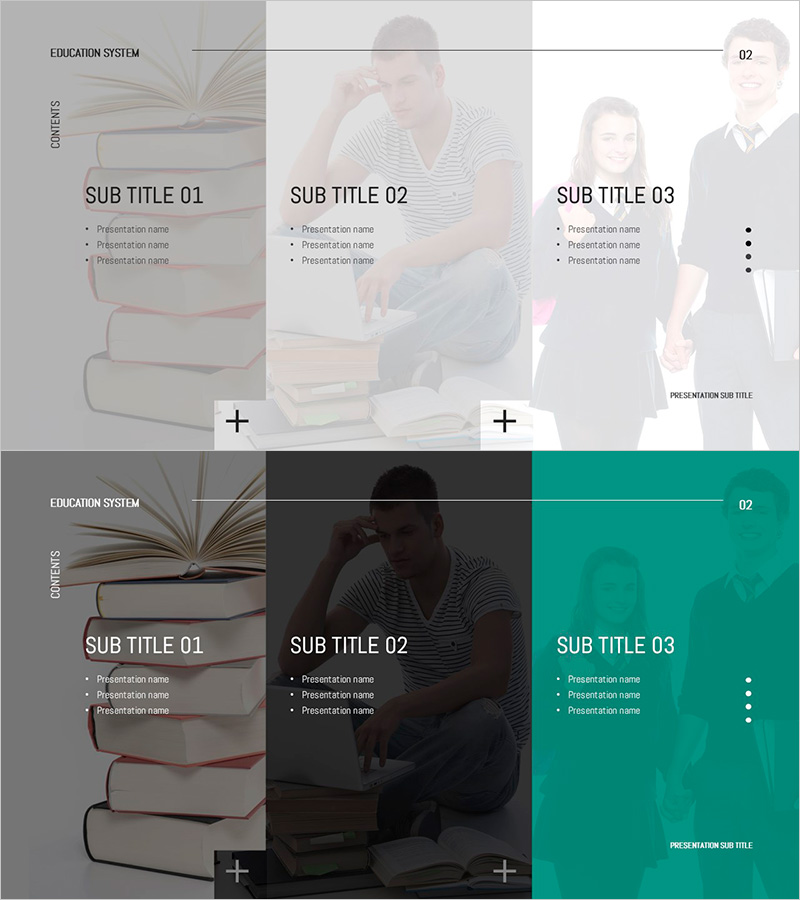
Table of Contents for Youth Education Template
RJ0500042_2
- Last Update 06/18/2025
- File Size 5.2MB
- # of Slides 2
- File Format PPTX
- Slide Ratio 16:9
- Color
Keywords
About the Product
A 2-slide set designed for table of contents pages in youth education presentations. The design features book and student imagery as background elements, with three parallel sections (SUB TITLE 01~03) that can be customized for different educational topics. The template includes a light-toned upper slide and a dark-toned lower slide, allowing you to visually distinguish between educational program stages or learning domains. Each section accommodates three text items for detailed content entry. Available in 16:9 widescreen PPTX format for immediate editing. Ideal for educational seminars, student-focused presentations, and educational institution introductions.
Usage Points
-
Main Usage
Visualizes the overall structure of educational programs in table of contents format, previewing the learning flow for your audience. The three-section structure clearly distinguishes educational domains, learning stages, or program modules, strengthening the logical progression of your presentation.
-
How to Use
Enter educational domain names (e.g., Foundational Learning, Advanced Topics, Practical Application) in each SUB TITLE field, then add detailed content in the three text items below. Use the light-toned slide for positive introductory sections and the dark-toned slide for advanced content or closing sections to create visual variety.
-
Recommended For
Recommended for educational institutions, academies, online learning platforms, student seminars, education policy presentations, and educational program introductions. Suitable for educators, education coordinators, school administrators, and training professionals working with youth-focused content.
-
Slide Structure
Two-slide composition with three SUB TITLE sections arranged in parallel on each slide. Left side features book imagery and 'CONTENTS' text, while center and right sections display student photos alongside section titles and three text input areas, creating clear information hierarchy.
Related Products
-
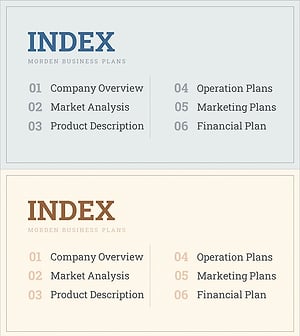
Interior Business Plan Template Contents - Modern Design
#Slide Type #Table of Contents
-
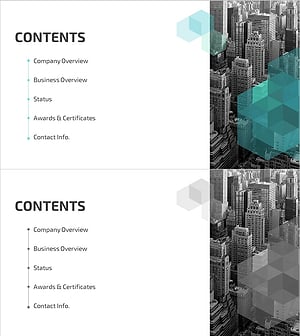
Hexagon 3D Company Profile Template Contents - Visually Appealing Structure
#Slide Type #Table of Contents
-
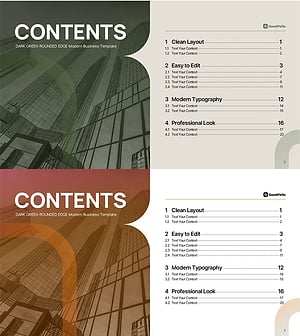
Table of Contents Slide – Rounded Edge Business PowerPoint
#Slide Type #Table of Contents
-

Practical Company Profile Template Contents
#Slide Type #Table of Contents
