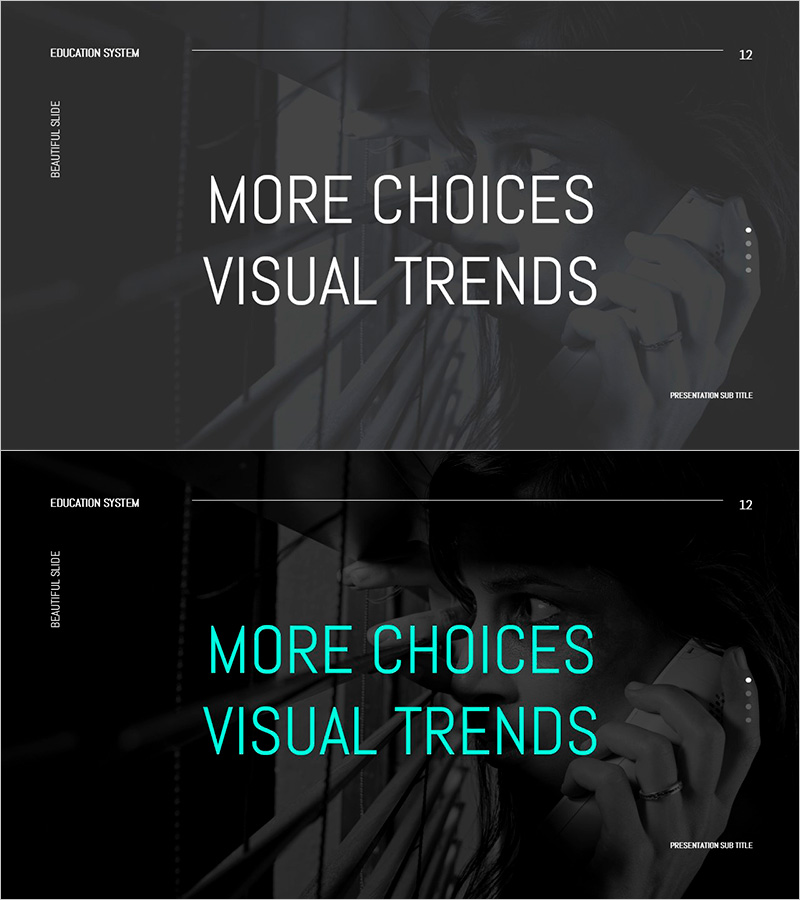
Tension and Surveillance Background Images – Visualization of Trust and Vigilance
RJ0500042_14
- Last Update 06/18/2025
- File Size 1.7MB
- # of Slides 2
- File Format PPTX
- Slide Ratio 16:9
- Color
Keywords
About the Product
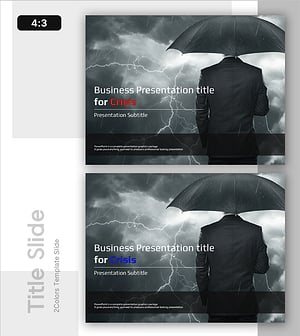
A two-slide PowerPoint template set that visualizes trust and vigilance through dark background imagery. The slides feature black and gray tones with overlaid human figures creating an atmosphere of tension and surveillance. Each slide provides a large text input area harmoniously integrated with the background image, enabling immediate use in presentations requiring visual communication of danger, crisis, and anxiety. The template is formatted in 16:9 widescreen PPTX, optimized for modern presentation environments. Perfect for risk management, security briefings, and crisis communication where emotional impact and visual emphasis are essential.
Usage Points
-
Main Usage
This slide set is designed to visually communicate negative emotions such as danger, crisis, anxiety, and vigilance. The dark-toned background imagery captures audience attention and emphasizes serious messages. It enables simultaneous expression of credibility and alertness in presentation sections requiring emotional impact and visual urgency.
-
How to Use
Insert your headline or key message in the central text area of each slide. Utilize the background imagery's tension in sections covering risk management, security, crisis response, and risk analysis to heighten audience engagement. Text colors in white or cyan tones provide excellent contrast and readability against the dark background.
-
Recommended For
Ideal for risk management reports, crisis response strategies, security policy presentations, emotional analysis, trust evaluation, and organizational culture improvement initiatives. Recommended for executives, risk managers, security professionals, HR specialists, and consultants presenting serious topics requiring visual emphasis and emotional resonance.
-
Slide Structure
Comprises 2 slides, each featuring a full background image with one large text input area. Section titles (e.g., EDUCATION SYSTEM) and slide numbers are positioned at the top. The center provides ample space for main message input, while the lower right corner includes a subtitle input area for concise additional information.