



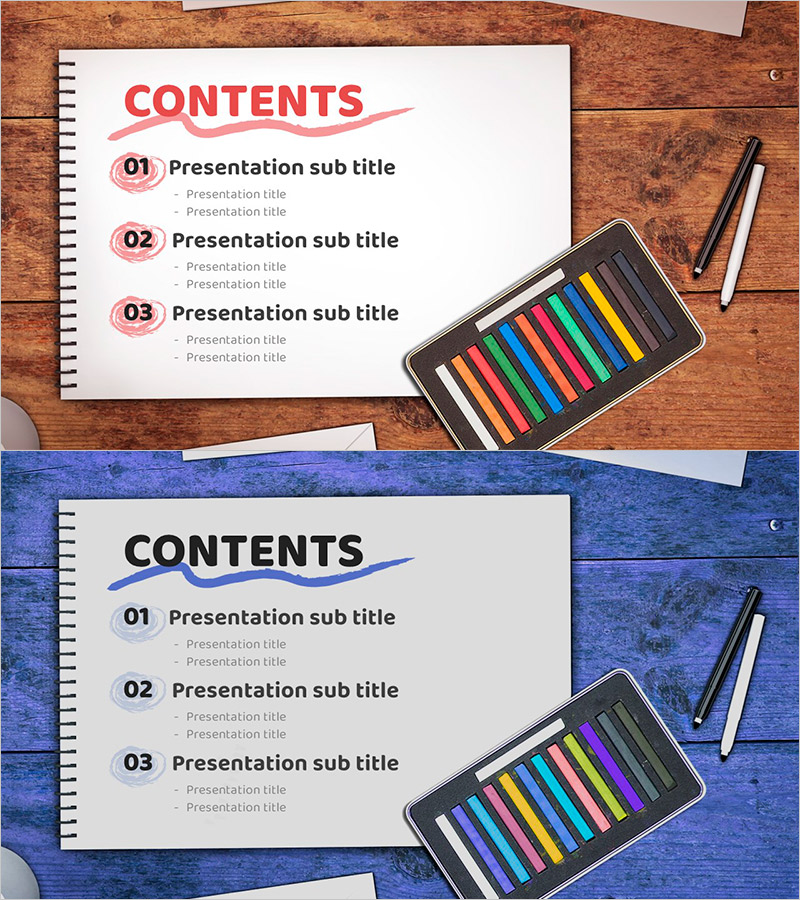
Organize Your Presentation with the Sketchbook Template Table of Contents!
RJ0500039_2
- Last Update 06/17/2025
- File Size 2.6MB
- # of Slides 2
- File Format PPTX
- Slide Ratio 16:9
- Color
Keywords
About the Product
A professional table of contents PowerPoint slide that clearly organizes your presentation structure. Warm wood-tone background combined with pink circular number markers creates visual focus, while the sketchbook-inspired minimalist layout keeps audience attention on your content. Each section features a two-level hierarchy with main titles and sub-items, effectively guiding viewers through your presentation flow. Optimized for 16:9 widescreen format in fully editable PPTX, allowing you to customize all text fields instantly without design constraints.
Usage Points
-
Main Usage
This table of contents slide presents your entire presentation structure at a glance, helping audiences understand the roadmap before diving into details. Pink circular number markers and hierarchical text organization guide viewers through each section logically. Ideal for business plans, proposals, company profiles, and any multi-section presentation requiring clear structure.
-
How to Use
Open the slide and replace section titles and sub-items with your own content. The pink color scheme and numbering system remain consistent, though you can modify colors if needed. Text input areas are clearly marked for quick editing. Display this slide at the beginning of your presentation to preview the complete agenda and set audience expectations.
-
Recommended For
Perfect for business presentations with 3+ major sections including business plans, proposals, investment pitches, company introductions, marketing strategies, product launches, and educational seminars. Especially valuable when you need to establish clear structure and maintain audience focus throughout a longer presentation.
-
Slide Structure
The slide features a 'CONTENTS' header at the top followed by three numbered sections (01, 02, 03). Each section contains one main title field and two sub-item fields, creating a clear three-level information hierarchy that accommodates detailed content organization.
Related Products
-
Modern Simple Proposal Template Contents – Professionalism and Clarity
#Slide Type #Table of Contents
-
Concrete Theme Company Profile Contents
#Slide Type #Table of Contents
-
Global Investment Attraction Template Contents – Professionalism and Innovation
#Slide Type #Table of Contents
-
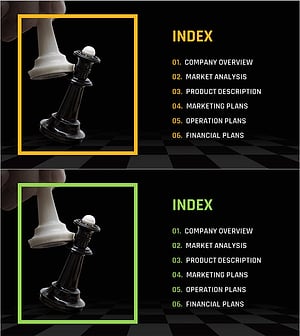
Chess Themed Business Strategy Template Contents
#Slide Type #Table of Contents
