



Benefits of Smart Device Learning – Innovative Marketing Strategy
RJ0500038_9
- Last Update 06/17/2025
- File Size 0.7MB
- # of Slides 2
- File Format PPTX
- Slide Ratio 16:9
- Color
Keywords
- #Content-Based Slides
- #Design-Based Slides
- #Technical Approach
- #Marketing Plan and Strategy
- #Other
- #Service Components
- #Key Marketing Activities
- #Mockup
- #16:9
- #smart device learning PowerPoint slide
- #value proposition presentation design
- #mockup slide template
- #marketing strategy PPT
- #technology introduction slide
About the Product
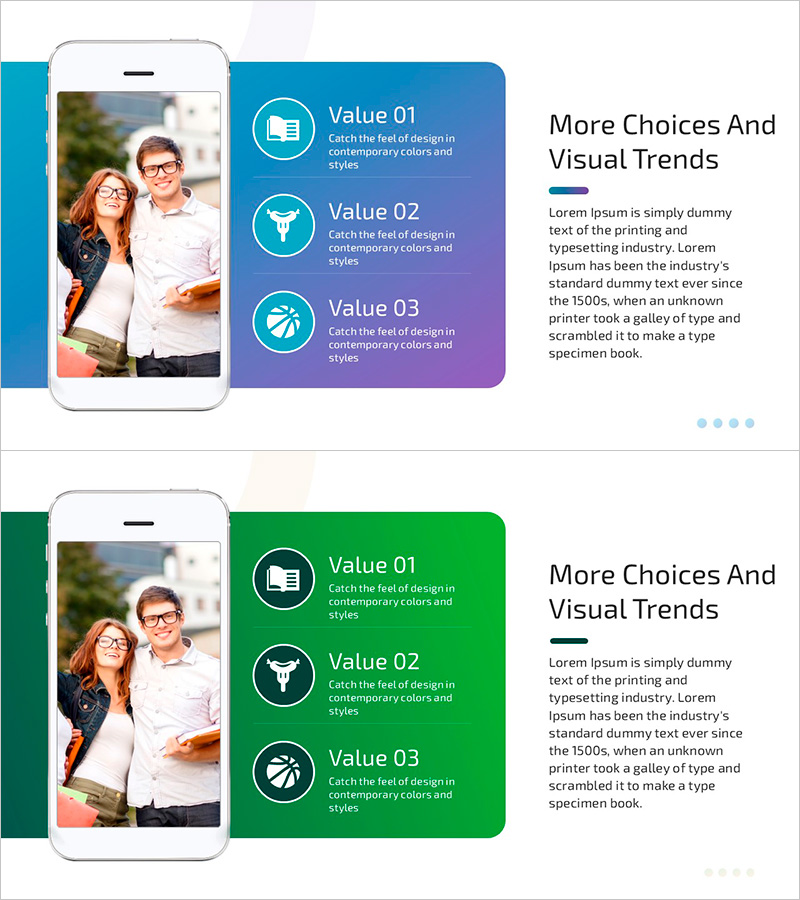
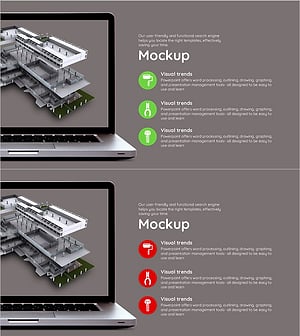
A professional PowerPoint slide that visualizes the core value of smart device-based learning through three key benefits with circular icons. The left side features a realistic smartphone mockup image, while the right side displays a blue-to-purple gradient background with Value 01, 02, and 03 arranged vertically. Each value item includes a title and descriptive text area, with additional headline and body text space in the upper right. This presentation slide is ready to use for marketing pitches, technology introductions, and educational program explanations.
Usage Points
-
Main Usage
This slide effectively communicates the core value of smart device-based learning solutions to investors, partners, and customers. The left-side mockup visualizes the actual product form, while the three value items on the right emphasize differentiation. It simultaneously conveys technological reliability and user convenience.
-
How to Use
Insert your actual app screenshots or interface images into the left smartphone mockup area, then populate the right-side Value 01, 02, and 03 sections with your company's key features, benefits, and differentiators. Icons can be replaced with images that symbolize each value, and all text is fully editable. Apply directly to pitch decks, proposals, and marketing materials.
-
Recommended For
Ideal for tech startups, edtech companies, mobile app developers, and online education platform managers presenting investment pitches, customer persuasion materials, and partnership proposals. Particularly effective when you need to quickly explain the value of smart device-based solutions.
-
Slide Structure
Two-slide layout with each slide divided into a left mockup area (image insertion space) and right content area (one headline plus three value items). Each value item follows a three-tier structure: circular icon, title, and descriptive text. Optimized for 16:9 widescreen format.
Related Products
-
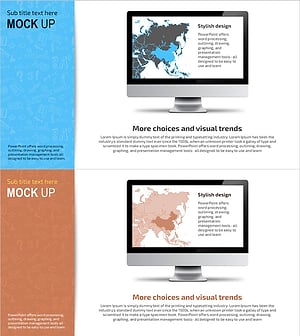
Asia Maps on PC Screen – Market Analysis and Strategies
#Market and Competitor Analysis #Marketing Plan and Strategy #Other
-
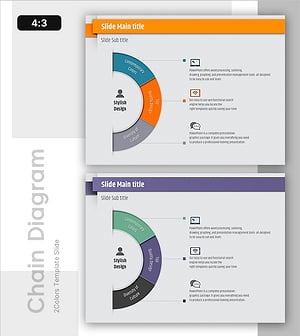
Stylish Infographic Slide Design – Contemporary Colors and Quality
#Technical Approach #Marketing Plan and Strategy #Diagram
-
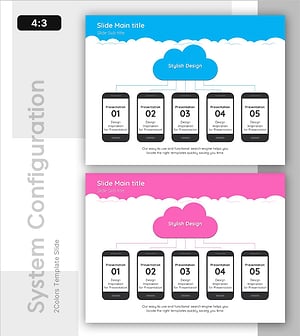
Cloud Architecture Diagram – Innovative Service Structure
#Technical Approach #Diagram #Other
-
Interior 3D Mockup and Description – Visualizing Service Composition Innovatively
#Technical Approach #Other #Service Components
