



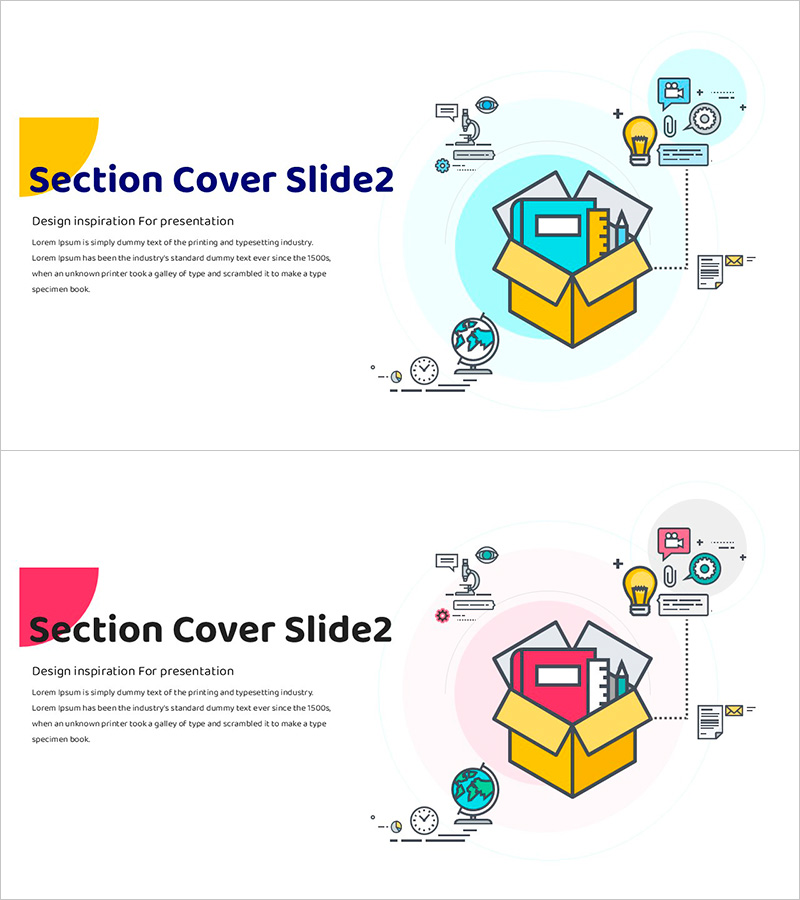
System Training Illustration PPT Section Slide02
RJ0500035_15
- Last Update 06/16/2025
- File Size 0.4MB
- # of Slides 2
- File Format PPTX
- Slide Ratio 16:9
- Color
Keywords
About the Product
A 2-slide section divider set for presentations featuring yellow and pink color variations. Each slide includes a central box illustration with icon elements on the right side, and a dedicated text area on the left for title and description input. This PowerPoint slide design works seamlessly in company profiles, business plans, training materials, and various presentation documents. Created in 16:9 widescreen format with fully editable elements for easy customization.
Usage Points
-
Main Usage
Visually separate presentation sections and refocus audience attention with this section divider slide. Two color options—yellow and pink—allow flexible matching to document tone, while the central box illustration and right-side icons create a contemporary and approachable atmosphere.
-
How to Use
Place the section slide at the beginning of each new topic to signal a transition. Enter the section name in the left title area and summarize key content in the description text field below. Select the color version that best matches your document's brand colors or section characteristics.
-
Recommended For
Ideal for dividing sections in company profiles, transitioning between topics in business plans, marking chapter starts in training materials, separating themes in marketing presentations, and categorizing content in product brochures. Particularly effective for multi-department presentations requiring visual consistency.
-
Slide Structure
Each slide features a title input area in the upper left (1 field), description text area below the title (1 field), a fixed central box illustration, and icon elements on the right. Both slides share identical layouts with only color variations, enabling consistent section division throughout presentations.
Related Products
-

Section Divider PowerPoint Slide – Dark Numbered Intro
#Slide Type #Section Cover
-
Natural Color Section Slide – Capturing the Beauty of Nature
#Slide Type #Section Cover
-
Eco-Friendly Agriculture Harvest Project Template – Section Slide
#Slide Type #Section Cover
-
Stylish Slide for Plastic Surgery Pursuing Perfect Beauty
#Slide Type #Section Cover
