Introduction to Our Role and What We Do
RJ0500024_4
- Last Update 06/13/2025
- File Size 2MB
- # of Slides 2
- File Format PPTX
- Slide Ratio 16:9
- Color
Keywords
About the Product
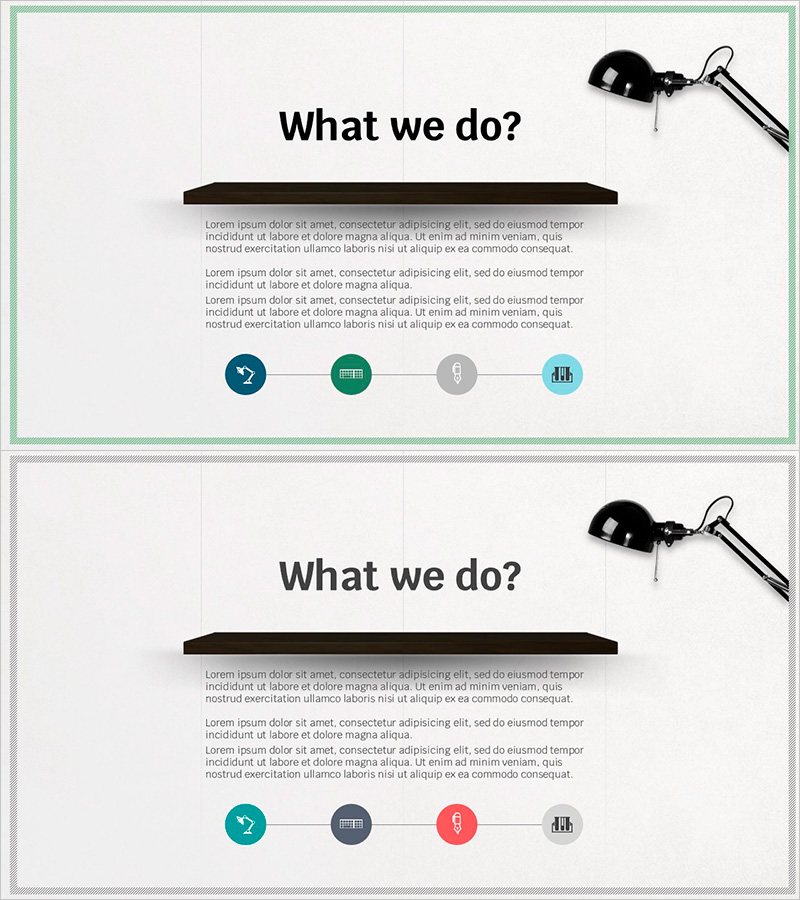
A 2-slide PowerPoint presentation template designed to introduce your company's core business areas and key activities. The layout features a black header bar for company description text and four circular process icons at the bottom to visualize sequential steps. Color-coded stages in teal, green, gray, and light blue distinguish each phase, while a professional desk lamp illustration in the top-right corner adds visual interest. Perfect for company introductions, business pitches, and investor presentations. The PPTX format allows easy customization of text, icon colors, and layout to match your brand identity.
Usage Points
-
Main Usage
This slide template effectively communicates your company's core business areas, organizational role, and key activities at a glance. The four sequential icons represent different stages or functions, while the header text area provides detailed explanations. Ideal for presenting to investors, partners, and new employees who need to understand your company's scope and mission.
-
How to Use
Insert this slide in the 'What We Do' or 'Business Overview' section of your company presentation. Add your company description in the black header bar and fill in each step's details below the corresponding icons. Customize the icon colors and text to align with your corporate branding and presentation theme for visual consistency.
-
Recommended For
Executives, marketing teams, and business development professionals presenting company scope and operations. Particularly effective for investor pitch decks, partner meetings, employee onboarding presentations, and corporate overview documents. Applicable across various industries for company introductions and strategic business communications.
-
Slide Structure
Two-slide layout with identical structure: a black header bar for text input at the top and four circular process icons at the bottom. The first slide uses teal, green, gray, and light blue colors to distinguish stages. The second slide employs teal, gray, red, and gray to emphasize different priorities. Each icon has a text input area below for step-by-step descriptions.